5 Display and Configuration Interface
Varec, Inc. 83
Mark/Space Data
Note The Mark/Space Data menu is used only when monitoring communications or
when configuring a Mark/Space Device.
The Mark/Space Data menu contains parameters and allows configuration of the Mark/Space
message. The Mark/Space message usually contains both level and temperature parameters,
with up to 3 level and temperature pairs per message. Each message uses a message address
parameter passed with the message.
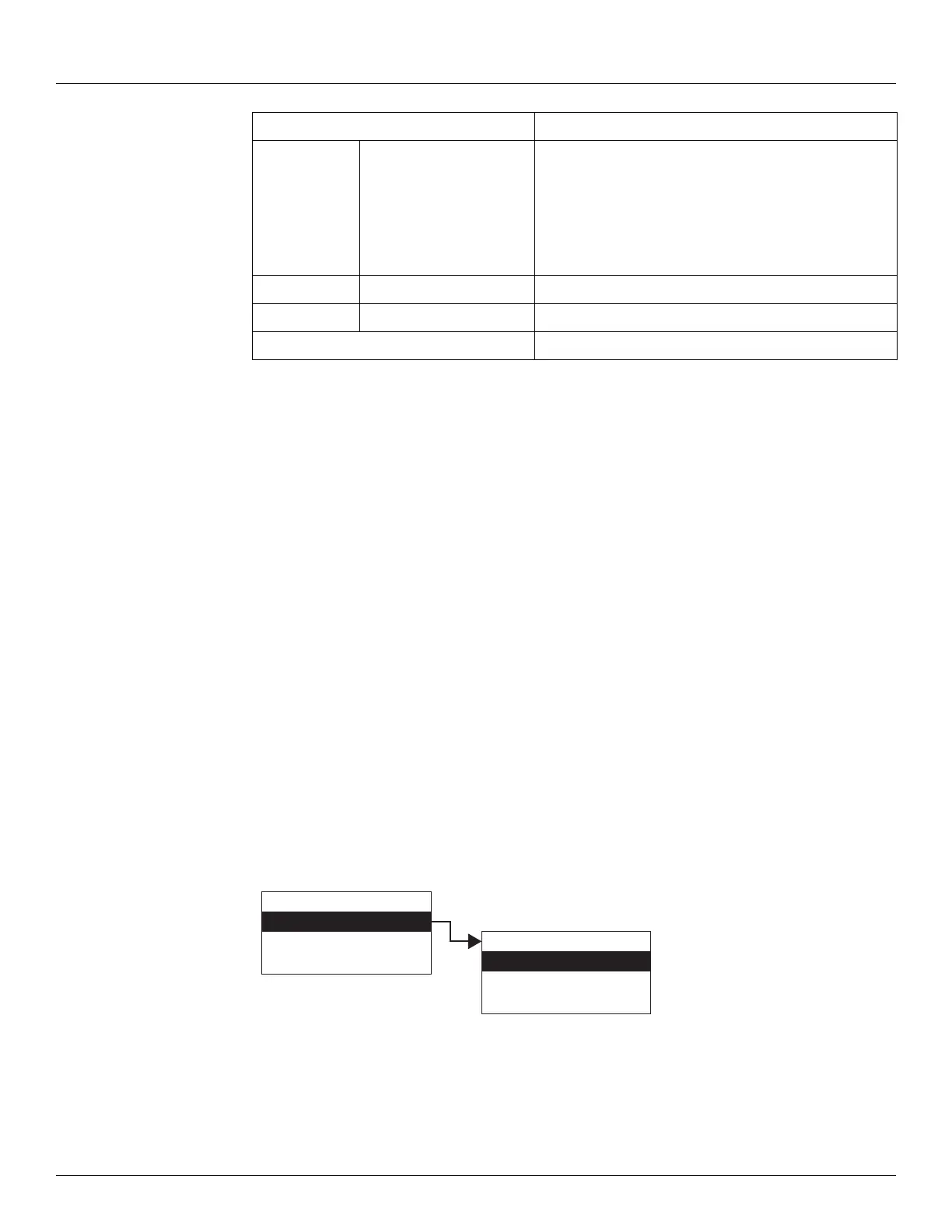
The Mark/Space menu presents 4 options:
• Display Only — data display, such as average temperature or vapor temperature
• Commands — commands that can be executed from the Mark/Space menu
• Config Params — parameters that are used to configure data in Mark/Space
• All Params — scrolls through the Display, Commands, and Config parameters in one
menu
To Access Mark/Space:
1. Press Enter to access the Main Menu. The System Menu point is automatically highlighted.
2. Press Minus ten times to move the highlight to Mark/Space.
3. Press Enter and the Mark/Space menu opens.
4. To select one of the options, press Minus to move the highlight to the option you want and
then press Enter.
Command
RS485Bus RS-485 Bus Status
0 - RS485 Isolated (Isolate the transmitter from the
RS485 Bus)
1 - RS485 Connected (Connect Transmitter to the RS-485
Bus)
2 - RS485 Test (Test RS-485) Hardware
AnalogOutput1 Analog Output 1 (Int)
AnalogOutput2 Analog Output 2 (Int)
All Params Lists all Display and Config Params in a list.
Display Only
Commands
Config Params
All Params
Main Menu
Mark Space Data
NMT Prothermo
HART Device
10
Mark Space Data



 To Next Page