5 Display and Configuration Interface
Varec, Inc. 53
Configuration
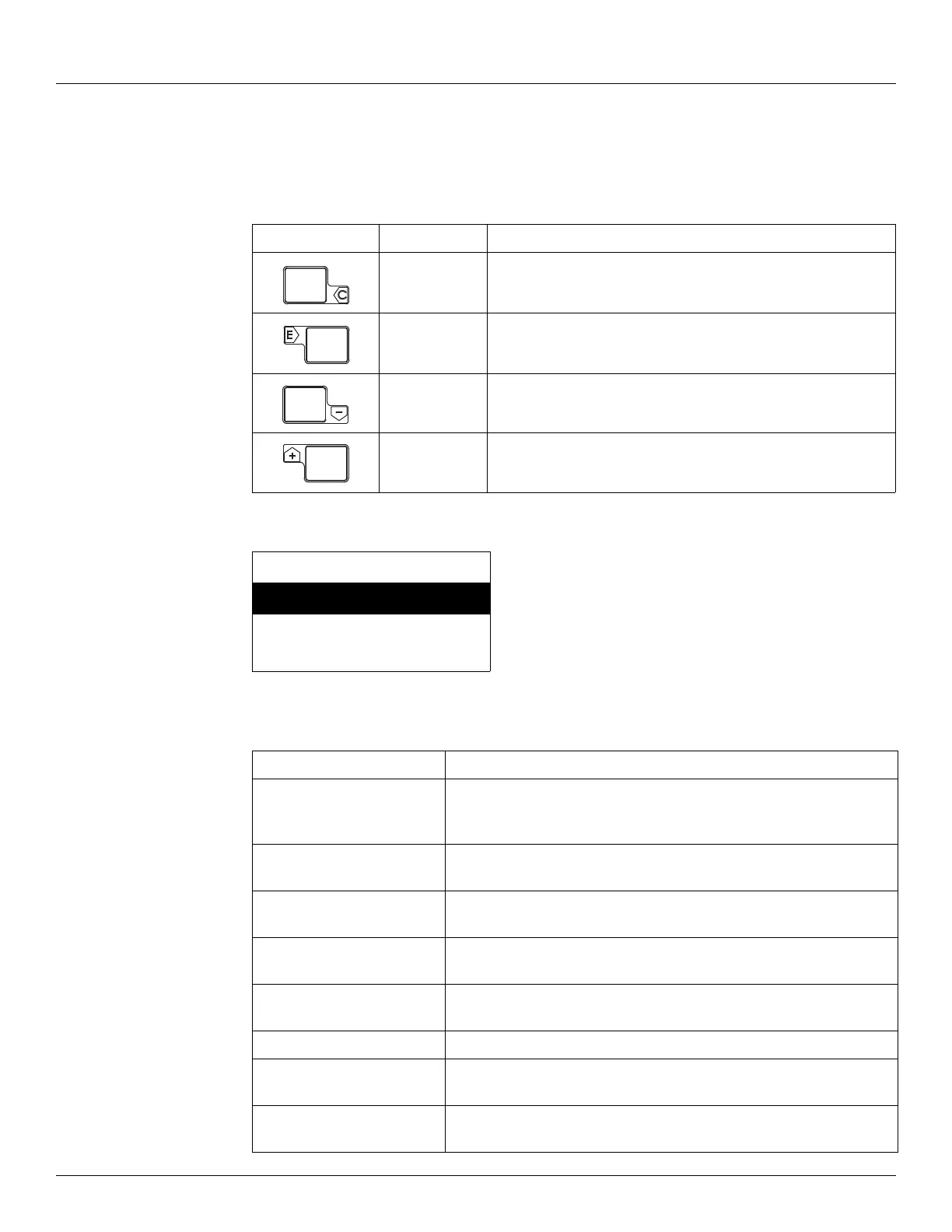
The display provides 4 capacitive-touch buttons and a 4-line LCD display. The buttons have the
following functions:
To access the configuration menu tree, press Enter. The Main Menu appears as shown below:
Use the Plus (+) and Minus (-) buttons to navigate through the Main menu. The selections in
the Main menu and a description of each are listed in the table below.
Name Function
Cancel Cancels the operation and returns you to the previous menu
Enter Enters the selection or confirms the selection made
Minus (-) Scrolls down through the menu options
Plus (+) Scrolls up through the menu options
Main Menu 00
System Menu
Basic Setup
Local RS-232
Menu Selection Description
System Data Lists the software specifications of the system. Allows configuration of
how the 2920 FTT presents data, such as data scroll rate or how the
zero is displayed, and so on.
Basic Setup Contains basic configuration parameters, such as baud rate, level and
temperature display units, and so on.
Local RS-232 Contains communication parameters associated with the local RS-232
interface.
System Time Contains parameters about time, such as system ticks, time zone, and
so on.
Encoder Data Contains parameters about the encoder, such as unit temperature,
number of resets, and so on.
RTD Data RTD data is pre-configured at the factory. It contains calibration data.
Tank Data Contains data about tank levels such as critical high level, advisory high
level, and so on.
Digital Outputs Contains data for configuring the operation and state of the Digital
Outputs.



 To Next Page