2920 Float & Tape Transmitter 5 Display and Configuration Interface
80 Installation and Operations Manual
15. Enter values 0 to 100 (percent) and verify the measurement on the 4-20 mA Meter:
0.0 = 4.00 +/- 0.01
25.0 = 8.00 +/- 0.01
50.0 = 12.00 +/- 0.01
75.0 = 16.00 +/- 0.01
100.0 = 20.00 +/- 0.01
BPM Data
Note The BPM (Bi-Phase Mark) Data menu is used only when monitoring communica-
tions or when configuring a Bi-Phase Mark Device.
The BPM Data menu contains parameters and allows configuration of the BPM data point.
BPM Data menu presents 3 options:
• Display Only — data display, such as message and number of requests
• Config Params — parameters that are used to configure data in BPM data, such as
response delay
• All Params — scrolls through the Display, Commands, and Config parameters in one
menu
To Access BPM Data:
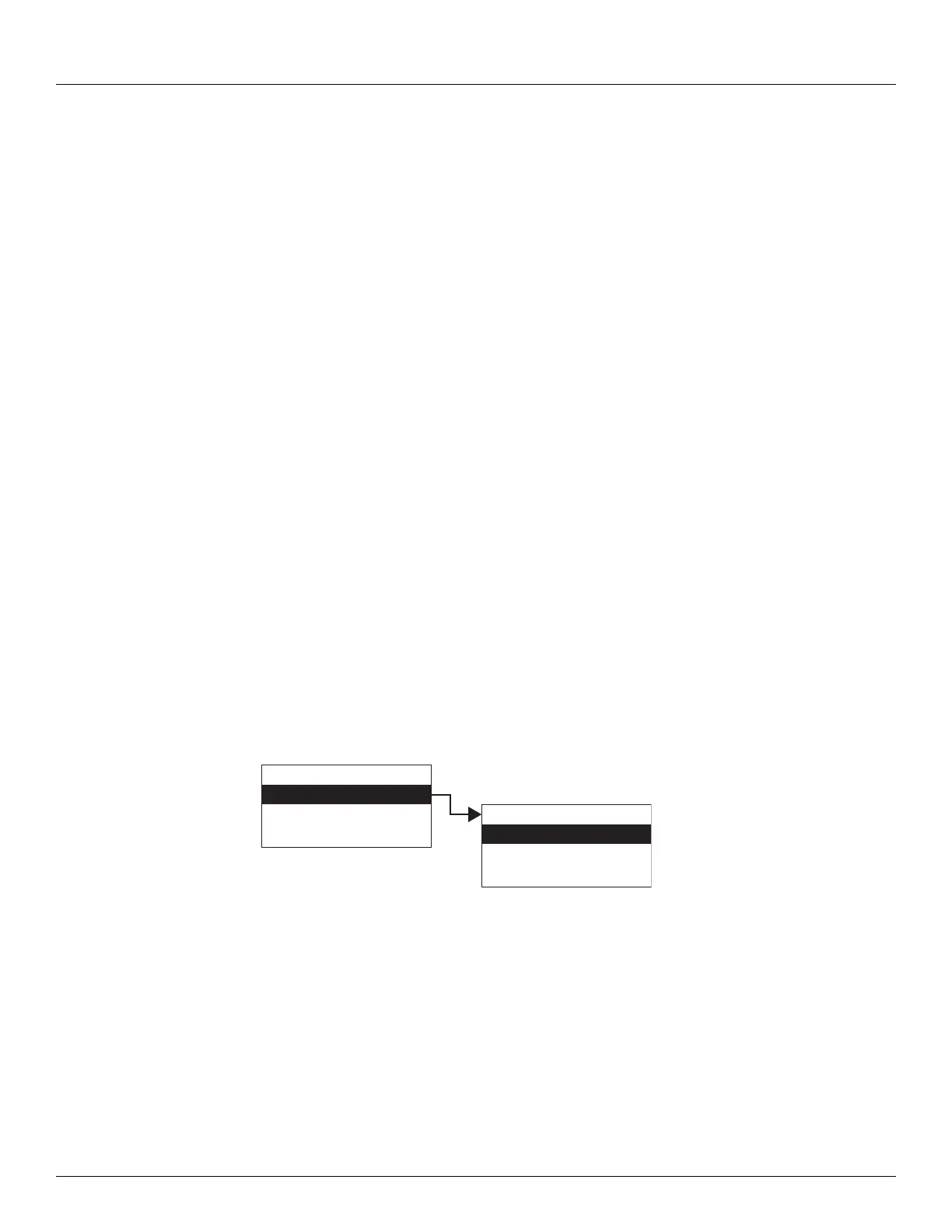
1. Press Enter to access the Main Menu. The System Menu point is automatically highlighted.
2. Press Minus ten times to move the highlight to BPM Data.
3. Press Enter and the BPM Data menu opens.
4. To select one of the options, press Minus to move the highlight to the option you want and
then press Enter.
Refer to the table below for more information on each BPM Data option.
Display Only
Commands
Config Params
All Params
Main Menu
BPM Data
NMT Prothermo
HART Device
10
BPM Data



 To Next Page