5 Display and Configuration Interface
Varec, Inc. 61
Local RS-232
The RS-232 menu is used to configure the communications between the 2920 FTT and the local
interface (ViewRTU). The RS-232 menu presents 3 options:
• Display Only — displays the current reading, such as with a level or temperature, or
current setting such as feet or degrees Fahrenheit
• Config Params — allows you to change the configuration parameters in RS-232
• All Params — scrolls through the Display, Commands, and Config parameters in one
all inclusive list
To Access the RS-232 Menu:
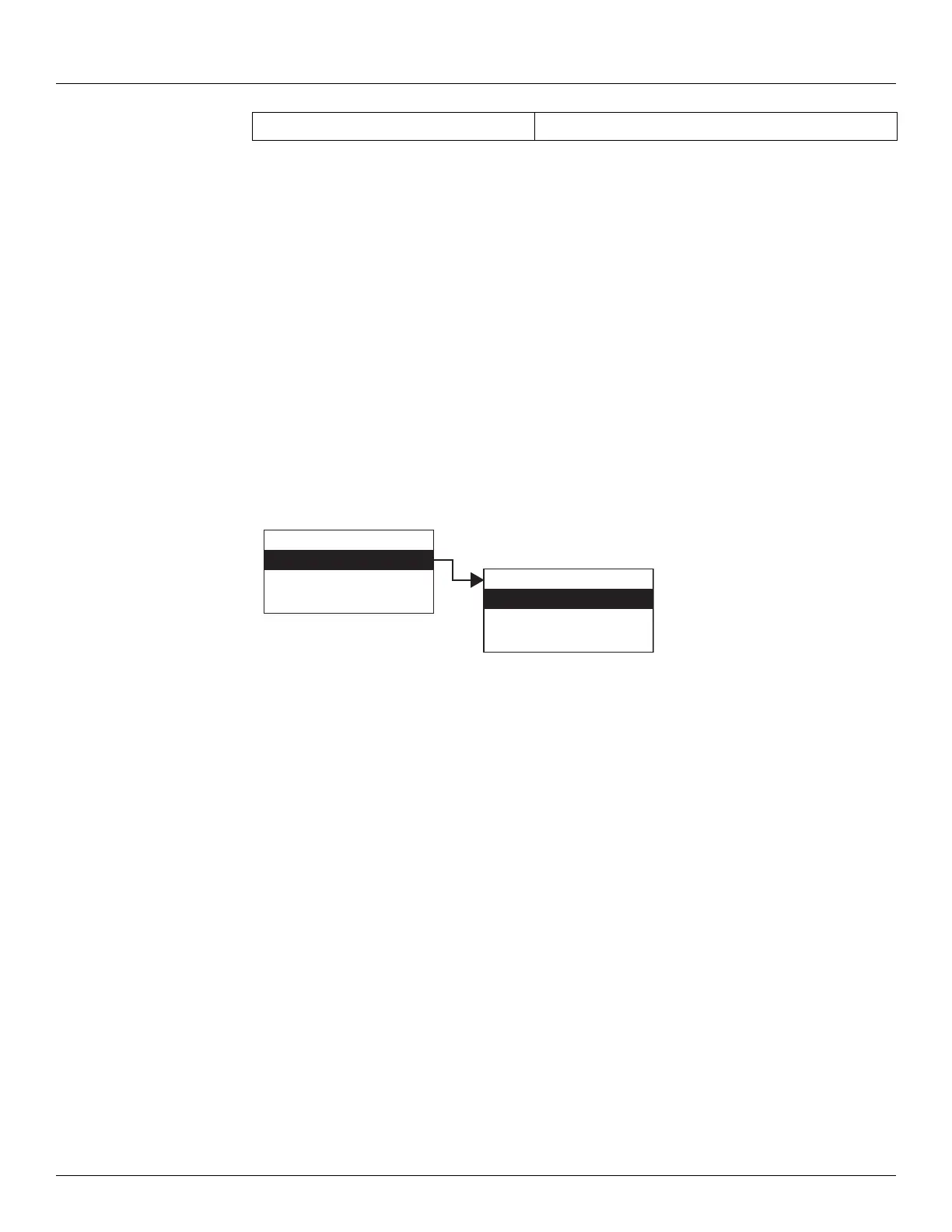
1. Press Enter to access the Main Menu. The System Menu point is automatically highlighted.
2. Press Minus two times to move the highlight to RS-232.
3. Press Enter and the Select Number menu opens.
4. To select one of the options, press Minus to move the highlight to the option you want and
then press Enter.
Refer to the table below for more information on each RS-232 menu option.
All Params Lists all Display and Config Params in a list.
Display Only
Config Params
All Params
Main Menu
Local RS-232
System Time
Encoder Data
02
Display Only
Config Params
All Params
Local RS-232



 To Next Page