5 Display and Configuration Interface
Varec, Inc. 73
Analog Input
The Analog Input software point provide a mean for converting a 4-20 mA signal into a useful
data value, such as level or temperature. The Analog Input point provides an offset value (Zero)
and Scaling value (Span) for converting the 4-20 mA signal. Measurement units can also be
associated with the 4-20 mA signal. The conditioned Analog Input value can be used as the
data reference for the transmitter level or temperature, can be displayed on the LCD, or can
be used to drive a 4-20 mA Output channel.
Analog Input menu presents 4 options:
• Display Only — data display, such as Analog Status
• Commands — commands that can be executed from the Analog Input menu
• Config Params — parameters that are used to configure data in Analog Input data
• All Params — scrolls through the Display, Commands, and Config parameters in one
menu
Note The Analog Input is pre-configured at the factory.
To Access Analog Input:
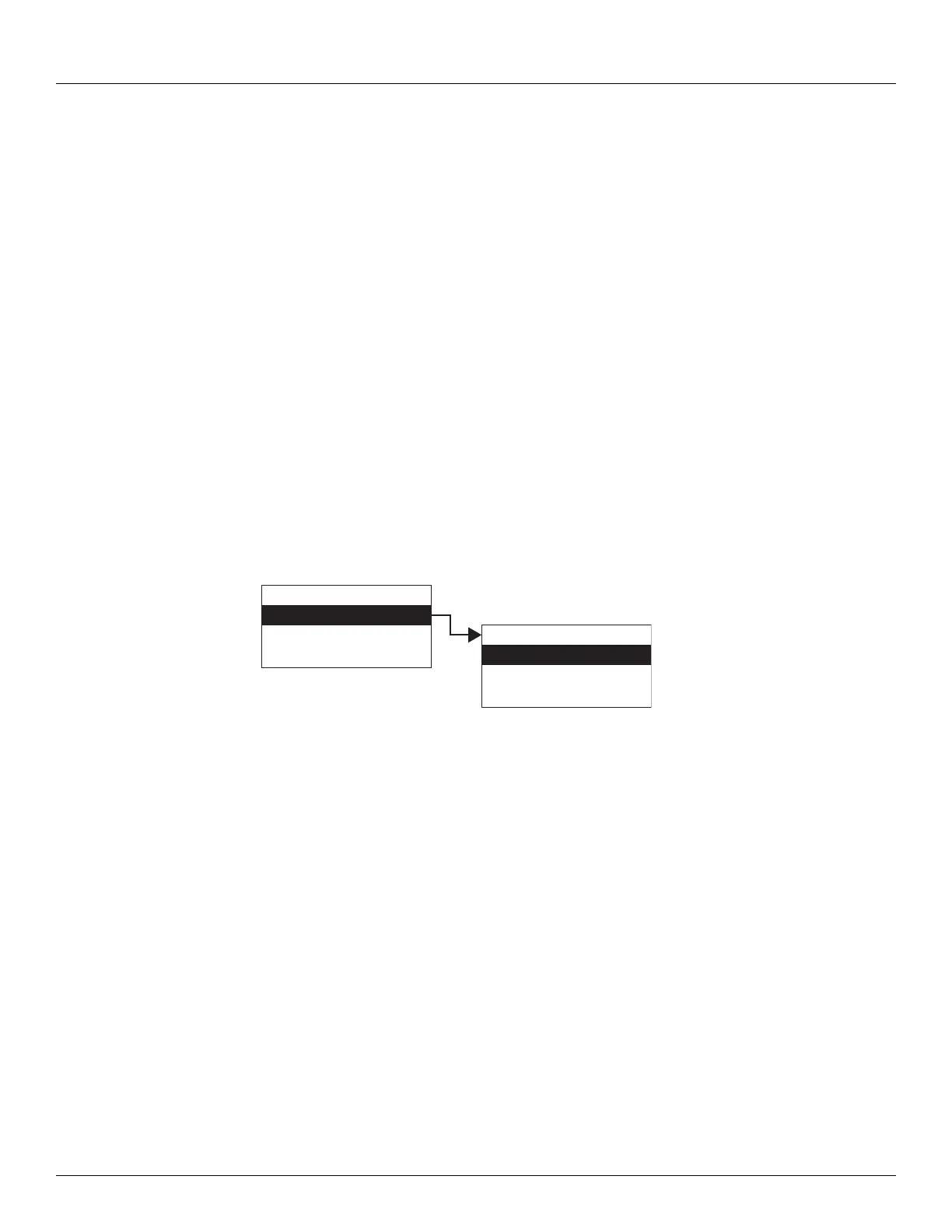
1. Press Enter to access the Main Menu. The System Menu point is automatically highlighted.
2. Press Minus eight times to move the highlight to Analog Input.
3. Press Enter and the Analog Input menu opens.
4. To select one of the options, press Minus to move the highlight to the option you want and
then press Enter.
Refer to the table below for more information on each Analog Input option.
Display Only
Commands
Config Params
All Params
Main Menu
Analog Inputs
Analog Out
BPM Data
08
Analog Inputs



 To Next Page