2920 Float & Tape Transmitter 5 Display and Configuration Interface
94 Installation and Operations Manual
FMR Radar
The FMR Radar menu contains parameters and allows configuration of Varec radars that are
connected to the 2920 FTT.
FMR Radar menu presents 4 options:
• Display Only — data display, such as current and level units
• Commands — commands that can be executed from the FMR Radar menu
• Config Params — parameters that are used to configure data in FMR Radar
• All Params — scrolls through the Display, Commands, and Config parameters in one
menu
To Access FMR Radar:
1. Press Enter to access the Main Menu. The System Menu point is automatically highlighted.
2. Press Minus thirteen times to move the highlight to FMR Radar.
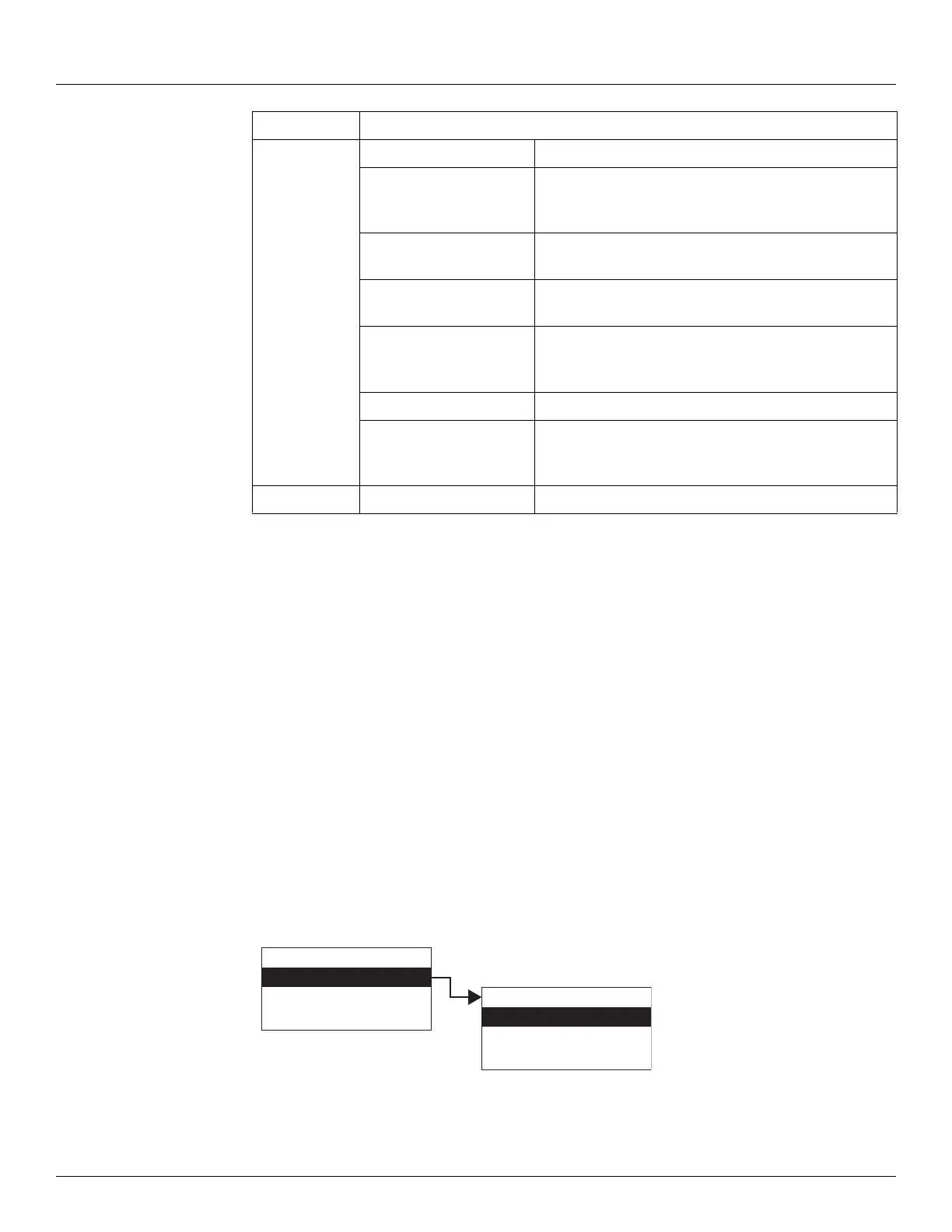
3. Press Enter and the FMR Radar menu opens as shown below.
Config Params
Addr The short HART address used to detect this device.
Manuf ID The Unique ID of the Manufacturer that build the HART
device. For Endress+Hauser HART devices, the Manuf ID
is 17 - E+H.
Device Type The device information (sensor and primary value
settings) read from the HART device.
Device ID The long HART ID number read from the HART device,
containing manufacturer, device type, and ID number.
Preambles Cmd The number of Preambles: The minimum number of
pre-ambles the HART device is requesting for
communication.
Frame Format Type of message framing supported by the NMT.
Scan Mode This parameter sets the types of commands sent to the
HART devices. This is for development purposes, and
should not normally be adjusted by the user.
All Params Lists all Display, Commands, and Config Params in a list.
Display Only
Commands
Config Params
All Params
Main Menu
FMR Radar
HART Master
Calibration
13
FMR Radar



 To Next Page