5 Display and Configuration Interface
Varec, Inc. 71
Digital Outputs
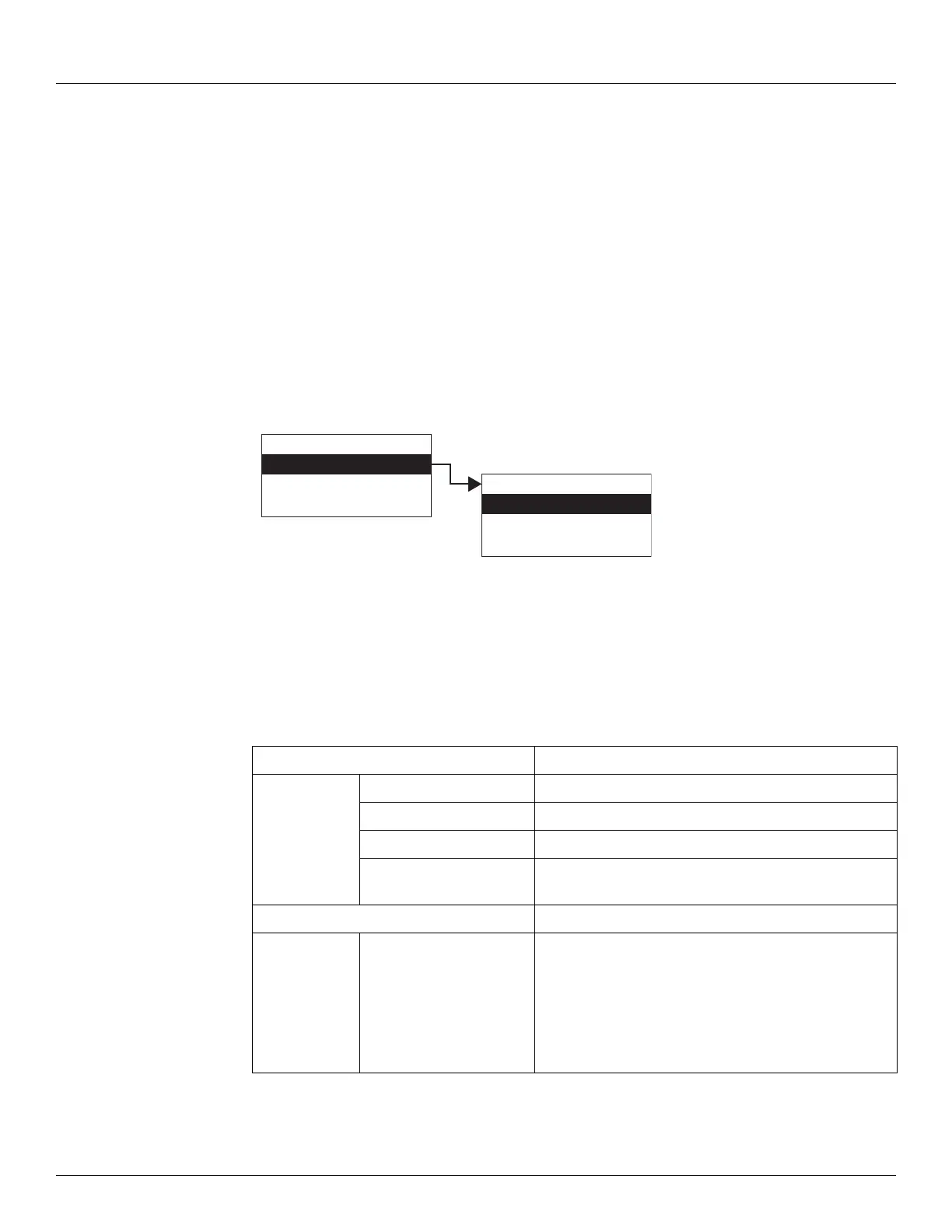
The Digital Output menu contains the configuration and control parameters for activating the
4 optional output relays. Digital Outputs menu presents 4 options:
• Display Only — data display, such as the current Digital Output state
• Commands — commands that can be executed from the Digital Outputs menu
• Config Params — parameters that are used to configure data in Digital Outputs data
• All Params — scrolls through the Display, Commands, and Config parameters in one
menu
To Access Digital Outputs:
1. Press Enter to access the Main Menu. The System Menu point is automatically highlighted.
2. Press Minus seven times to move the highlight to Digital Outputs.
3. Press Enter and the Digital Outputs menu opens.
4. To select one of the options, press Minus to move the highlight to the option you want and
then press Enter.
Refer to the table below for more information on each Digital Outputs option.
Display Only Description
DOState Current DO State
PntStatus Point Status
Elapse Time of last update.
Pnt Checksum CRC-16 Checksum of point's static configuration
parameters.
Command
DOutputState This is a command parameter used to activate the
output relays.
0x0001: Activate Relay 1 (When set for HOST Control)
0x0002: Activate Relay 2 (When set for HOST Control)
0x0004: Activate Relay 3 (When set for HOST Control)
0x0008: Activate Relay 4 (When set for HOST Control)
Display Only
Commands
Config Params
All Params
Main Menu
Digital Outputs
Analog Inputs
Analog Out
07
Digital Outputs



 To Next Page