2920 Float & Tape Transmitter 5 Display and Configuration Interface
58 Installation and Operations Manual
3. Press E one time to access the Commands menu and Enter Admin PIN option opens.
4. Enter the Admin PIN.
5. Scroll down to User PIN.
6. Press E to open User PIN.
7. Use the + and - keys to select the first number.
8. Press E to advance to the next digit.
9. Continue setting digits as needed.
10. With the Return arrow highlighted, press E two times. A message is shown "Editing
enabled" to indicate that the PIN has been accepted and you can edit the above listed cal-
ibration settings.
Basic Setup
The Basic Setup menu is used to configure various parameters of the device, such as level,
temperature, communications and so on. The Basic Setup parameters menu presents 3
options:
• Display Only — displays the current reading, such as with a level or temperature, or
current setting such as feet or degrees Fahrenheit
• Config Params — allows you to change the configuration parameters in Basic Setup
• All Params — scrolls through the Display, Commands, and Config parameters in one
all inclusive list
To Access the Basic Setup:
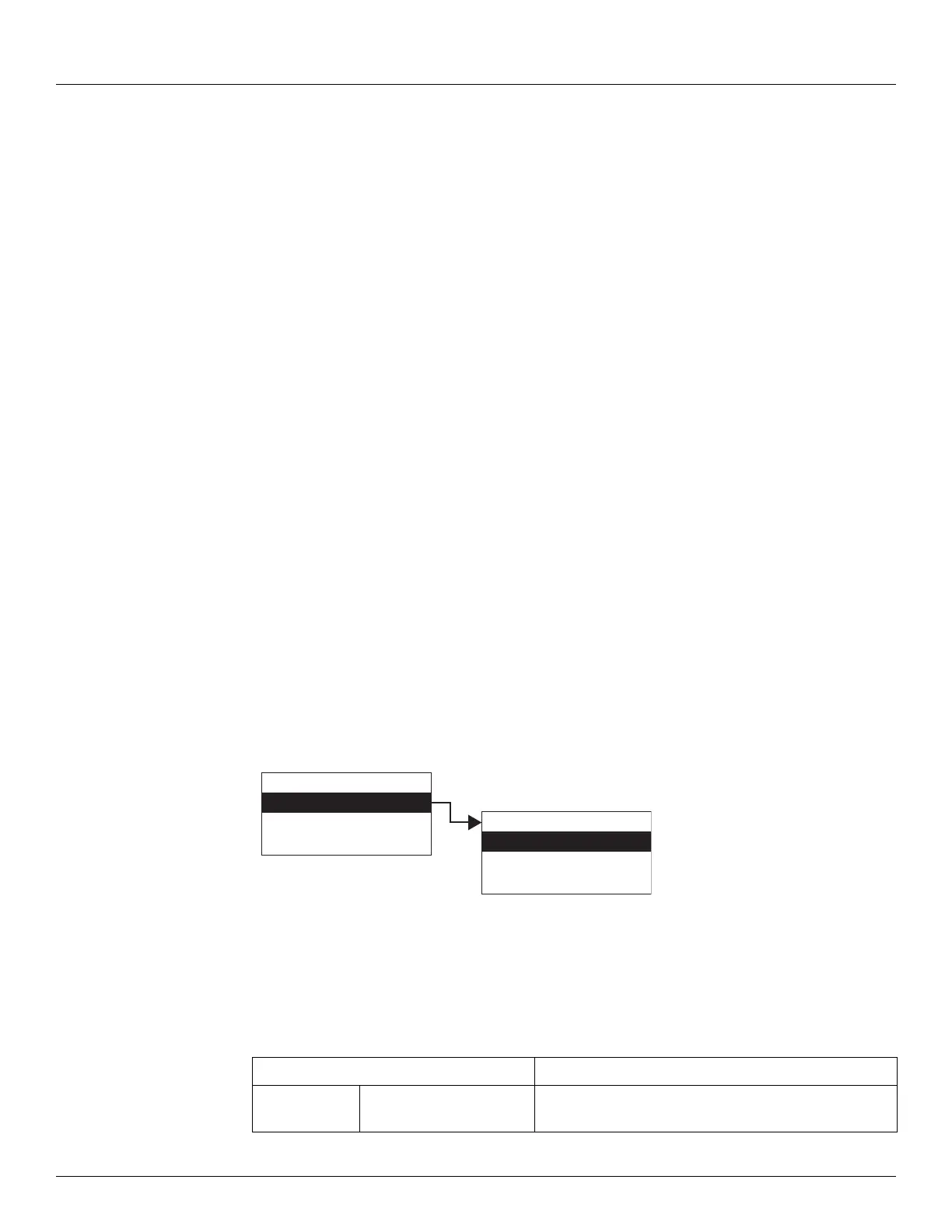
1. Press Enter to access the Main Menu. The System Menu point is automatically highlighted.
2. Press Minus one time to move the highlight to Basic Setup.
3. Press Enter and the Basic Setup menu opens.
4. To select one of the options, press Minus to move the highlight to the option you want and
then press Enter.
Refer to the table below for more information on each Basic Setup option.
Display Only Description
Pnt Checksum CRC-16 Checksum of point's static configuration
parameters.
Display Only
Config Params
All Params
Main Menu
Basic Setup
Local RS-232
System Time
01
Basic Setup



 To Next Page