2920 Float & Tape Transmitter 5 Display and Configuration Interface
64 Installation and Operations Manual
To Access Encoder Data:
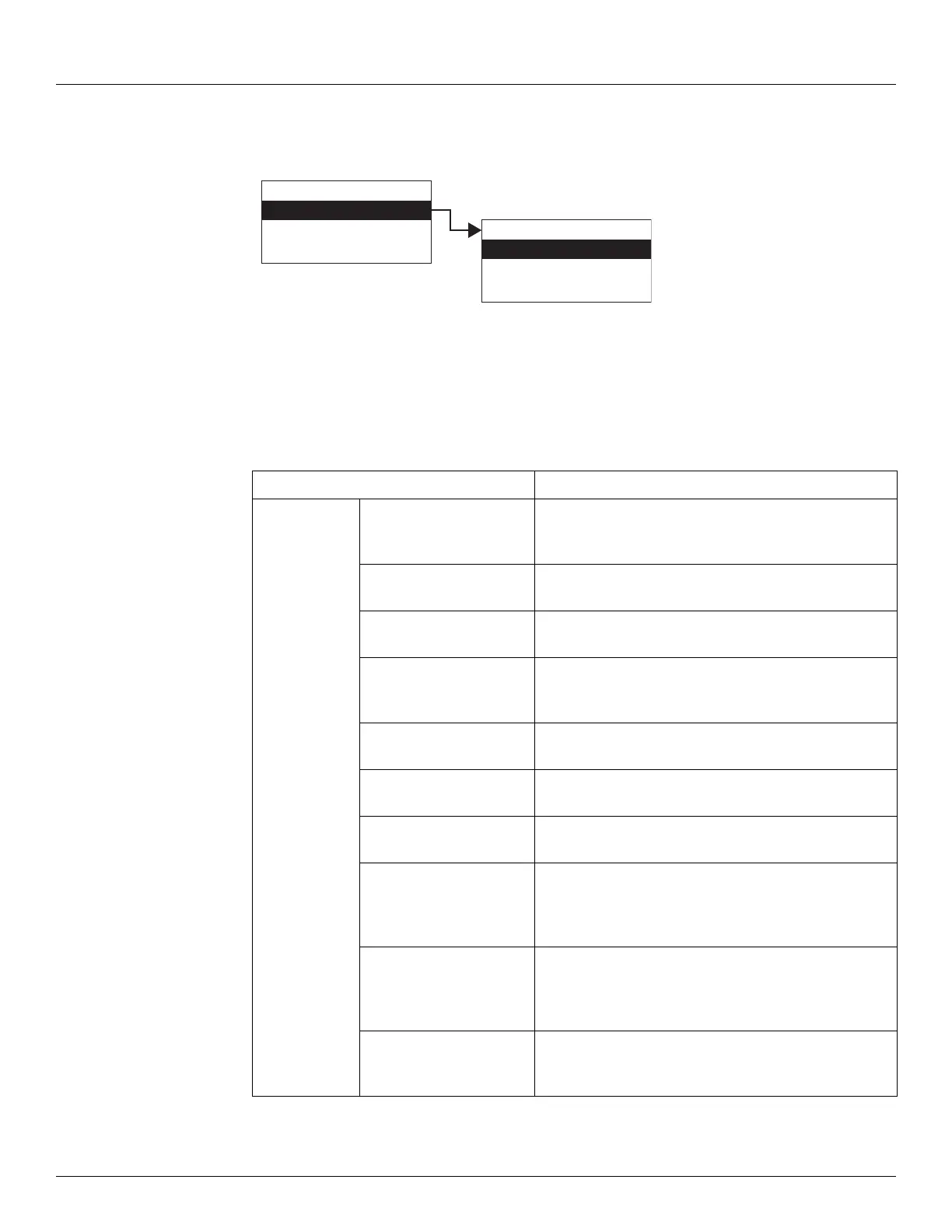
1. Press Enter to access the Main Menu. The System Menu point is automatically highlighted.
2. Press Minus four times to move the highlight to Encoder Data.
3. Press Enter and the Encoder Data menu opens as shown below.
4. To select one of the options, press Minus to move the highlight to the option you want and
then press Enter.
Refer to the table below for more information on each Encoder Data option.
Display Only Description
Level This parameter represents the level in feet derived from
the absolute encoding process. This parameter is always
encoded in the forward rotation direction.
Field Voltage The value of the DC Voltage (Field Voltage) applied to
the transmitter to power the unit.
Internal Temp. The temperature in degrees Fahrenheit of the internal
electronics.
Number Resets Shows the number of types the transmitter has reset -
soft or power resets. This value resets to zero when a
hard reset is performed.
FDisk This parameter is a 12-bit value indicating the level read
from the foot encoder sensor.
IDisk This parameter is a 16-bit value indicating the level read
from the fractional foot (inches) encoder sensor.
Enc State This is a diagnostic code that describes the encoder
state.
Feet This parameter indicates the feet portion of the level
derived from the absolute encoding process. This
parameter is shown in foot units from zero to ninety-
nine in binary.
Inches This parameter indicates the inches portion of the level
derived from the absolute encoding process. This
parameter is shown in inch units from zero to eleven in
binary.
Sixteenths This parameter indicates the 1/16-inch portion of the
level derived from the absolute encoding process. This
parameter is shown in 1/16-inch units.
Display Only
Config Params
All Params
Main Menu
Encoder Data
RTD Data
Tank Data
04
Encoder Data



 To Next Page