5 Display and Configuration Interface
Varec, Inc. 77
4. Select either Analog Out #1 or Analog Out #2.
Note The parameters for Analog Out #1 and Analog Out #2 are identical. However, each
Analog Out can be configured differently. Analog Out #1 is used as an example below.
5. To select one of the options, press Minus to move the highlight to the option you want and
then press Enter.
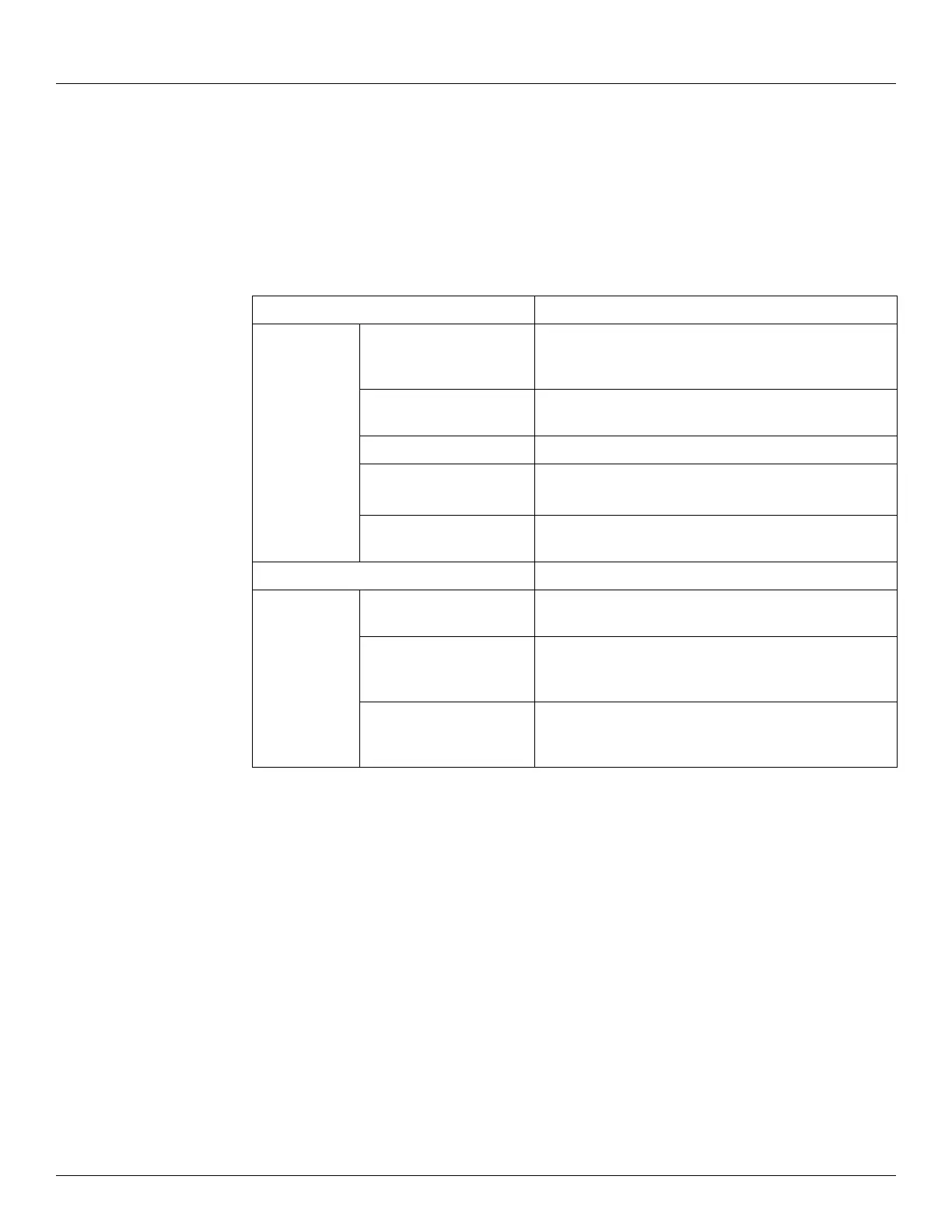
Refer to the table below for more information on each Analog Out option.
Display Only Description
RefValue Displays the data value from the PntRef data item.
When the Control is set to enable, this value control the
AO output value.
Percent Range Displays the percent of range for the analog output
value. A 0 percent is 4 mA, and 100 is 20 mA.
Elapse Time of last update.
Pnt Status Byte value indicating status of point. Values are:
0: No error
Pnt CheckSum CRC-16 Checksum of point's static configuration
parameters.
Commands
Command Used to reset the calibration curve back to factory
default values.
Raw Value This value is set to manually control the 4-20 mA output.
Setting the Raw Value does not apply the calibration
correction to the signal.
Value This value is set to manually control the 4-20 mA output.
Setting the Value applies the calibration correction (if
available) to the output signal.



 To Next Page