Page 151 of 244
4.6.3. Center Pin Position Calibration (POFS)
If Center pin position does not meet the standard by adjusting chinrest, adjust POFS value."
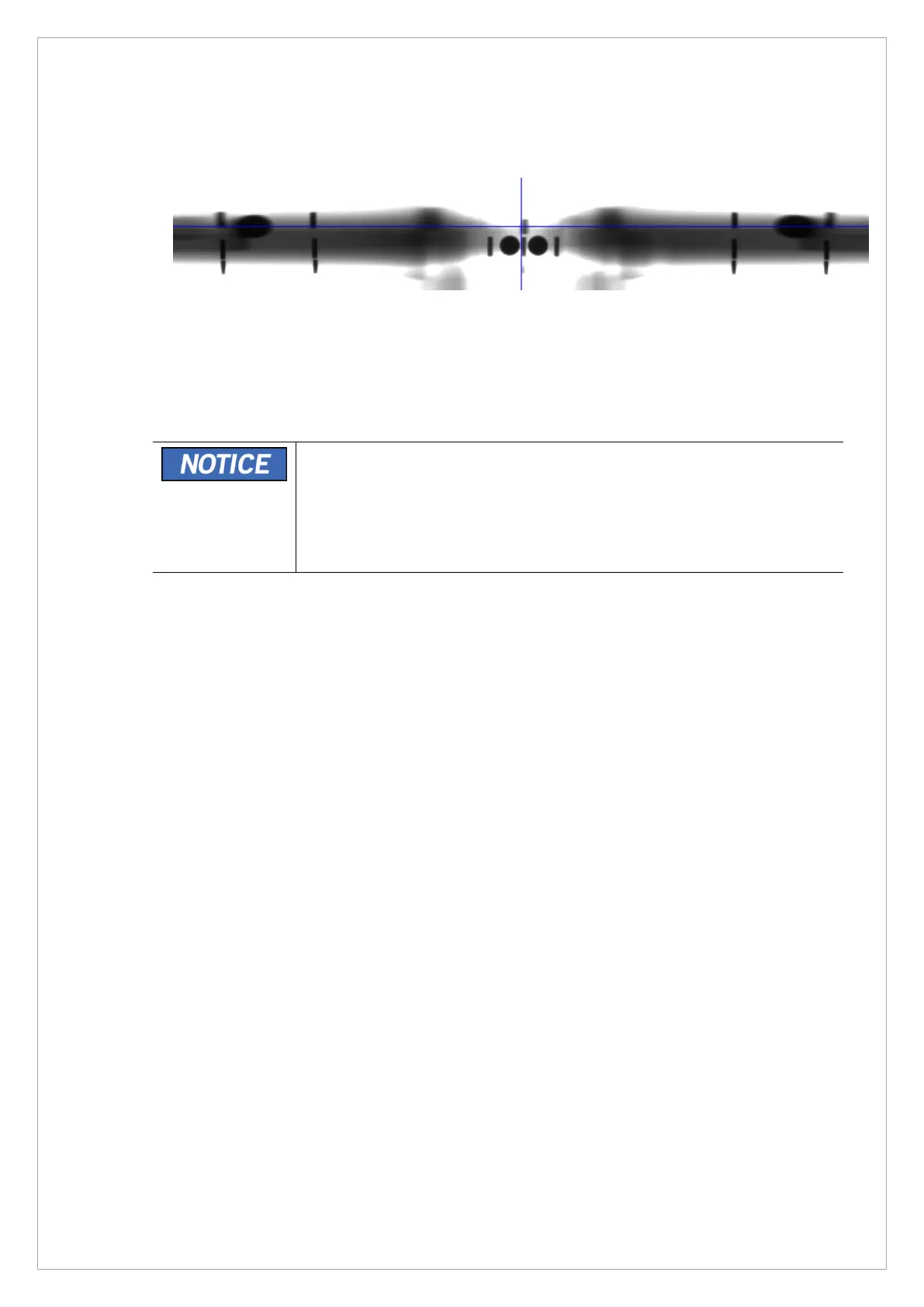
1. Open a phantom image after the acquistion.
2. Make sure that the center pin pixel number meets the standard and the ghost image has
bilateral symmetry as shown above.
3. If it is out of the standard value, change the [SPM_POFS_xxxxx] value and adjust it
according to the standard. To check the current value, enter [SPM_PO?_].
The pofs value is changed by about 2 pixels per 100 and moves in the
following directions (default value: 00001)
+: Move the image center to the left
*-: Move image center to the right



 To Next Page