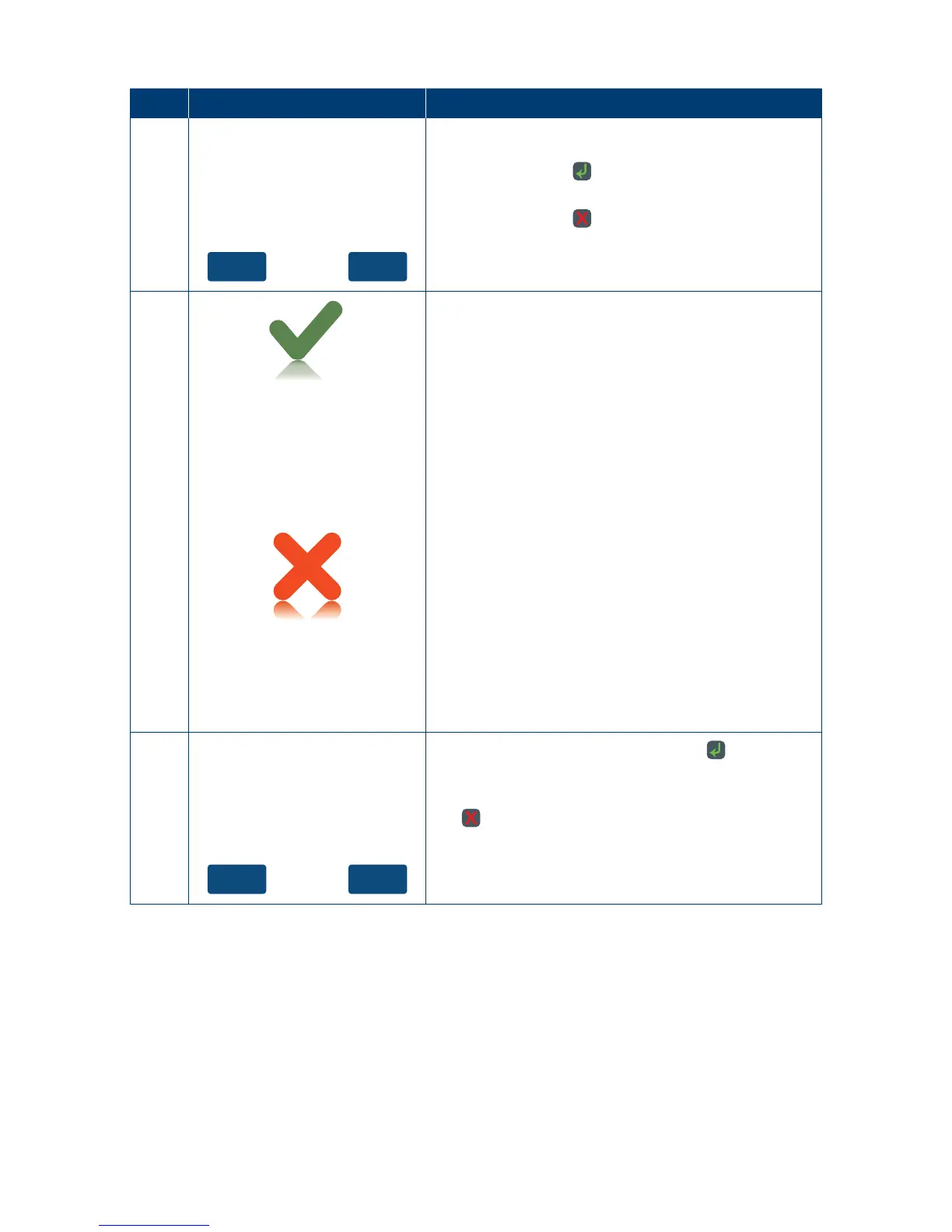
If the signature on the receipt matches the signature
on the card, touch the “Yes” button on the touch
screen or press the key to conrm.
Otherwise touch the “No” button on the touch
screen or press the
key to cancel the transaction�
10
Signature
Approved
Signature
Declined
Press ENTER Key
If the signature is approved or declined the terminal
will display the result�
11
YesNo
Receipt?
Press “Yes” on the touch screen or the key to print
a customer copy�
If not required, press “No” on the touch screen or
the
key�
4.7.4 Pre-Authorisation Top-Up.
A Pre-Authorisation top-up is used to increase the value of the original Pre-Authorisation
transaction, where the expected value of the nal transaction is higher than initially
Pre-Authorised� The expiry date of the original Pre-Authorisation transaction processed
onaMastercard will also be extended.
A Pre-Authorisation top-up can be processed in one of three ways:
1. Using the Pre-Auth ID from the Mastercard Pre-Authorisation transaction, within 30days
of the original Pre-Authorisation transaction� (Note: The 30 day expiry may vary if a
Pre-Authorisation extend has been performed)�



 To Next Page