49
2. Using the Pre-Auth ID from the Visa Pre-Authorisation transaction, within 1 day, 7days or
30days (depending on the type of business you have and how your Pre-Authorisation is
processed) of the original Pre-Authorisation transaction. (Note: The 1 day, 7days or 30day
expiry may vary if a Pre-Authorisation extend has been performed)�
3� Using the Browse Pre-Auth ID function� The terminal can browse the Pre-Authorisation
transactions for 14days. (Note: If the Pre-Authorisation transaction is no longer present,
usethe Pre-Auth ID to complete the transaction).
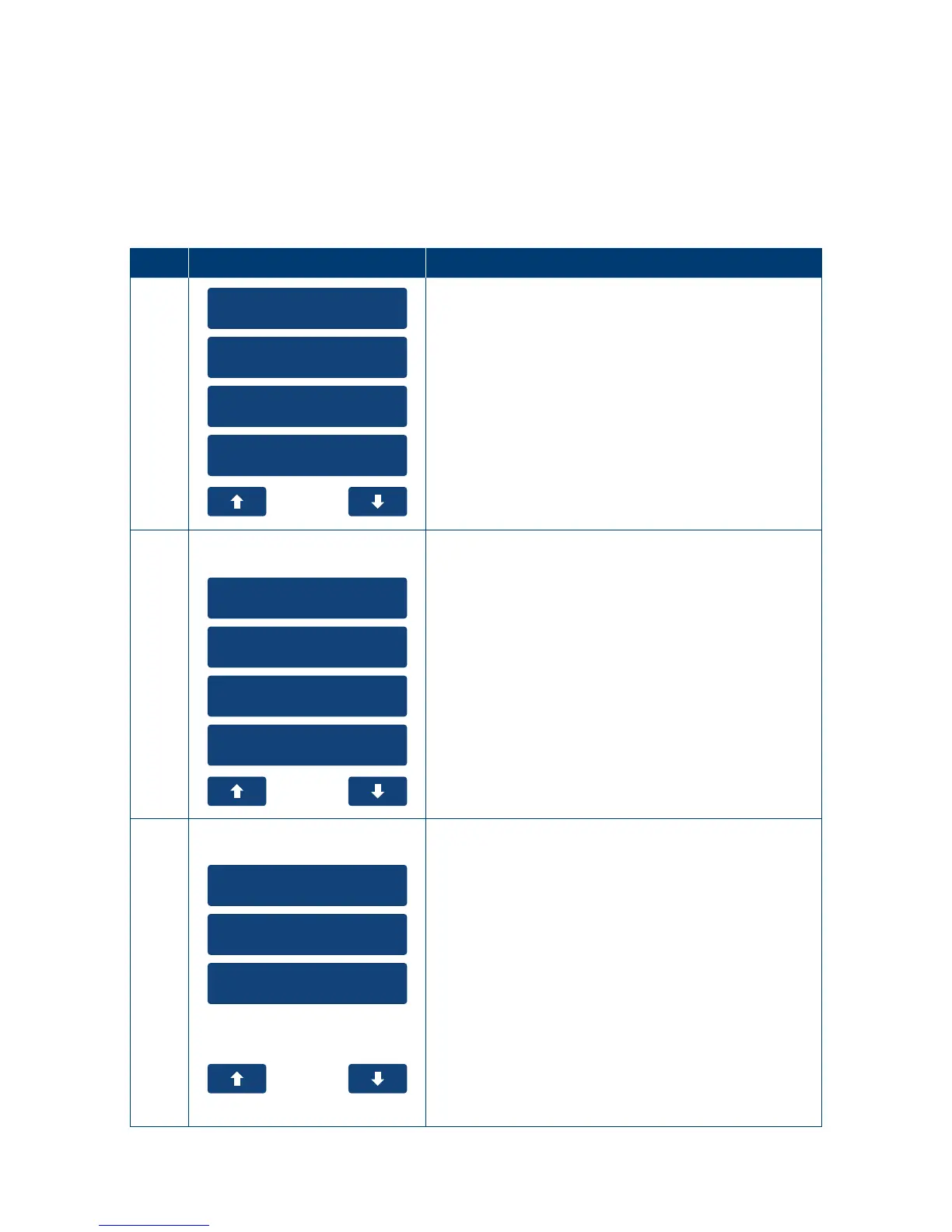
Step Terminal Display Action
1
1. Cash Out
2. Refund
3. Pre-Auth
4. Settlement
From the main menu select the “Pre-Auth” option on
the touch screen or enter the number of the menu
item on the keypad�
2
1. Pre-Auth
2. Completion
3. Cancellation
4. Account Verify
Pre-Auth
Select the down arrow on the touch screen�
3
1. Top-Up
2. Extend
3. Partial Cancel
Pre-Auth
From the Pre-Auth select the “Top-Up” option on the
touch screen or enter the number of the menu item
on the keypad�



 To Next Page