78
7.2.4 Authorisation Number Required.
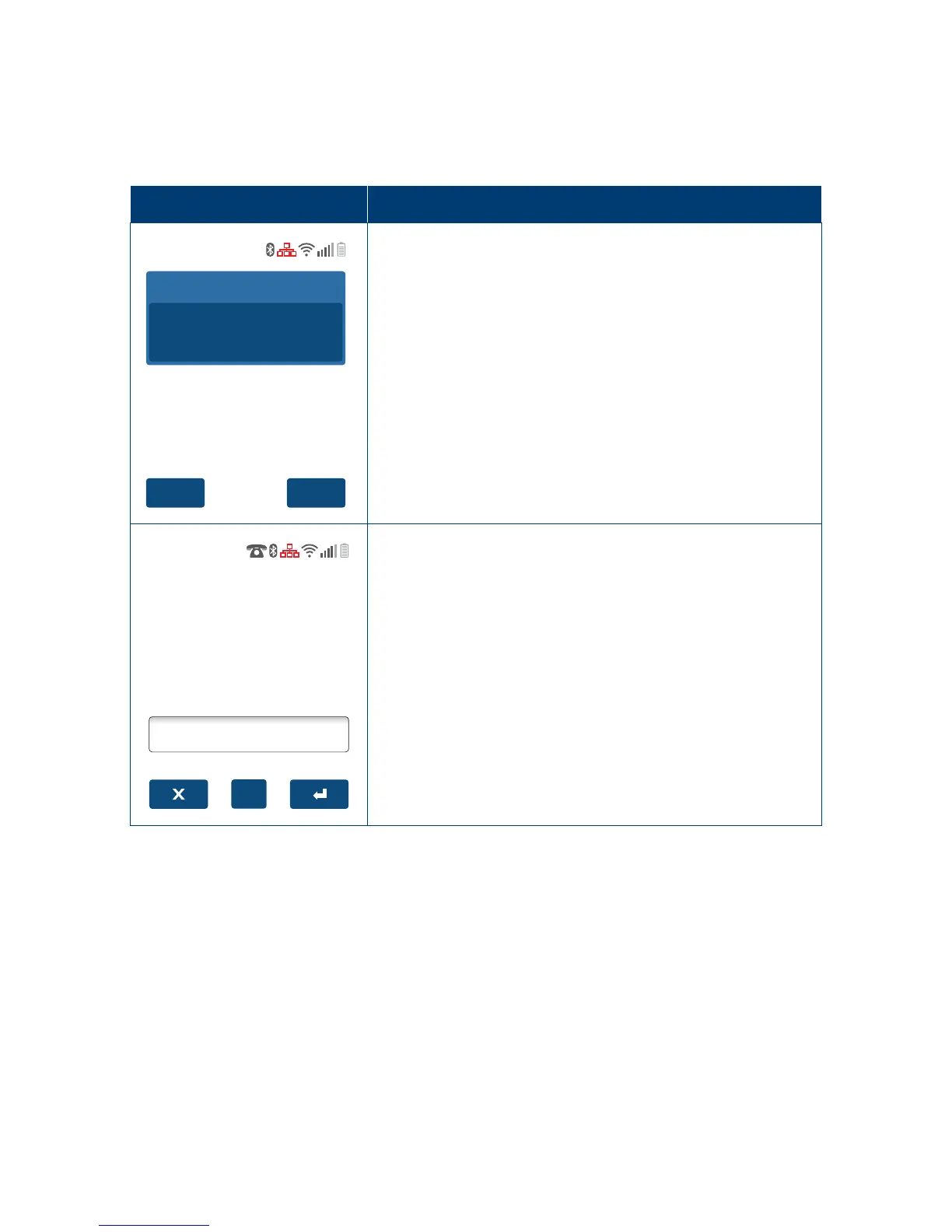
The ‘Phone for Auth’ screens are displayed when the terminal is oine (electronic fallback
mode) and a transaction above the terminal oor limit has been requested. The terminal
will prompt for and validate the authorisation number before continuing�
Terminal Screen
Next Step
YesNo
Total Amount
AUD
200.00
Phone For Auth?
Call: 1300302226
Merchant ID
000000033773607
Conrm you wish to process using Phone for Auth.
Alpha
Enter
Auth Number:
Proceed to enter the authorisation number�



 To Next Page