Hunt Groups 90
SBX IP 320 Features & Operation Guide
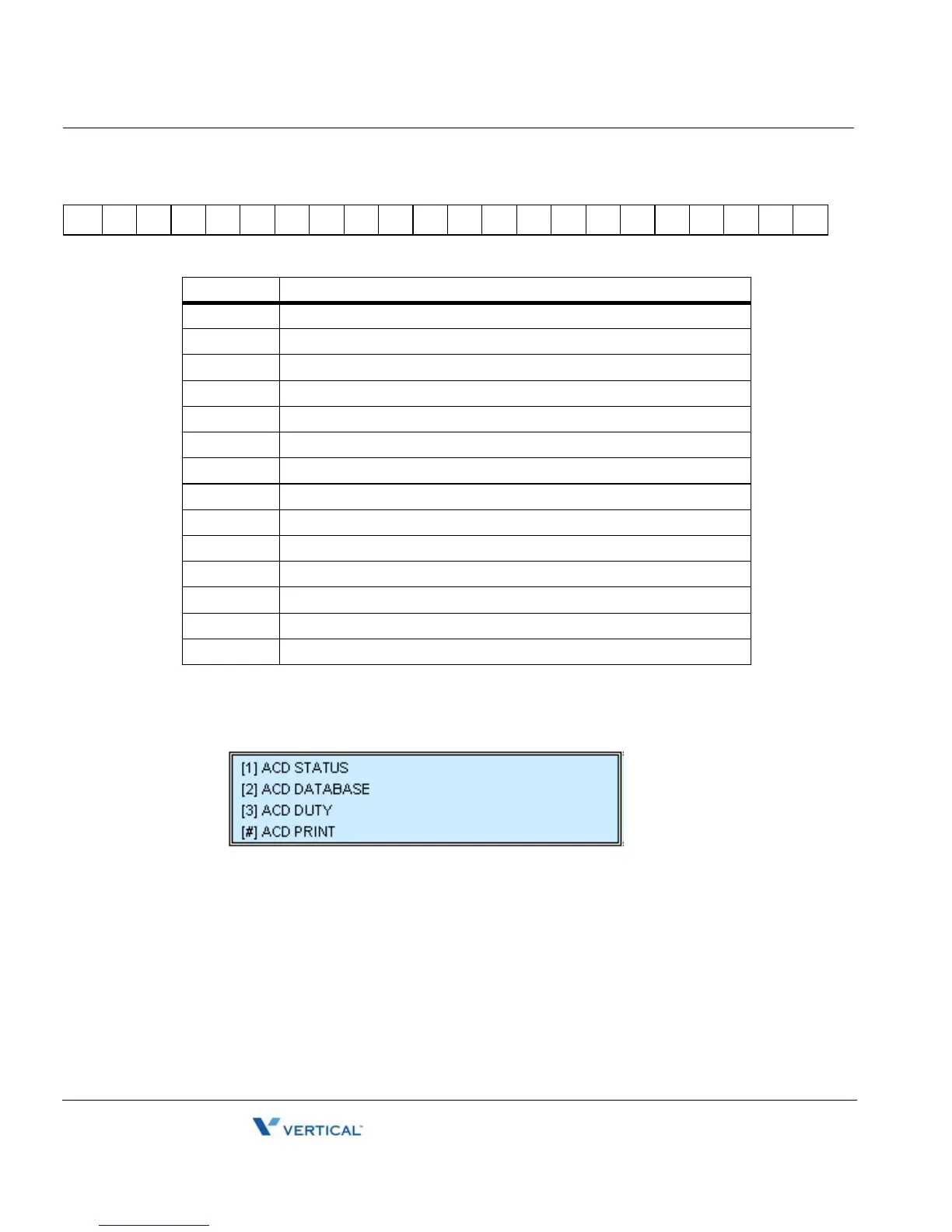
To go to the Main Menu
Press the [HOLD/SAVE] button, then go to the procedure below.
To re-route queued calls with answer by the supervisor:
1. Assign a flexible button as an {ACD Group} button.
2. Press the flashing {ACD Group} button.
3. The first queued incoming CO call is routed to the supervisor.
4. If the supervisor lifts handset, the preferred line will be answered.
~1=2=3=4=5=6=7=8=9=0crlf
Fields Meanings
~ (tilde) Means start of ACD statistics and is always located at first column
= (equal) Delimiter between each meaningful data
1 ACD Group number
2 Total call counter
3 Unanswered call counter
4 All busy counter
5 Average ringing time (in sec)
6 Average call service time (in sec)
7 Total busy time (in sec)
8 Number of current queued calls
9 Longest queued time
0 Average queued time
cr Line Feed (0x0A)
lf Carriage Return (0x0D)





 To Next Page