Vertiv™ | Liebert® SRC-G | User Manual 49
Controller Operation Instructions
If user does not press the Enter button to validate the changed parameter after changing the parameter, the
change of Hi Temp to Supply Air is invalid.
5.3.2. Power ON Screen
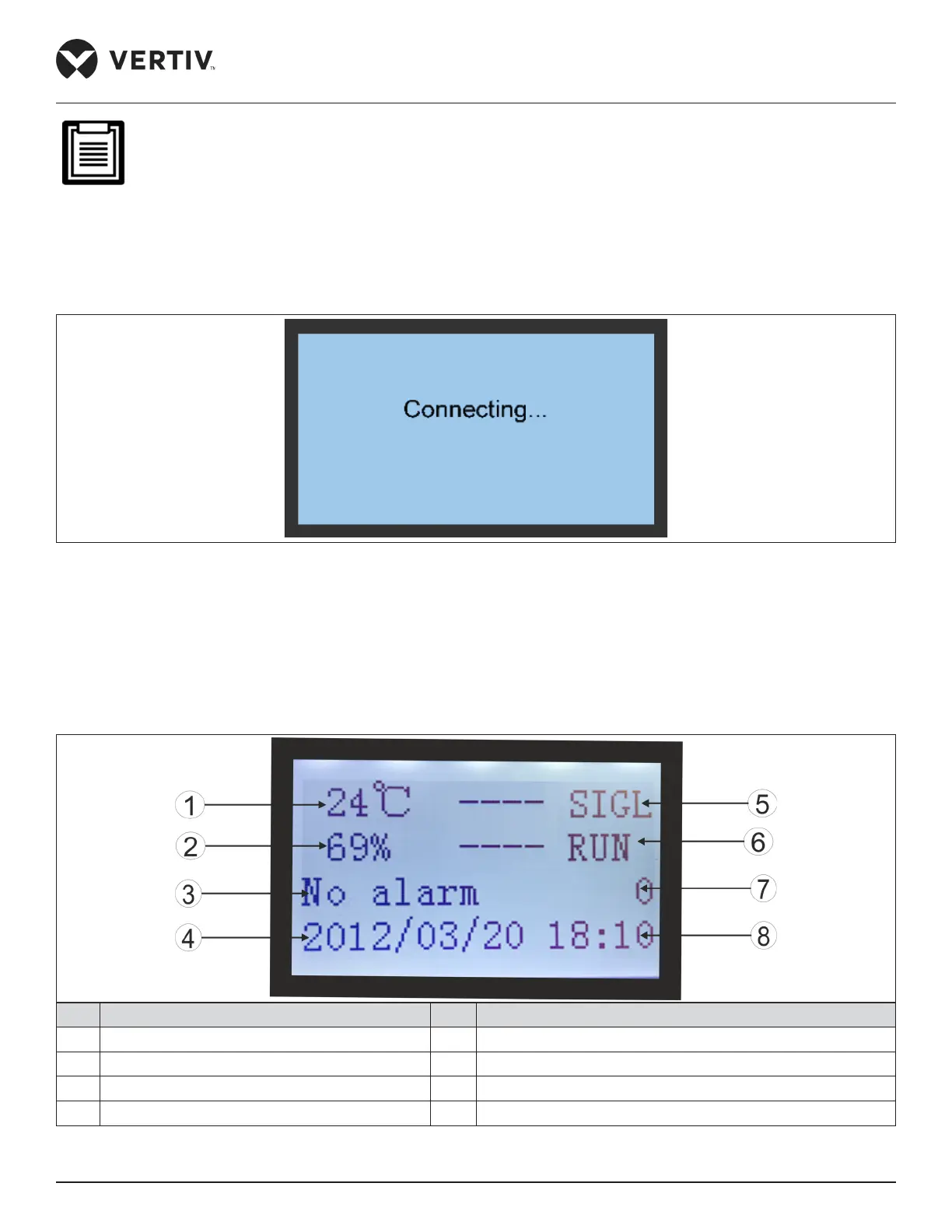
After the Liebert® SRC-G unit is powered On, the LCD screen will display the ON screen, as shown in Figure 5-3.
Figure 5-3 ON Screen
5.3.3. Summary Screen
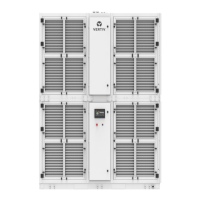
After the unit is powered On, the Main Menu screen will be displayed after 10 seconds. Refer Figure 5-4 for better
understanding.
No. Description No. Description
1 Return air temperature 5 Sequencing (teamwork) status
2 Return air humidity 6 Machine working status
3 Current alarm status 7 Unit ID
4 Current date 8 Time
Figure 5-4 Summary Screen








 To Next Page