Vertiv™ | Liebert® SRC-G | User Manual 55
Controller Operation Instructions
5.5. Setpoint Menu
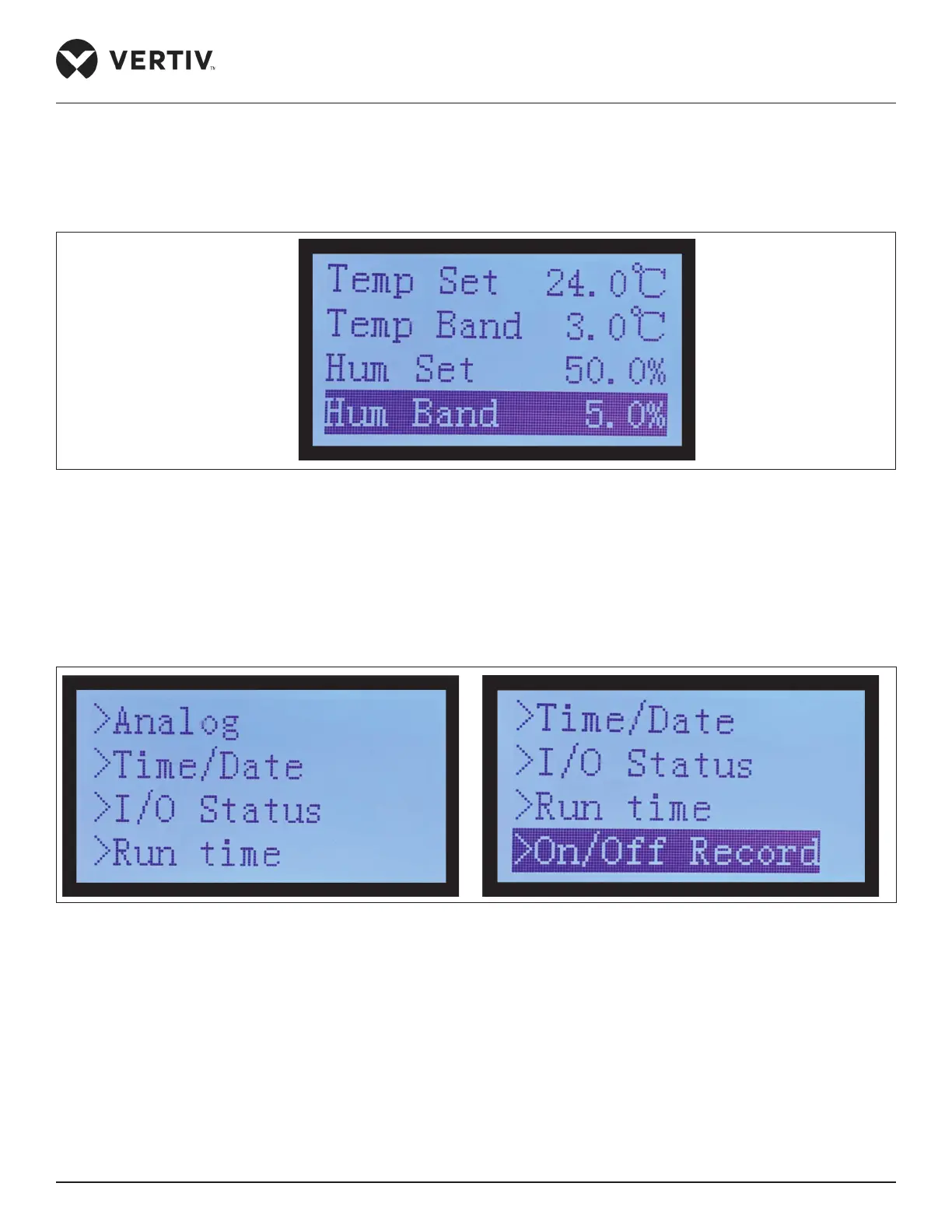
In the Main Menu option, select ‘Setpoint Menu’ option to access the setpoint setting details of the unit as shown
in Figure 5-13.
Figure 5-13 Setpoint Option
5.6. System Status Menu
In the Main Menu option, select ‘System Status Menu’ option to access the system status details of the unit and
scroll down for On/o Record as shown in Figure 5-14.
Figure 5-14 System Status Options
5.6.1. Analog Status Options
In the System Menu option, select ‘Analog Setting’ option to access the following setting option shown in
Figure 5-15.








 To Next Page