4-16 Changing Variable Information Rev AA
Videojet DataFlex 6420 Operator Manual
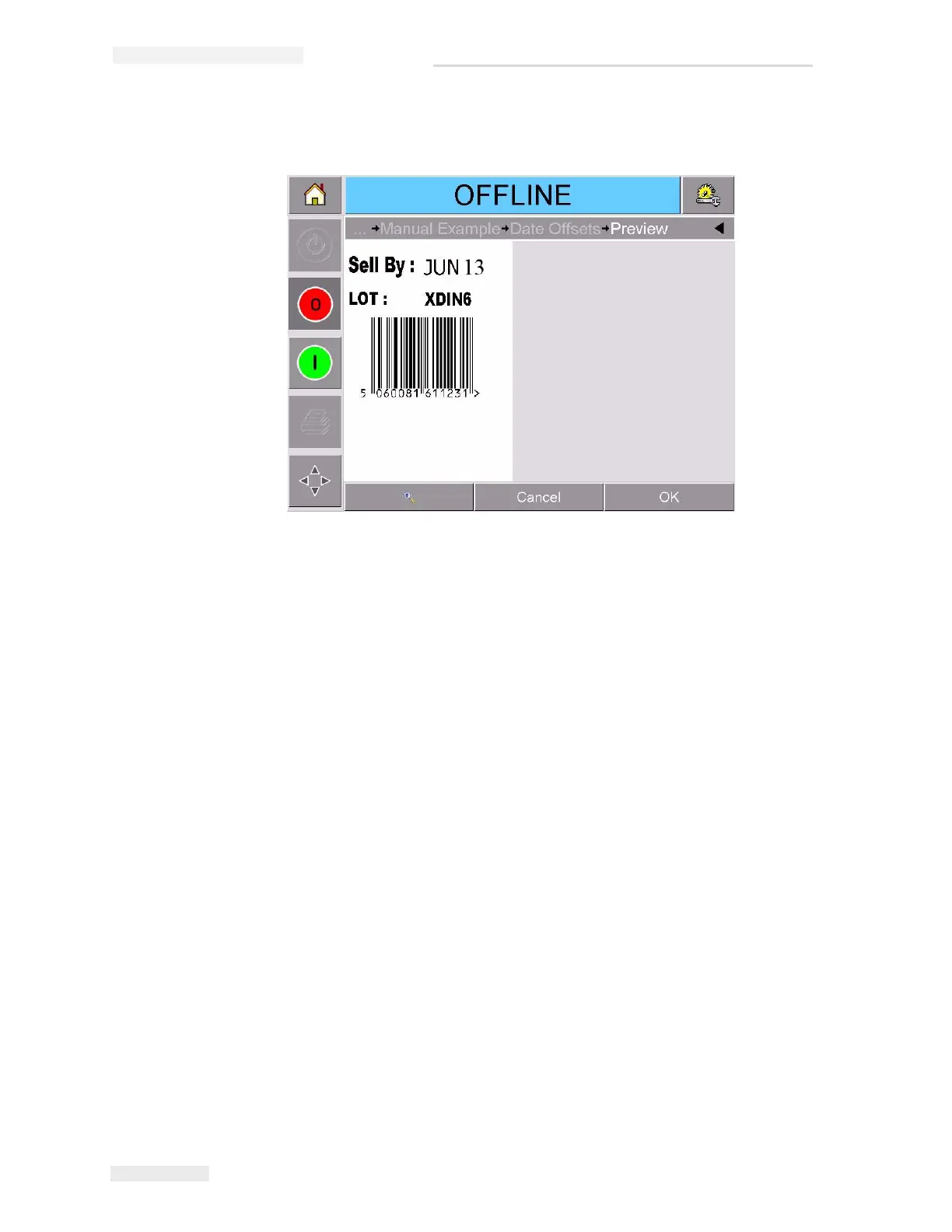
8 Touch OK to go to the preview display (Figure 4-11).
9 Perform one of the following, in the preview screen:
• Touch OK, if you are satisfied with the image and you want to run
the new job. Products will be printed with the new image until you
make further changes or select a new job.
• If you are not ready to print the job, you can leave this screen as it
is. You can touch OK at a later stage, to select the job at that time.
• Touch Cancel if you want to step back through the job select screens
to make alterations to variable data.
• Touch Home button to cancel the Job Select altogether.
Figure 4-11: Preview Screen



 To Next Page