VIVOTEK
User's Manual - 115
How to Congure E-map Settings
VAST LiveClient supports intuitive E-map function which allows users to upload E-maps for
overall devices management.
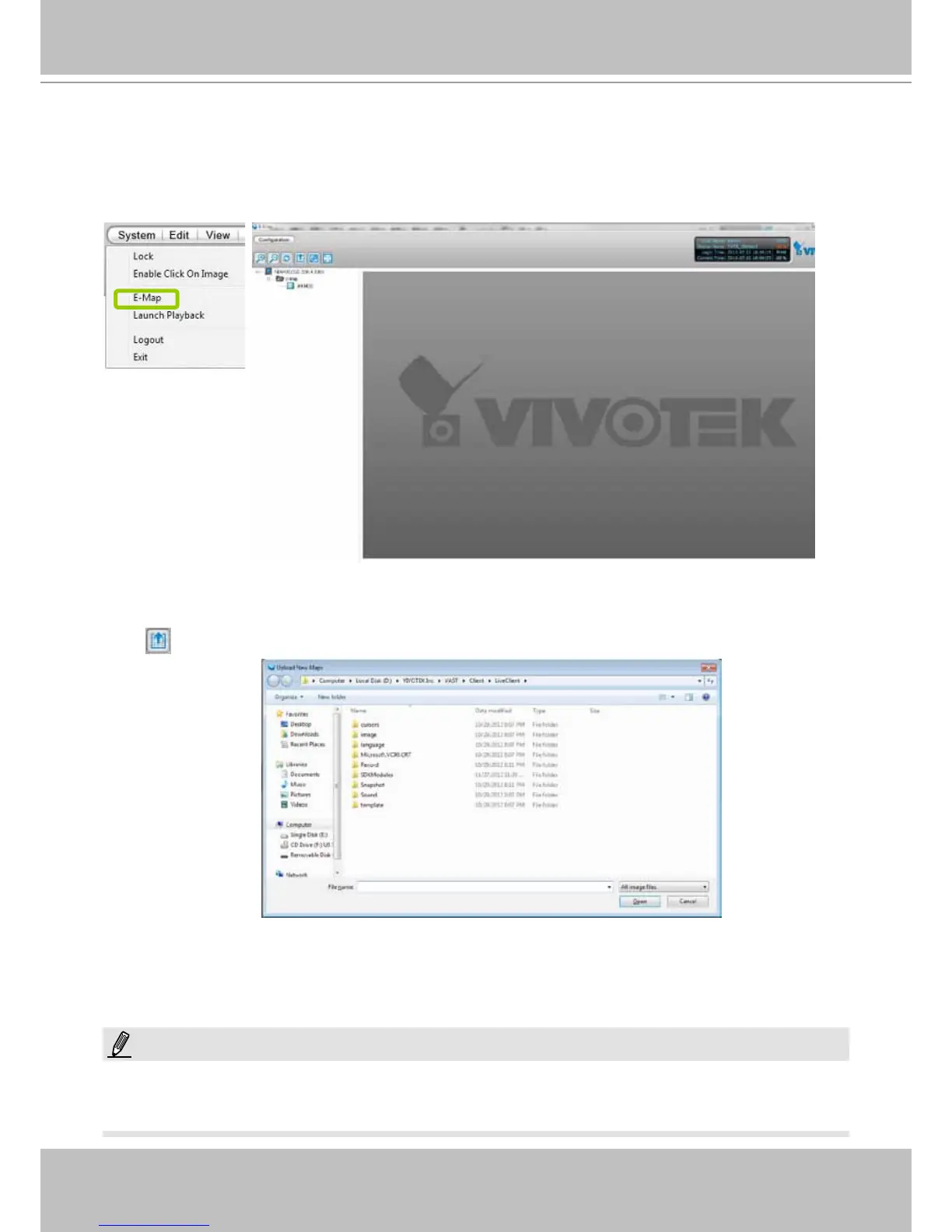
Click System > E-map to open E-map Settings Page:
Upload an E-map
Click to search for E-map(s) to upload.
The uploaded E-maps will be listed under the E-map list tree.
If the uploading procedure fails, please compress the image size of your map (equal or smaller than 2MB) and try
again.
NOTE:



 To Next Page