VIVOTEK
120 - User's Manual
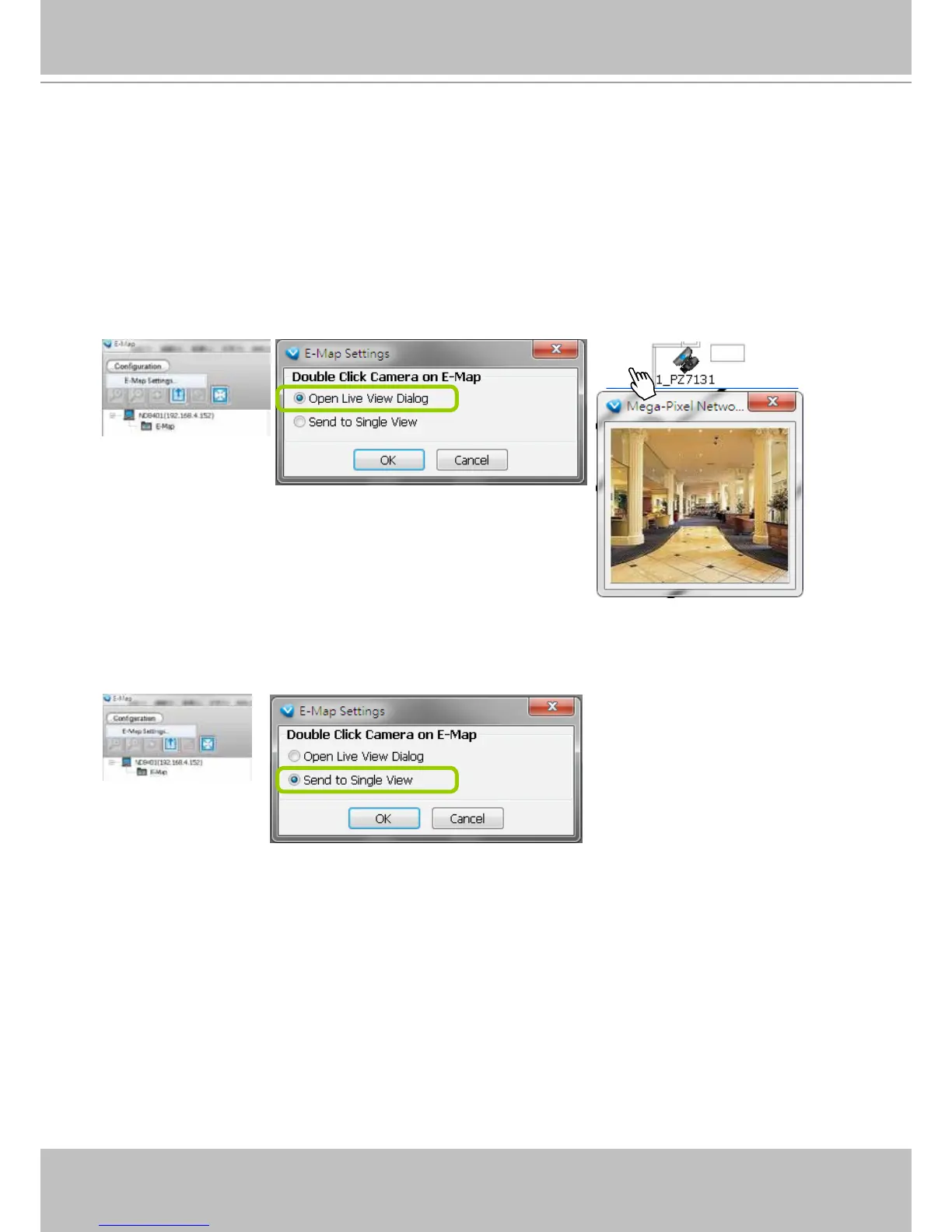
Live View Dialog Settings
Click System > E-map Settings to open the E-map Settings dialog, then you can choose to
Open Live View Dialog or to Send to Single View when you double-click the device deployed
on the E-map.
Open Live View Dialog
Select Open Live View Dialog: When you double-click the device icon on the E-map or when an event
triggers, a live view dialog will pop up beside it. It is the default setting in E-map Settings window.
Send to Single View
Select Send to Single View: When you double-click the device icon on the E-map, it will open a single
view on the VAST LiveClient.
2013/01/06 12:30:41



 To Next Page