VIVOTEK
148 - User's Manual
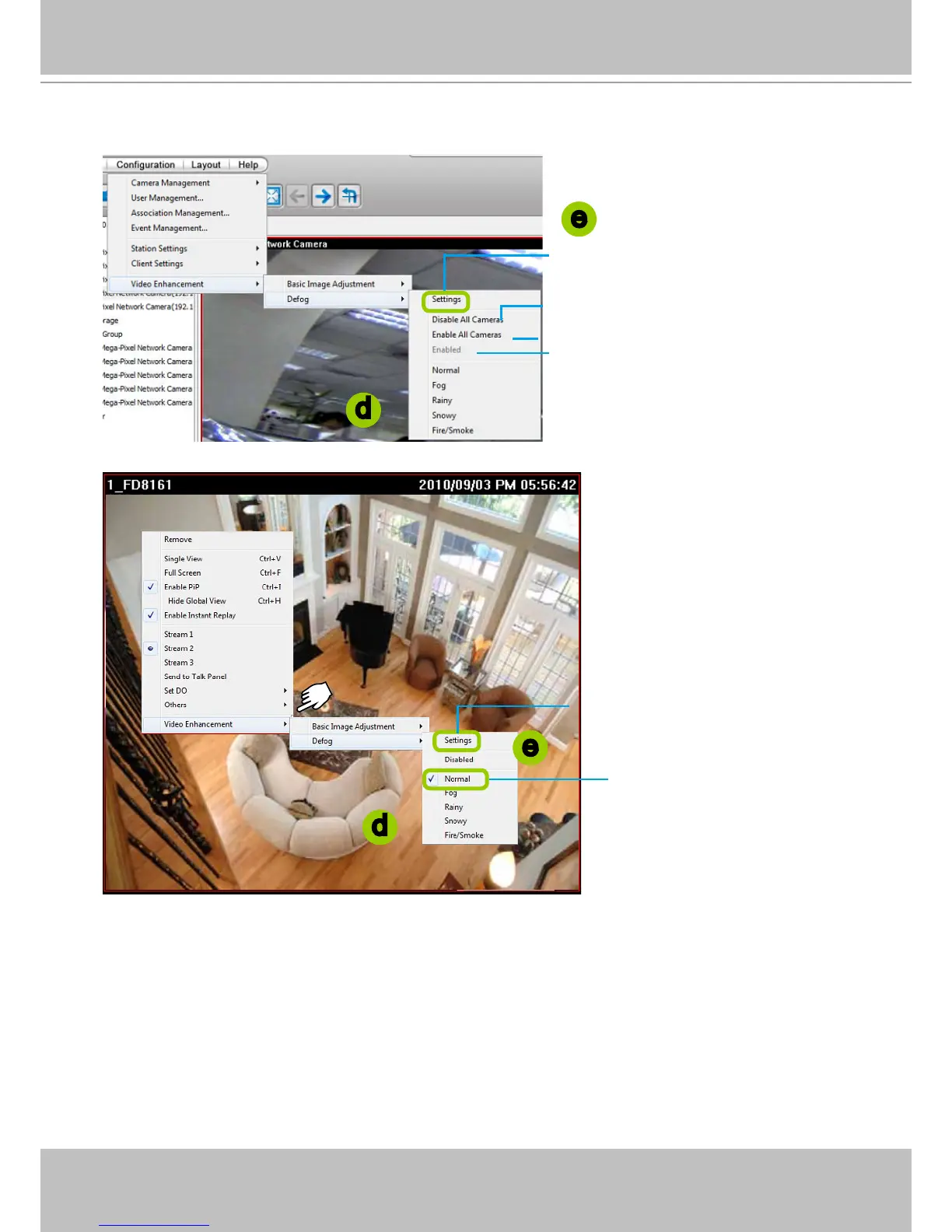
d. The string of the selected prole will be selected as shown below. A “VE” text string will also appear at
the bottom right of the video cell.
Create a New Defog Prole
e. Click Settings on the popup menu to open the Prole Settings window.
d
d
Click to create a new prole, edit or
delete a customized prole
Click to disable VE on all linked devices
Click to enable VE on all linked devices
Click to enable/disable VE on the target
video cell
e
e
Click to enable/disable VE
on the target video cell
Click to create a new prole,
edit or delete a prole



 To Next Page