VIVOTEK
User's Manual - 193
Upgrade
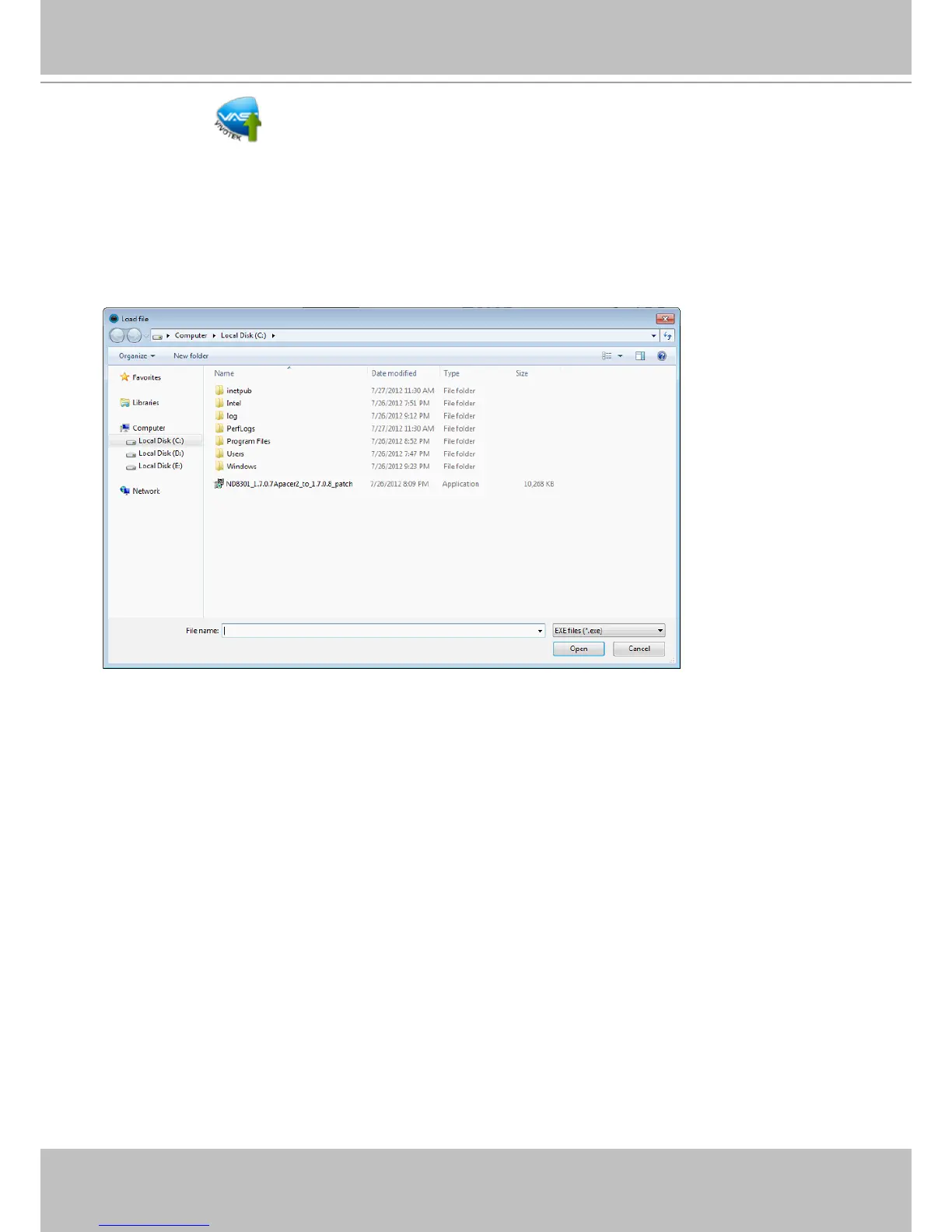
Software upgrade packages will be released on VIVOTEK's support website. You can download
these les, and double-click the Upgrade shortcut to open the utility. Please consult VIVOTEK's
technical support and the release note before applying upgrades.
Locate the upgrade package and click open. The upgrade process should be completed within
minutes. Please note that during the upgrade, the VAST server service will be stopped and
restarted. During the time, recording tasks will be temporarily interrupted.



 To Next Page