VIVOTEK
198 - User's Manual
Appendix A Rebuilding a RAID Volume
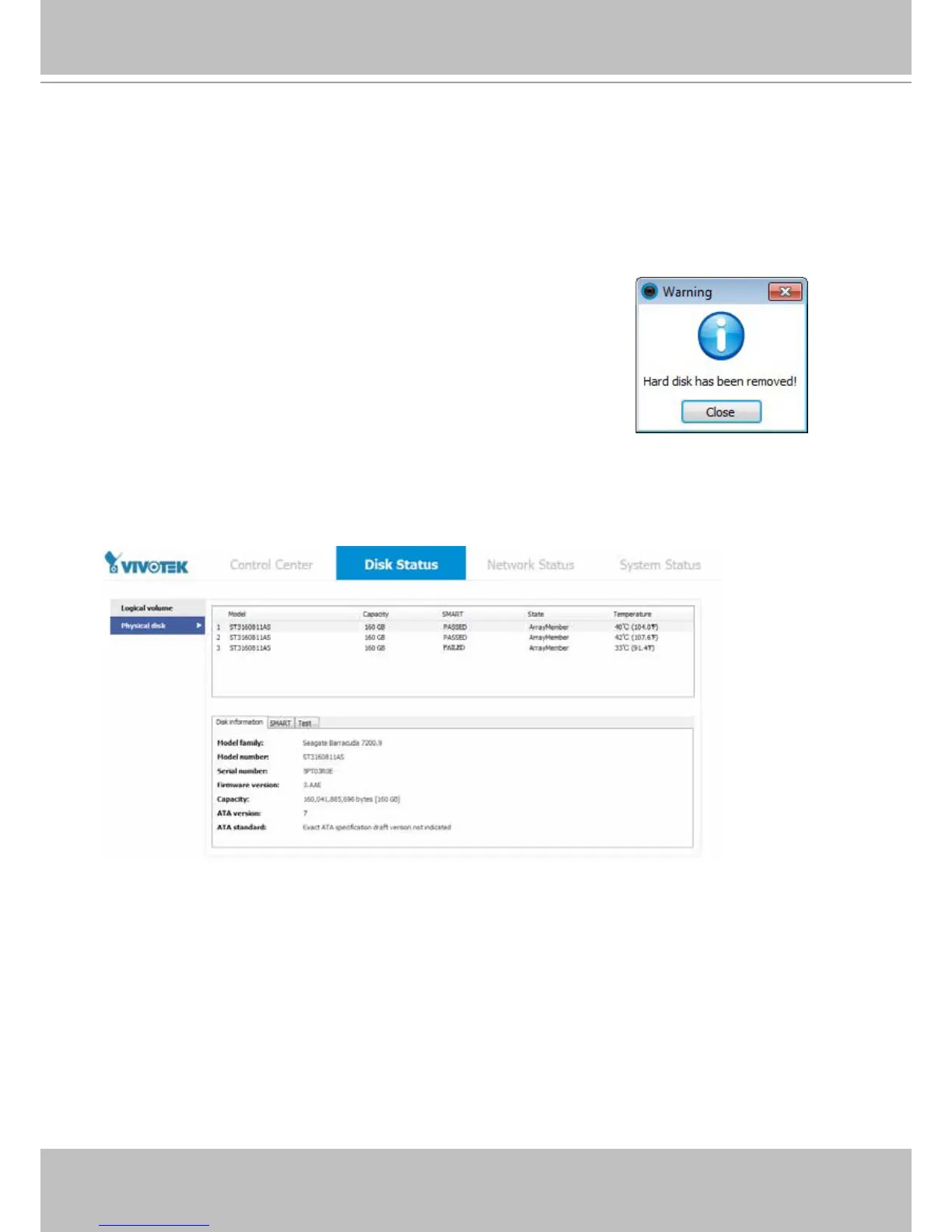
If a drive fails, the failure will be indicated by the system fault LED or the Disk Status panel. If a disk drive
fails in a RAID5 volume, rst locate the faulty drive in the Disk Status panel, remove the faulty drive with
a drive of the same capacity and rotation speed.
Note that you must carefully identify the faulty drive. Replacing the wrong drive from a RAID5
volume will result in losing 2 member drives. If a RAID5 volume loses 2 members, all data will be
lost on that volume.
You should be prompted by the message if a hard drive fails or was
removed. An incorrect or abrupt shutdown of the system may also
force the system to rebuild a RAID volume. Data may not have all been
properly distributed to hard drives when inappropirately shut down.



 To Next Page