VIVOTEK
User's Manual - 199
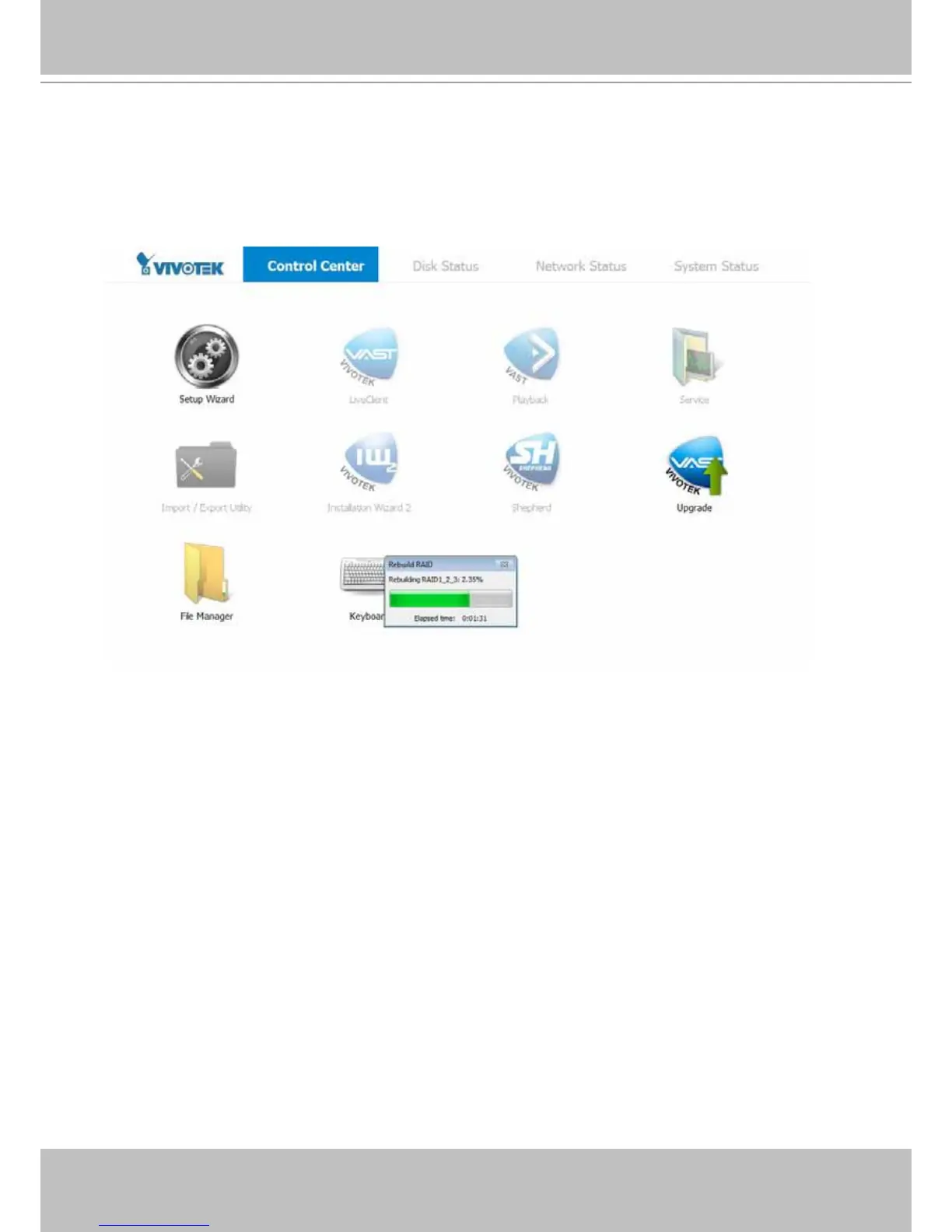
Once you replace the faulty drive with a new one, an automatic rebuild will begin, and its progress will
be indicated by a status bar as shown below. The process will take hours depending on the sizes of your
disk drives, e.g., 8 hours if using 2TB drives in a RAID5 volume.
If using a RAID5 volume, the recording task will be halted during the rebuild process. Recording will
continue if using storage volumes in other RAID levels.



 To Next Page