VIVOTEK
User's Manual - 21
NVR Desktop Elements
Menu Bar
Desktop Shortcuts
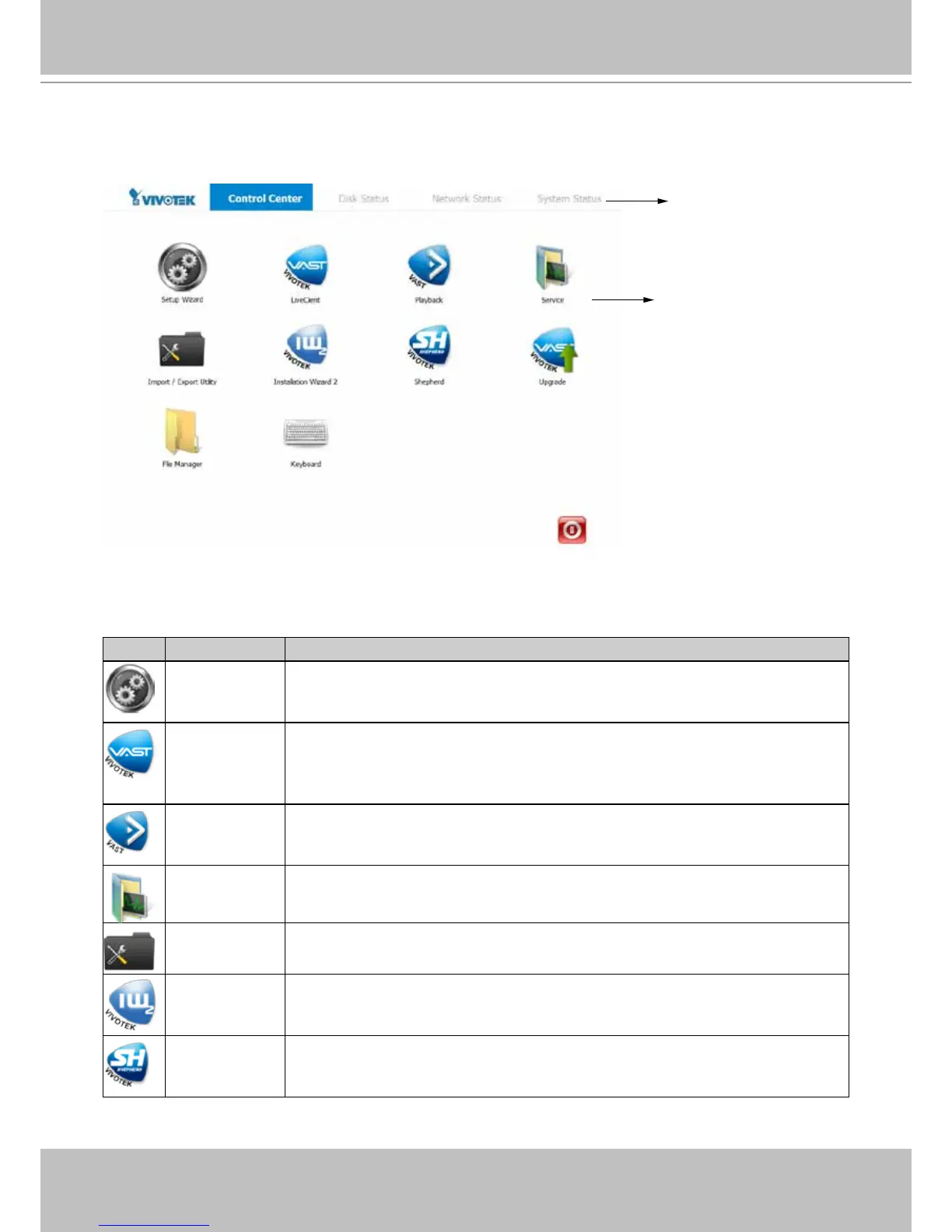
Control Center
Normally the desktop defaults to the Control Center view, which provides direct access to
various functional utilities such as LiveClient and Playback. The functions of these utilities are
summarized as follows:
Utility Description
Setup Wizard The Setup Wizard guides your through important steps on initial setup. Most of
the storage-related settings are managed through this wizard, such as creating
disk volumes, formatting, and breaking down existing disk volumes.
LiveClient LiveClient and Playback are the most important interfaces to the NVR's
various functionalities. LiveClient provides a centralized management interface
to the NVR system, provides live viewing, PTZ / E-PTZ operation, PiP, E-Map,
etc. Refer to Chapter Two on page 23 for the operation details.
Playback Playback enables access to recorded videos, snapshot, bookmark, backup,
and retrieval of recorded video, and more. Refer to Chapter Three on page
153 for the operation details.
Service Services enables you to restart or stop the embedded NVR server (VAST
server).
Import/ Export The Import/ Export utility helps preserve current system conguration or reload
a previously-saved conguration.
Installation
Wizard 2
The IW2 utility offers a glimpse of VIVOTEK cameras and the access to them
in a local area network.
Shepherd You can use Shepherd to quickly duplicate individual camera conguration
(system, video streams, network, security, etc.) to multiple cameras. Please
refer to page 191 for more about this utility.
Except for LiveClient and Playback, detailed description of the auxiliary functions can be found
in Chapter Four on page 187.



 To Next Page