VIVOTEK
User's Manual - 185
View Settings
This section allows you to set up the display mode of video cell. For detailed information about
View Settings, please refer to page 132.
Proxy Settings
Please refer to page 142 for detailed illustration.
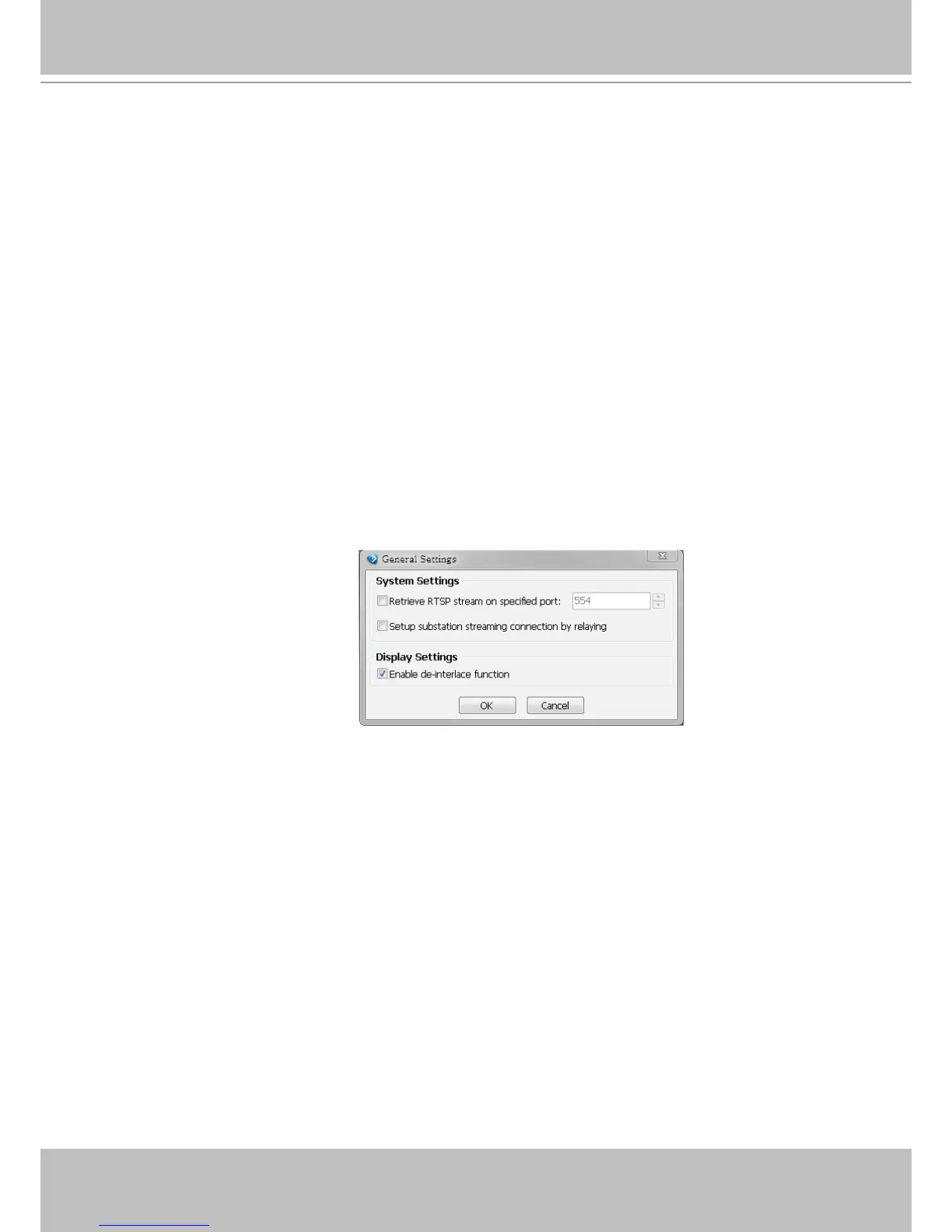
General Settings
System Settings
Please refer to page 134 for detailed information.
Display Settings
Enable de-interlace function: Select this option if your connected device does not support de-interlace
function. For example: VS7100.
How to Congure Video Enhancement
The Playback also allows you to enable post-image enhancement and defog for video viewing.
Please refer to page 145 for detailed information.
How to Search for a Device on the Hierarchical Management Tree
The Playback also allows you to conveniently search for an inserted device. Please refer to
page 150 for detailed information.



 To Next Page