VIVOTEK
User's Manual - 117
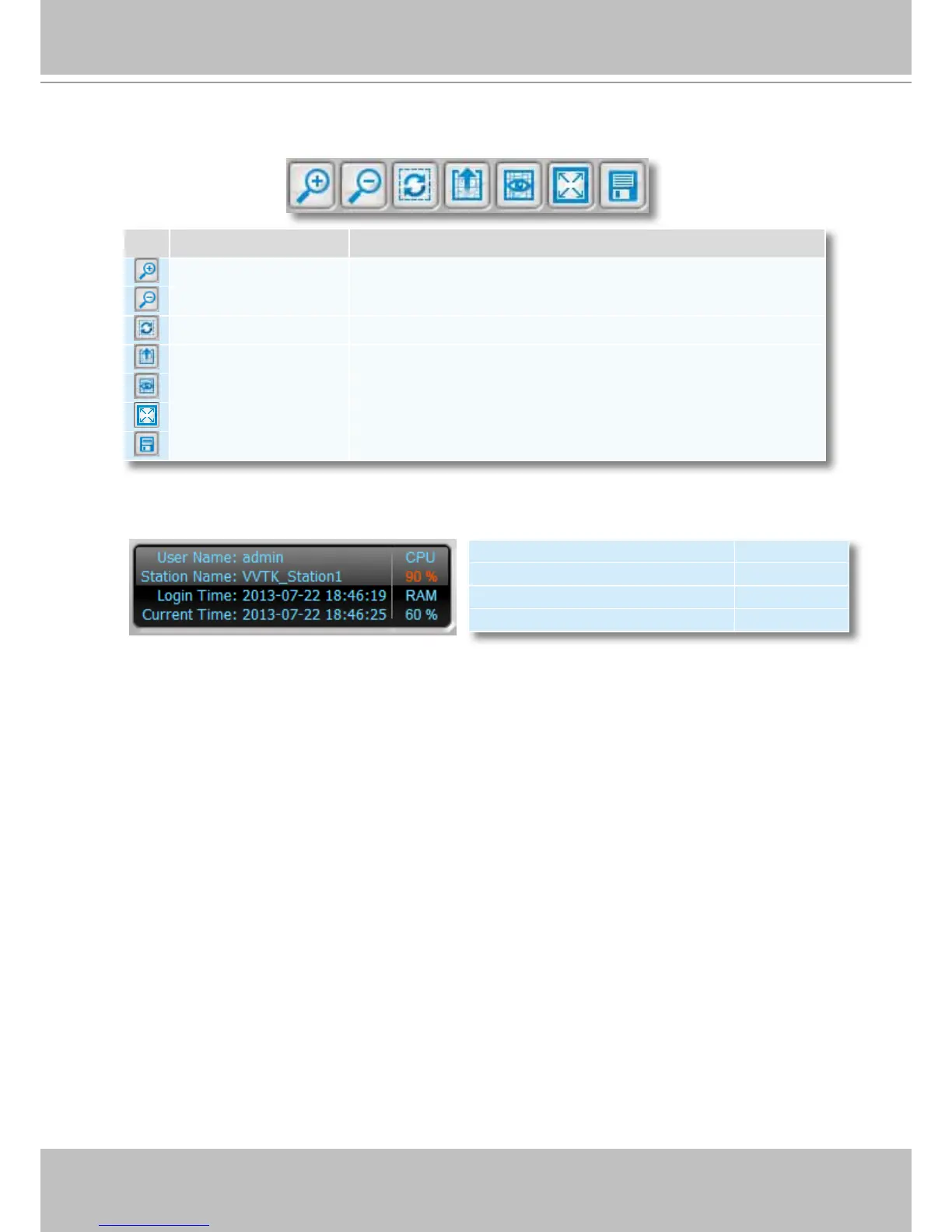
Quick Access Bar
Status Panel
Icon Function Description
Zoom in Zoom in the E-map
Zoom out Zoom out the E-map
Default size Adjust the E-map to default size
Upload Upload E-map to the login station
View Mode Click to switch to view mode
Full Screen Extend the E-map settings page to full screen
Save Save E-map settings
User Name CPU
Station Name (IP Address) usage
Login Time (yyyy-mm-dd hh:mm:ss) RAM
Current Time (yyyy-mm-dd hh:mm:ss) usage



 To Next Page