VIVOTEK
116 - User's Manual
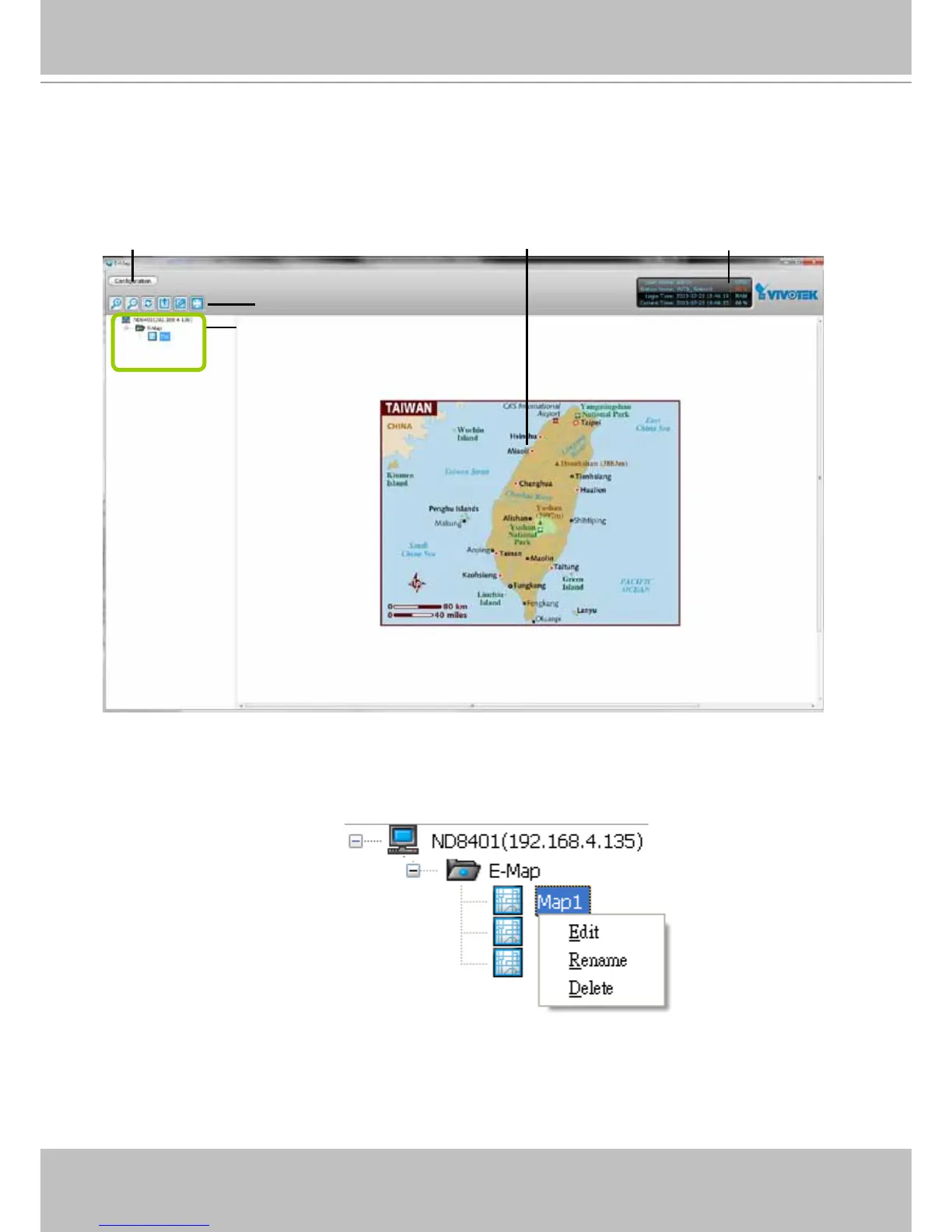
E-map Settings Page (View Mode)
Double-click an E-map on the tree, it will be displayed on the E-map window as shown
below. There are two operation modes of E-map settings page: "View Mode" and "Edit Mode".
The following is the "View Mode" illustration.
A. Menu bar B. Quick access bar C. E-map list tree D. E-map window E. Status panel
Right-click the E-map, then you can edit, rename, or delete the E-map.
B
A
C
E
D



 To Next Page