VIVOTEK
182 - User's Manual
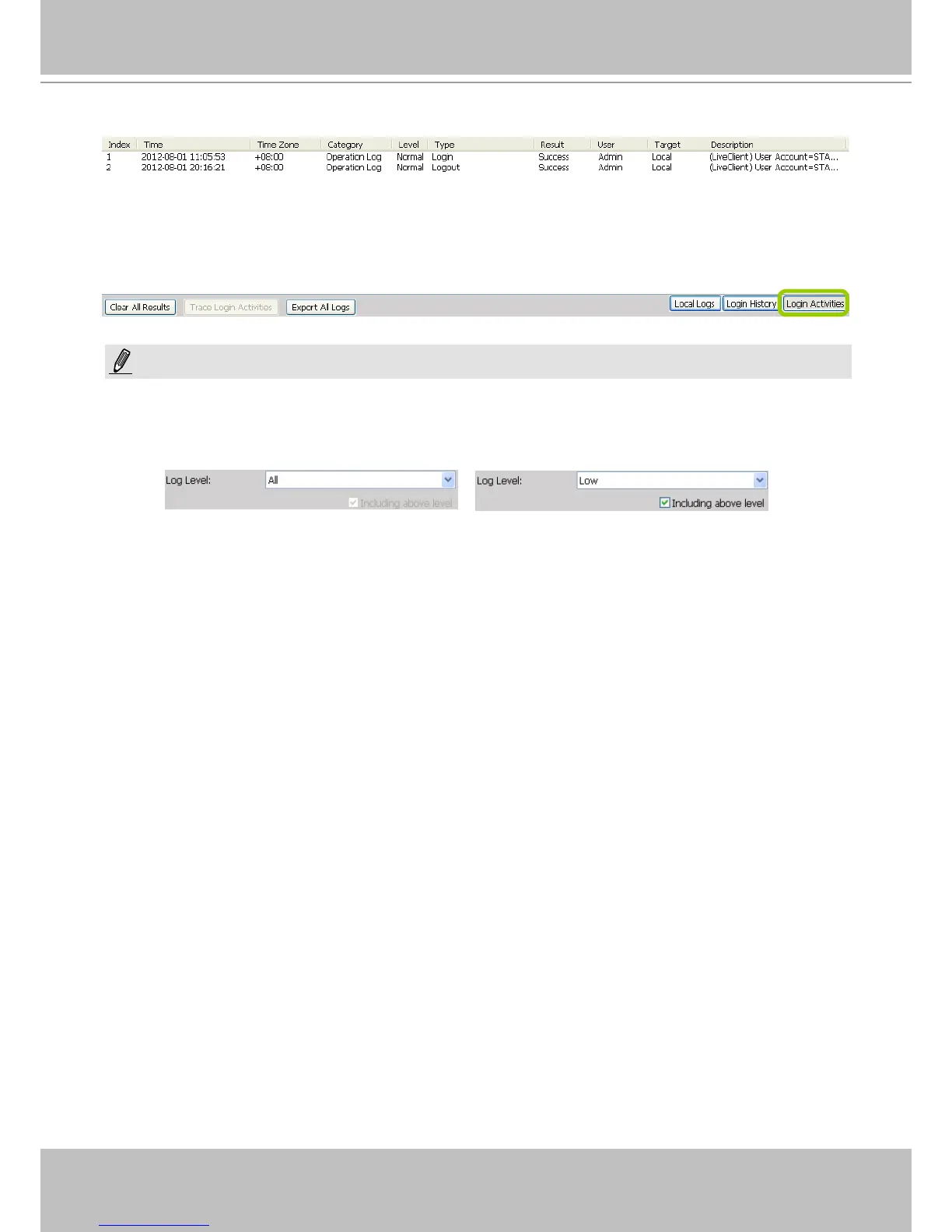
d. The search results of the login activities will be displayed on the Login Activities page as shown below.
When you select All in the Log Level eld, the search results will include all log levels. If you select Low in the Log
Level eld and select Including above level as shown in the picture below, the search results will include all levels
of logs. However, if you select Normal in the Log Level eld and select Including above level as shown in the
picture on the right below, the search results will only include Normal-level and High-level logs.
NOTE:



 To Next Page