VIVOTEK
User's Manual - 19
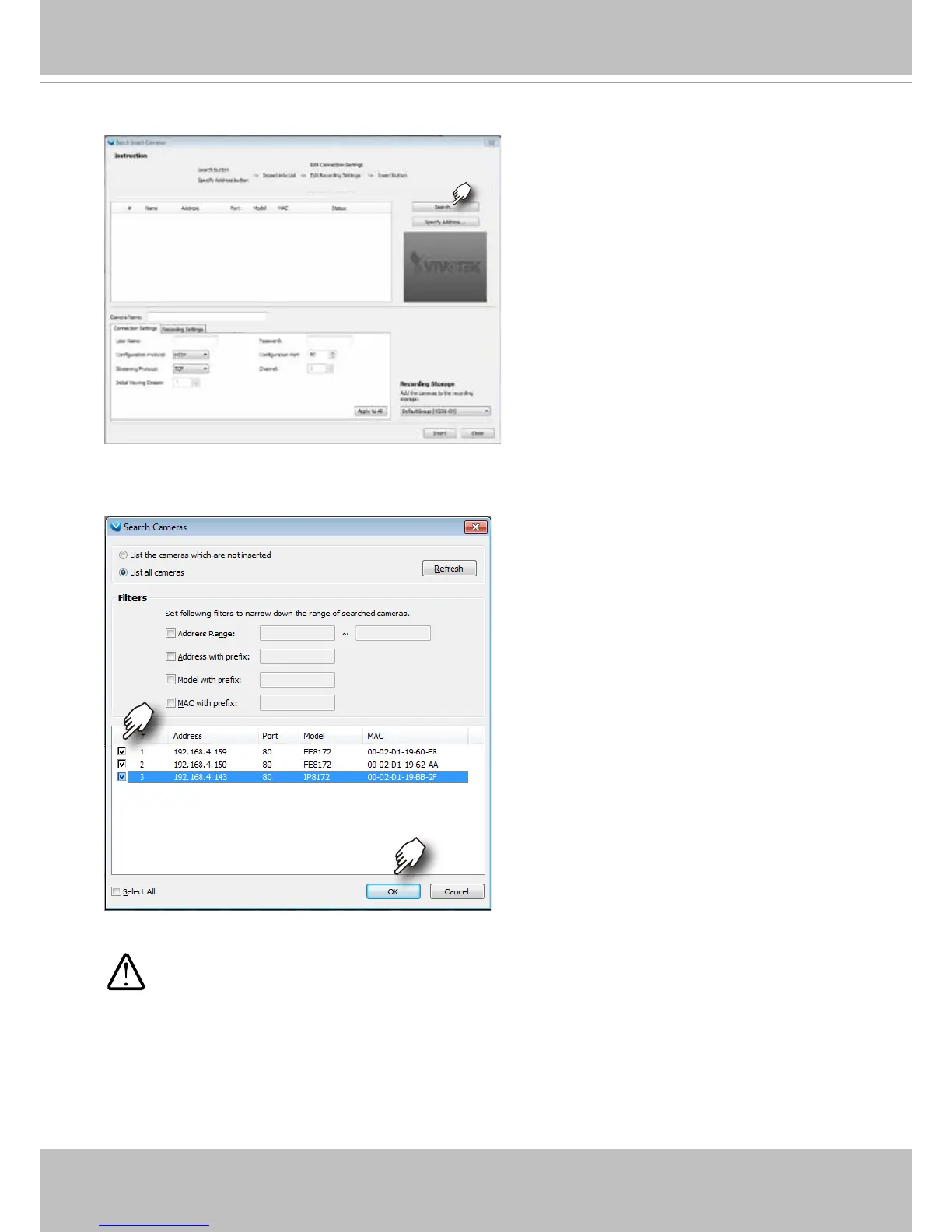
3-2. Click on the Search button.
3-3. Select cameras by clicking their checkboxes.
3-4. Click OK, return to the previous window, and click the Insert button.
4. It is important to ensure that the live viewing and recording conguration does not
exceed the system's limits:



 To Next Page