VIVOTEK
76 - User's Manual
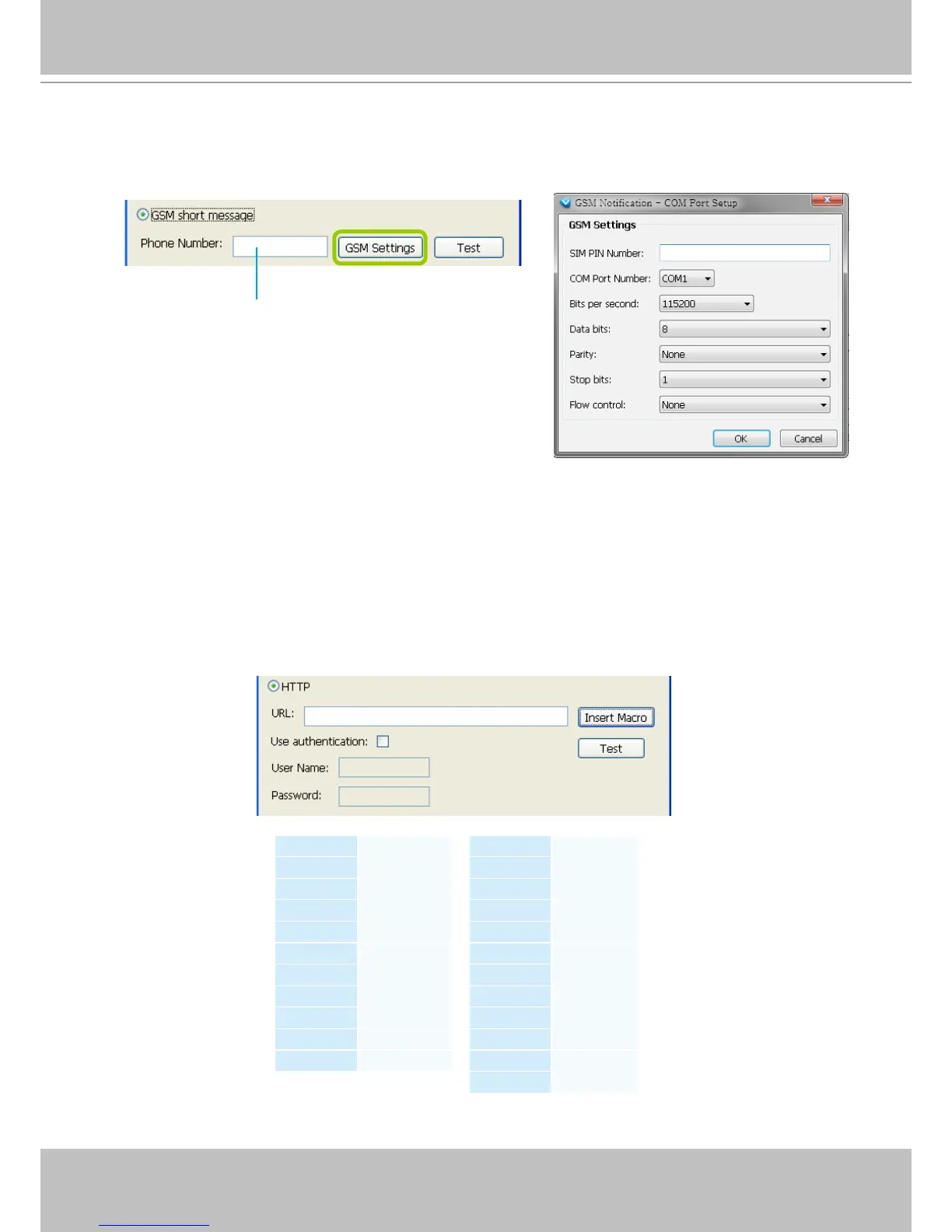
GSM Short Message: The sever will send a short message to a GSM cell phone when an event is
triggered. A GSM modem is necessary.
q. Please enter the Phone Number and open GSM Settings window to set related information if
necessary. When completed, click OK to enable the setting.
HTTP: This function allows user to send a CGI command to the linked network camera, such as pan/
tilt/zoom function or enable DO devices.
r. You can click Insert Macro to select the parameter. Please enter authentification information
if necessary. For example: http://192.168.3.66/cgi-bin/admin/setparam.cgi?system_
hostname=$(EventTime) $(CameraName)
If you want to use special characters such as $-_.+!*'(),#%+$,@:;/?=&, please refer to the
following table to transfer the Code (Hex).
For example: http://192.168.3.66/cgi-bin/admin/setparam.cgi?system_hostname=123&456
--> http://192.168.3.66/cgi-bin/admin/setparam.cgi?system_hostname=123%26456
Please enter the country code if you use overseas call.
Character Code (Hex)
! 21
# 23
$ 24
% 25
& 26
' 27
( 28
) 29
* 2A
+ 2B
Character Code (Hex)
, 2C
- 2D
. 2E
/ 2F
: 3A
; 3B
= 3D
? 3F
@ 40
_ 5F
~ 7E



 To Next Page