5-8 OM ET18/20/24 us 1.3 * et18_20_24b500.fm
5
5.5 Differential lock
No
5.6 Lights/signalling system
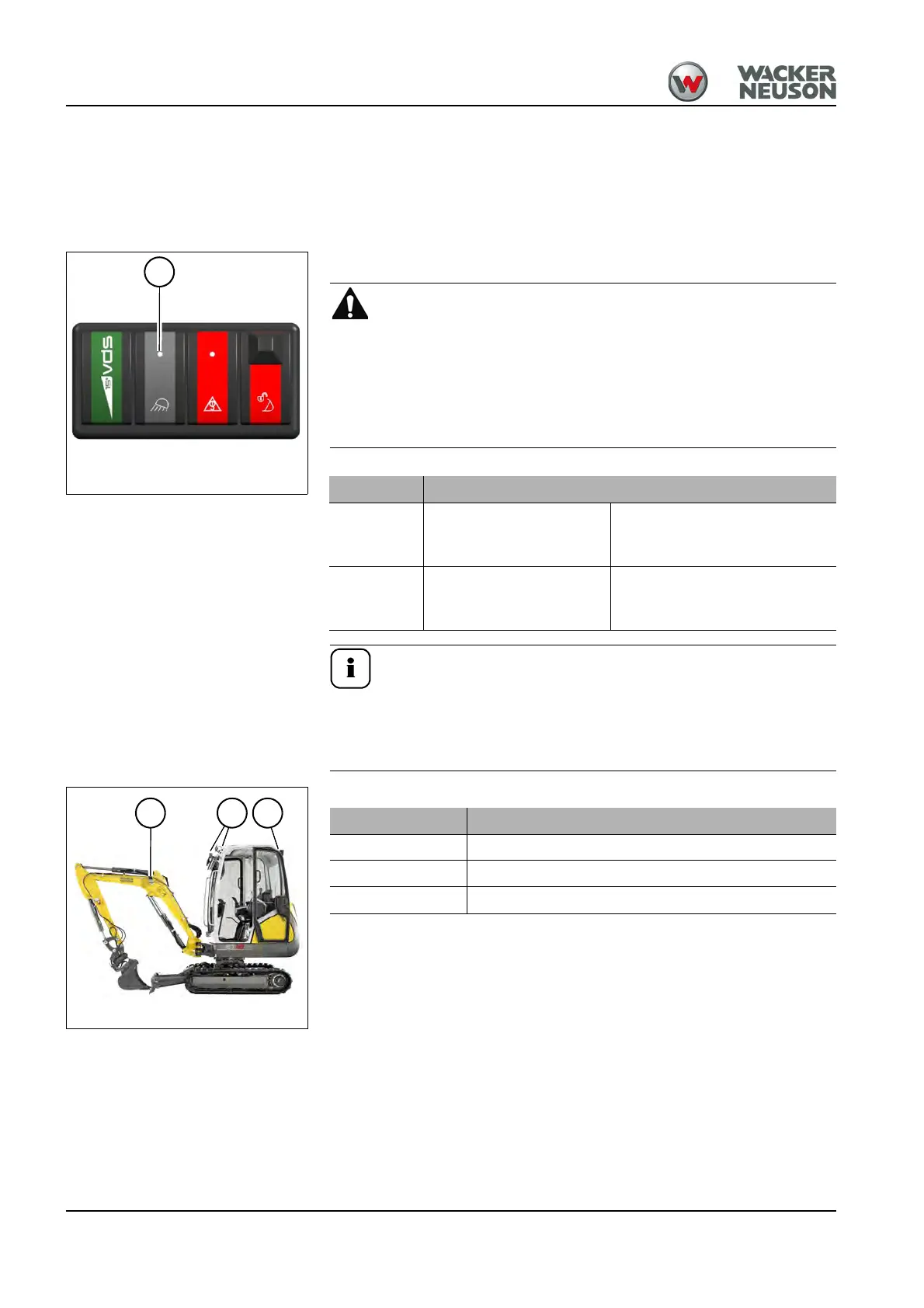
Working lights
The switch is located on the left-hand control lever base.
Accident hazard! Motorists can be blinded by bright lights
on the job site.
Can result in severe injury or death.
► Switch on the working lights in the work area on public roads
only if motorists are not expected to be blinded.
Switch on the working lights (option) in poor light conditions. If
illumination still is not sufficient, use external lights. If this is still
not enough to illuminate the work area sufficiently, stop work
and only resume it when sufficient illumination is present.
Fig. 127: Working light switch
37
Position Function
ON Press switch 37 down
Working lights switched on, the
indicator light in switch 37 illu-
minates
OFF Press switch 37 up
Working lights switched off, the
indicator light in switch 37 goes
out
Fig. 128: Working lights
A B C
Position Designation
A Working light (standard)
B Front working lights (option)
B and C Front and rear working lights (option)











 To Next Page