OM ET18/20/24 us 1.3 * et18_20_24b510.fm 5-29
5
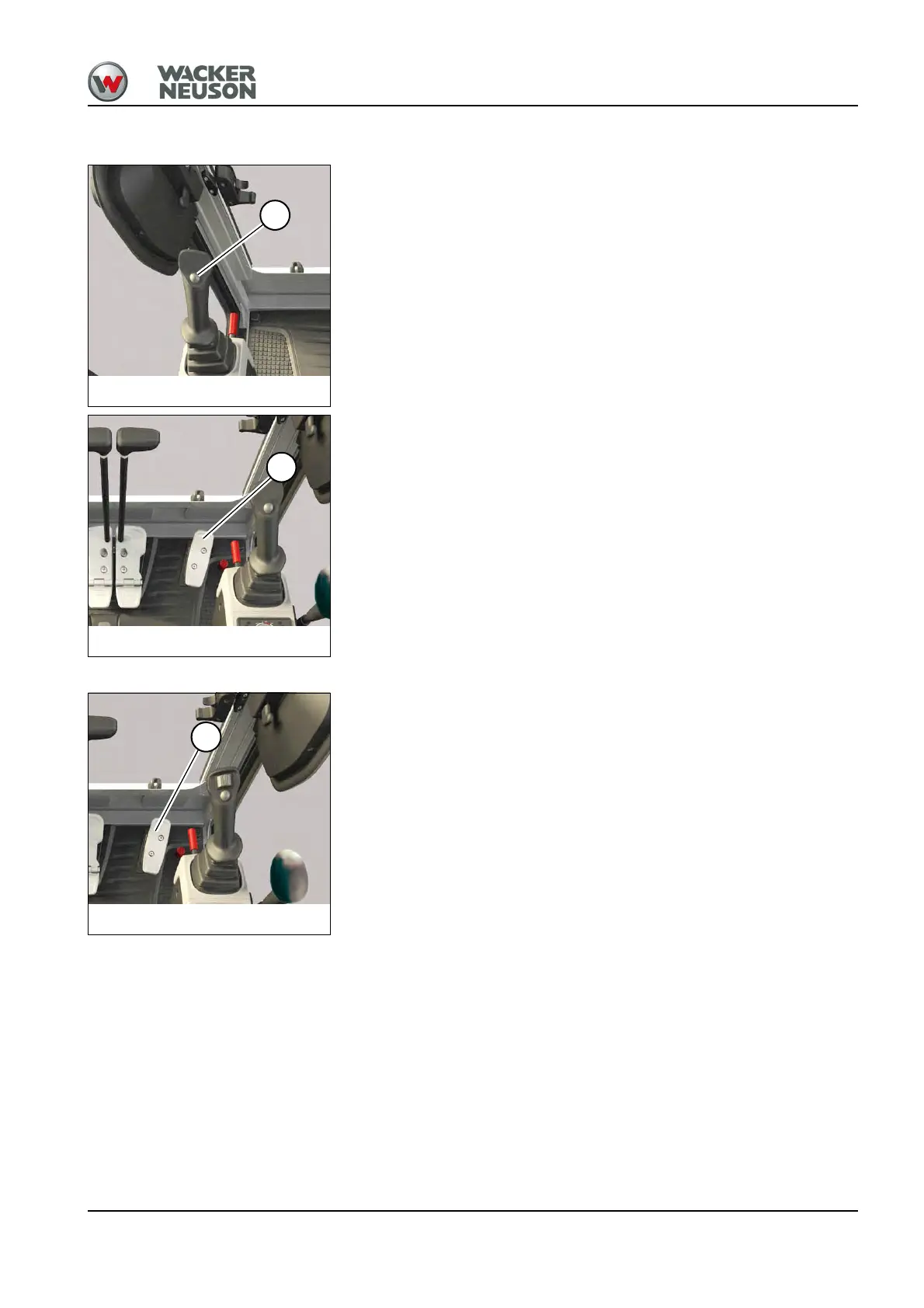
Swiveling the boom
Press and hold button A on the left-hand control lever base.
Swiveling the boom to the right:
Press pedal 2 forward.
Swiveling the boom to the left:
Press pedal 2 backward.
Swiveling the boom (proportionally controlled)
Swiveling the boom to the right:
Press pedal 2 forward.
Swiveling the boom to the left:
Press pedal 2 backward.
Fig. 164: Changeover of boom swivel
A
Fig. 165: Boom swivel/auxiliary hydraulics pedal
2
Fig. 166: Boom swivel/auxiliary hydraulics pedal
2











 To Next Page