4-22 OM ET18/20/24 us 1.3 * et18_20_24i400.fm
4
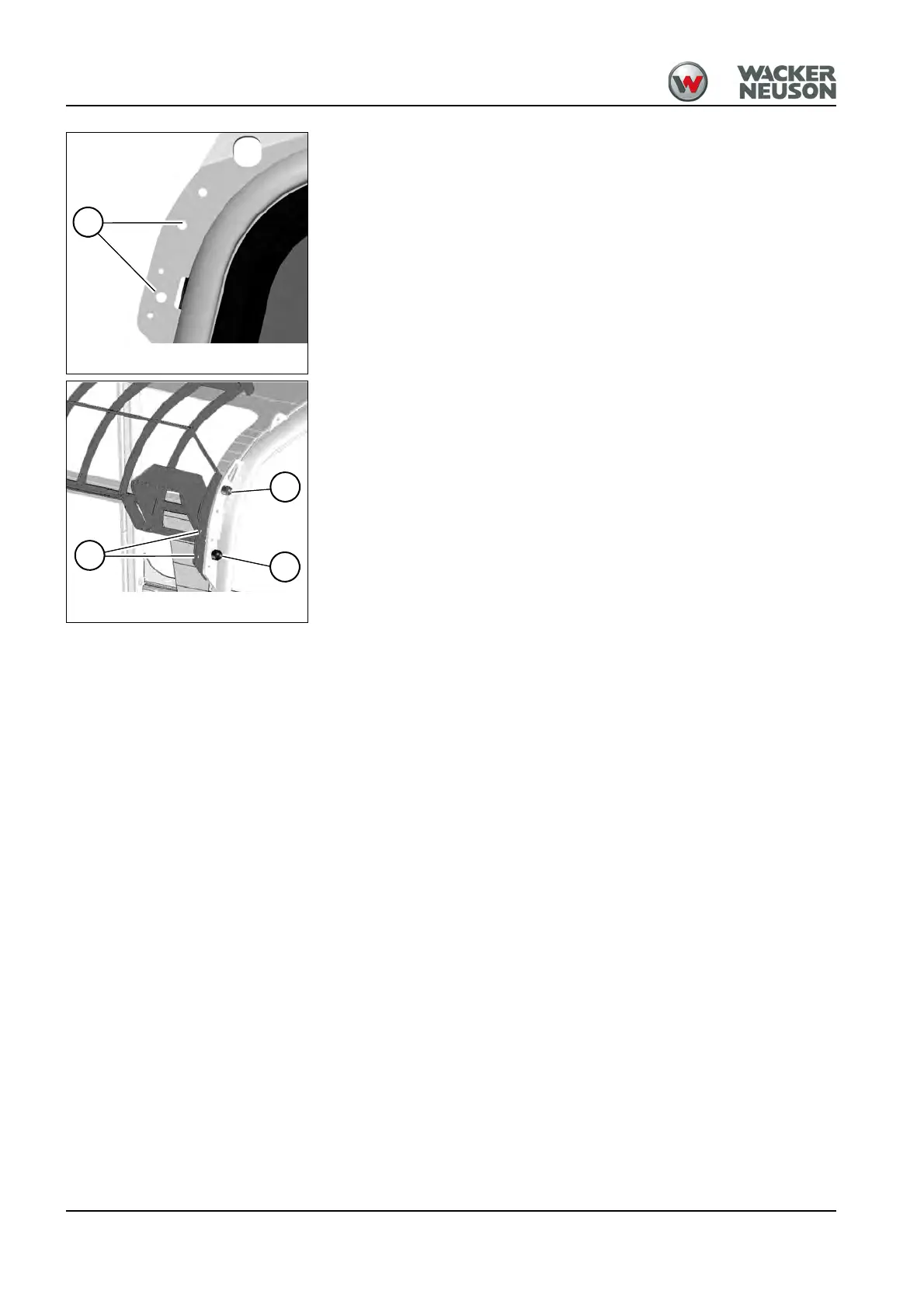
5. Mounting point for cab/canopy: B
6. Tighten screws D (M12/10.9) and lock nuts on the left and right to 110
Nm (87 ft.lbs).
7. Install the mirrors in both positions C.
Assembly (black screen)
1. Stop and park the machine. Stop the engine. See “Preparing
lubrication”.
2. Remove all lights and mirrors (option).
3. A minimum 2 persons are required for installing/removing.
4. Mounting point for cab/canopy: B
5. Tighten screws D (M10/8.8) and lock nuts on the left and right to 45
Nm (33 ft.lbs).
6. Tighten screws E (M12/8.8) and lock nuts on the left and right to 87 Nm
(64 ft.lbs).
7. Install the mirrors in both positions C.
Fig. 92: FOPS mounting point (above on
machine)
B
Fig. 93: Black/grey FOPS (assembly)
D
E
C











 To Next Page