OM ET18/20/24 us 1.3 * et18_20_24w700.fm 7-33
7
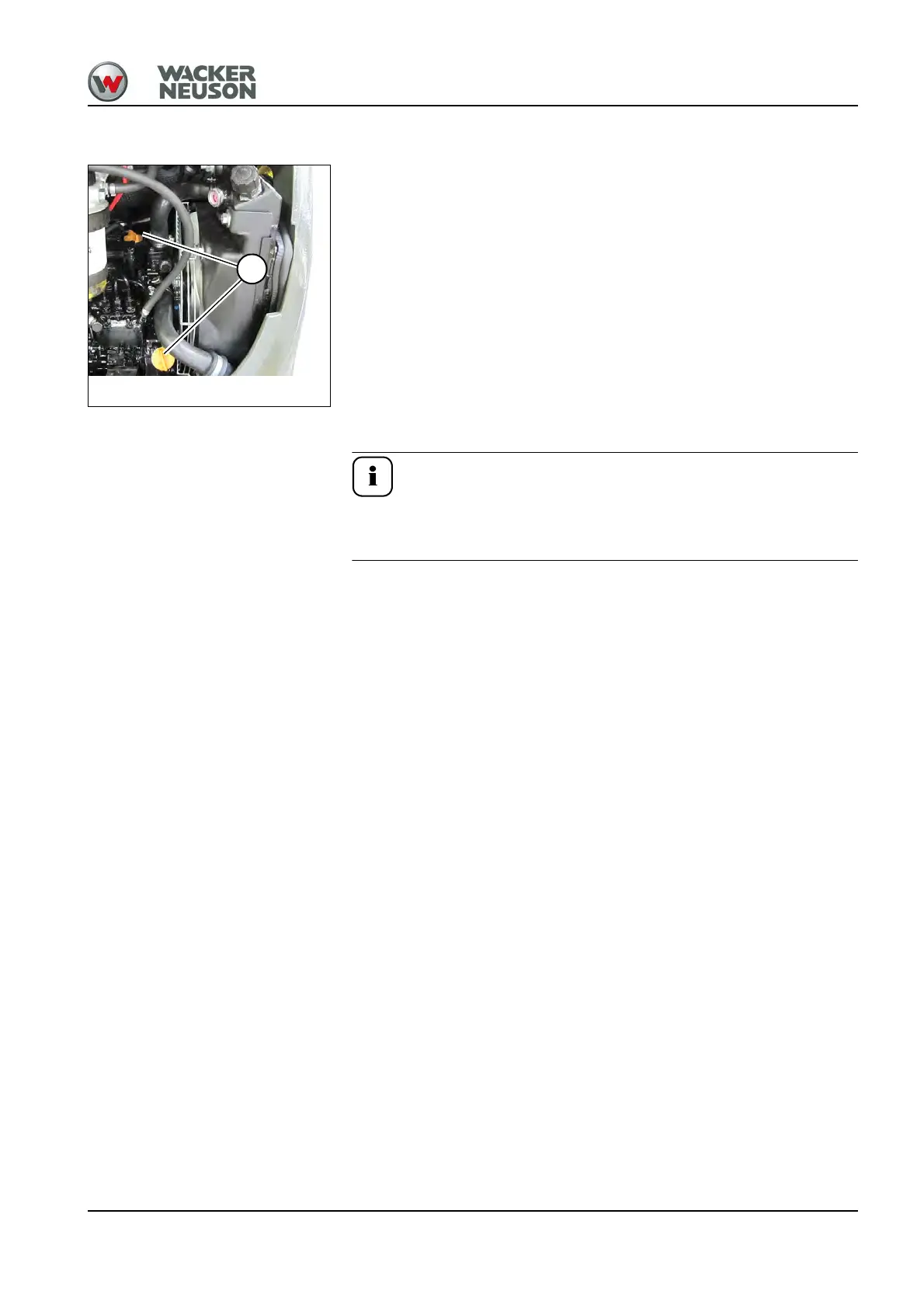
Adding engine oil
1. Stop and park the machine. Stop the engine. See “Preparing
lubrication”.
2. Open the engine cover.
3. Clean the area around the oil filler cap with a lint-free cloth.
4. Open filler cap B.
5. Raise oil dipstick A slightly to allow any trapped air to escape.
6. Add engine oil.
7. Wait about 3 minutes until all the oil has run into the oil sump.
8. Check the oil level.
9. Add oil if necessary and check the oil level again.
10.Close filler cap B.
11.Push oil dipstick A back in as far as possible.
12.Close and lock the engine cover.
Use a suitable container to collect engine/machine fluids as they
flow out and dispose of them in an environmentally friendly
manner.
Fig. 249: Adding engine oil
B











 To Next Page