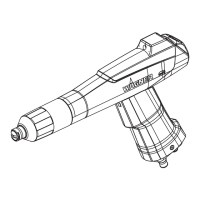
Operating manual Manual powder spray gun PEM-X1
7 Operation
28 Order number 2326020 | Edition 10/2022
7.5 ADJUSTMENT OF POWDER QUANTITY
Pos Designation
1 LED display green
2 Button [Reduce powder quantity]
3 Button [Increase powder quantity]
Note:
This function can only be activated in combination with the EPG-Sprint X control unit.
By pressing the buttons [+/-], the preset program values of the feed air (powder quantity)
can be changed in the desired direction.
In this case, the total air remains unchanged, the dosing and feed air are readjusted
accordingly.
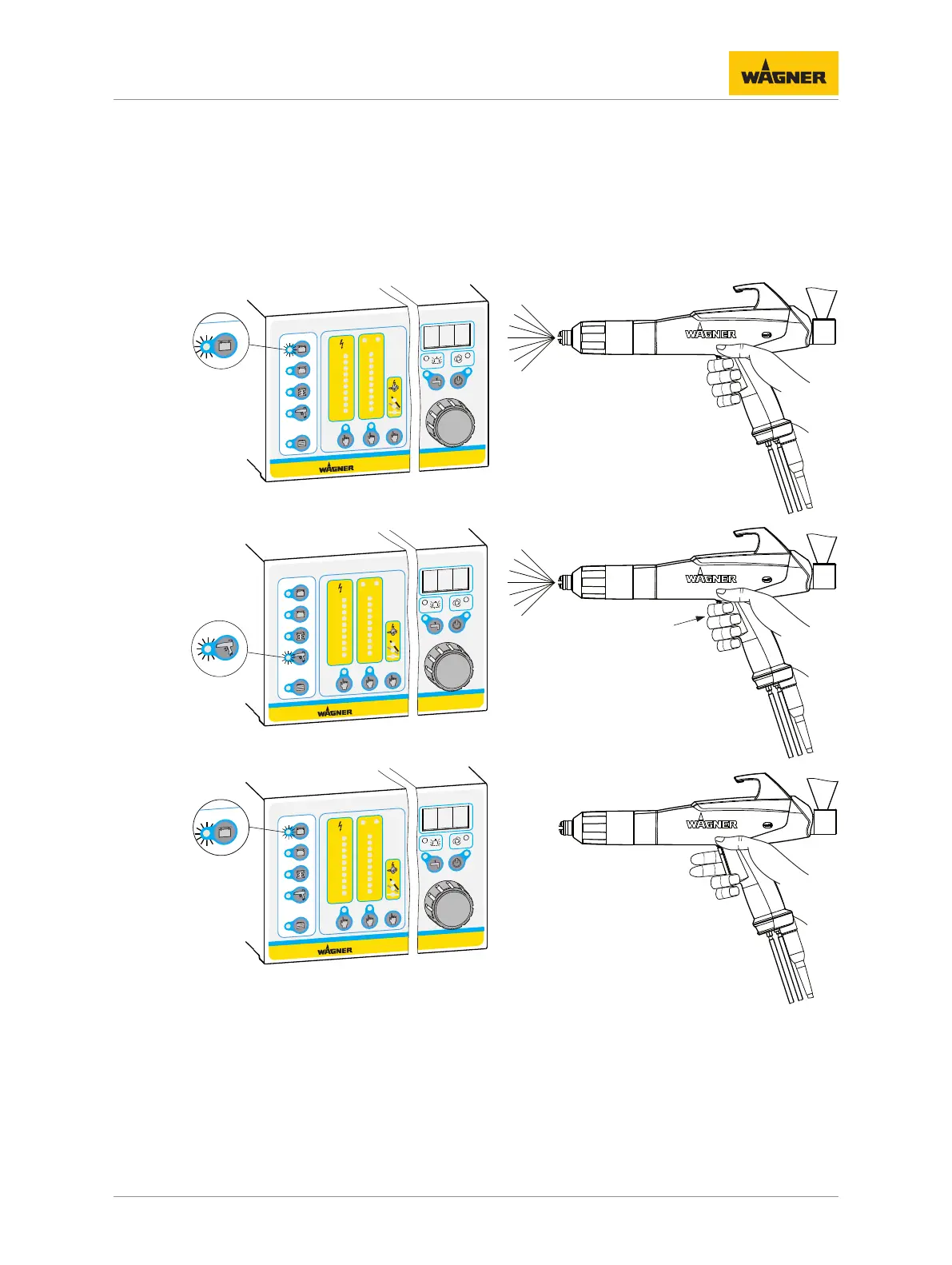
LED display Operating mode
Flashing Normal operation of gun
Constant blinking Activated program has been changed using the [+] or
[-] button.
By selecting another program, the modified values of
the powder quantity are not accepted, however, the
current values of the other program are accepted and
the blinking changes to flashing.
By saving these settings, the current values for the
powder feed are accepted in the current program.
The blinking changes back to flashing.
By activating the [Double Click] function, the blinking
is switched off as well. Then, the preset program val-
ues are active again.
Permanent lighting
The trigger lever was actuated with a [double click],
i.e.,
the [Double Click] program is activated.
7.6 DOUBLE CLICK PROGRAM (HIGH DYNAMIC REMOTE)
This function is used to change quickly to another program during a coating operation. The
operator can access a previously set program by double-clicking on the trigger lever on the
manual gun, for example to recoat parts using different parameters (high-voltage, current
limitation, air volumes etc.).



 To Next Page
 Loading...