SPEEDGATE Installation and Maintenance Manual Revision 1 - MAY 2023
35
EXTERNAL ENTRAPMENT SENSOR TYPES
Table 3. Tripped External Entrapment Sensor Modes
When an obstrucon is encountered the rst me in a gate cycle, F320 will appear
on the LCD display if the gate shuts down while traveling in the open direcon; F325
for the close direcon. F395 will appear on the display if a second entrapment trip
occurs in the same cycle (hard shutdown via the inherent reduced speed sensor/
torque change sensor).
If gate operaon is not restored with a normal command (open signal, card
reader, close signal, vehicle presence on an Automac Exit Loop) or, in the case of
a hard shutdown, a system reset, check the controller LCD display for addional
troubleshoong error codes.
The prescribed soluon will vary, depending on the display number indicated. When
the fault or error is resolved, a normal command for a new open or close cycle will
restore gate operaon. Otherwise, the issue could be with the gate operator or
another gate component.
ORIGINAL GATE
POSITION
Obstacle
Detected,
Acvang Photo
Eye Input
Gate Response
Opening Yes Gate should reverse to closed posion and wait for a renewed
command.
Opening Yes Gate should reverse to closed posion; if it encounters another
infrared beam (photo eye) input* during reversing, another acve
safety input is triggered.
*or an edge sensor input, if programmed in the same manner as the photo eye
Opening Yes Gate should reverse to closed posion; if it encounters another
obstacle during reversing [via the IES (inherent reduced speed
sensor/torque change sensor)] = hard shutdown.
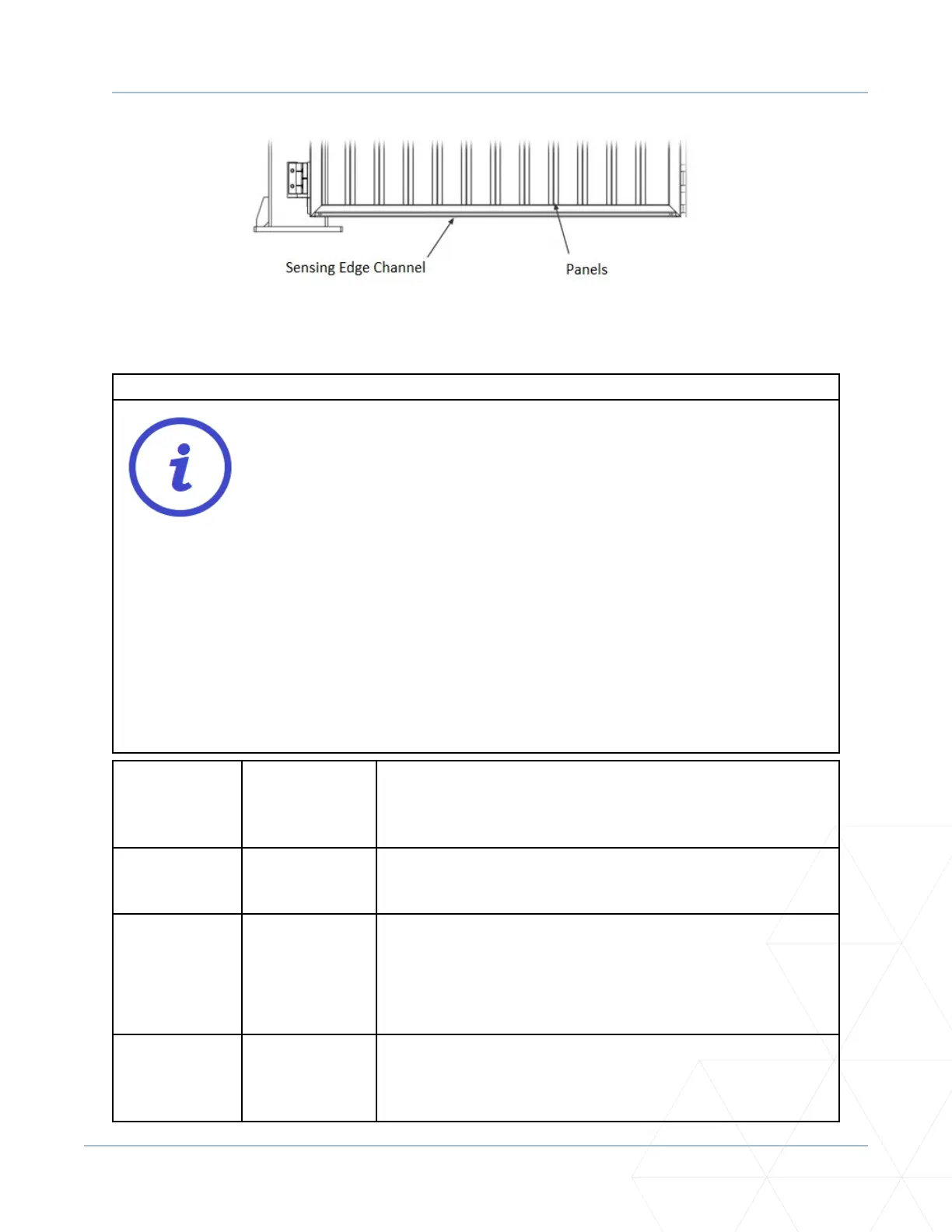
Figure 4. Sensing Edge Channel



 To Next Page