IntroductIon
© WASP S.r.l.
3
33
Preparing to use the printer
3
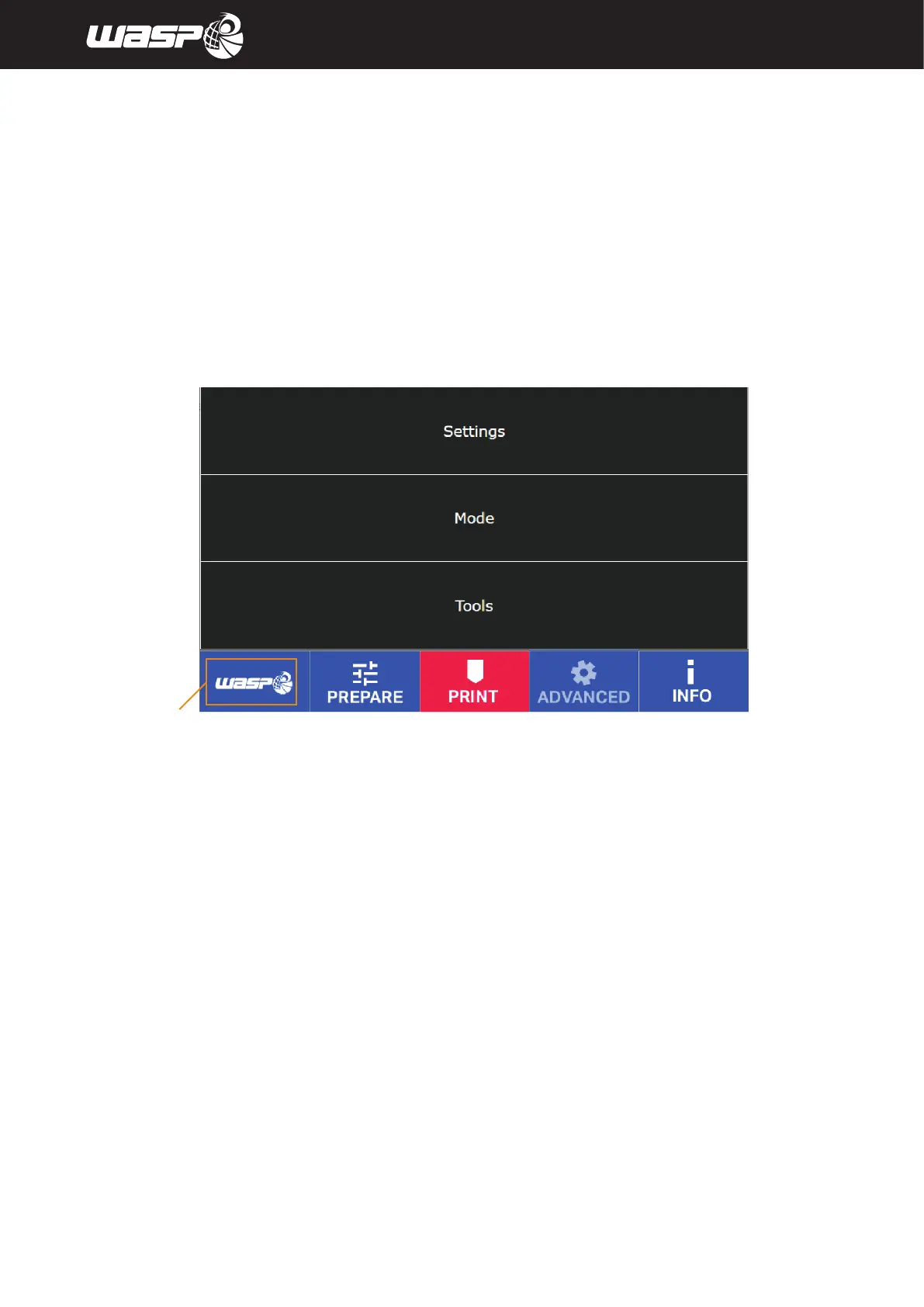
5.2.4. ADVANCED menu
Access it by clicking the ADVANCED button in the toolbar. It contains advanced tools and settings to be used
extraordinarely with the instructions of the Manufacturer.
Legend:
• SETTINGS: Delta Settings, Continuous print, Extruder settings, Motion settings, Temperature settings,
Bed touch, Filament sensor, Out of Plate Blocking, Access information, WIFI settings
• MODE: Send arbitrary commands, Reload UI, Test Mode, Camera
• TOOLS: Set Z Max, Manual Control, Manual Levelling
Fig. 5.2.4 - Menu ADVANCED
BACK TO MAIN BOARD



 To Next Page