IntroductIon
© WASP S.r.l.
7
74
Use of the printer
7
8.12. VACS (Vacuum Active Control System)
The VACS (Vacuum active control system) is the system that the machine uses to guarantee a removable printing
base.
The characteristics of this system are:
• Ability to remove the plate after printing to facilitate the detachment of the part
• Ability to easily replace a compromised print plate
• Ability to use plates in different materials for better chemical compatibility
Before moving further with the use of the system make sure to understand the
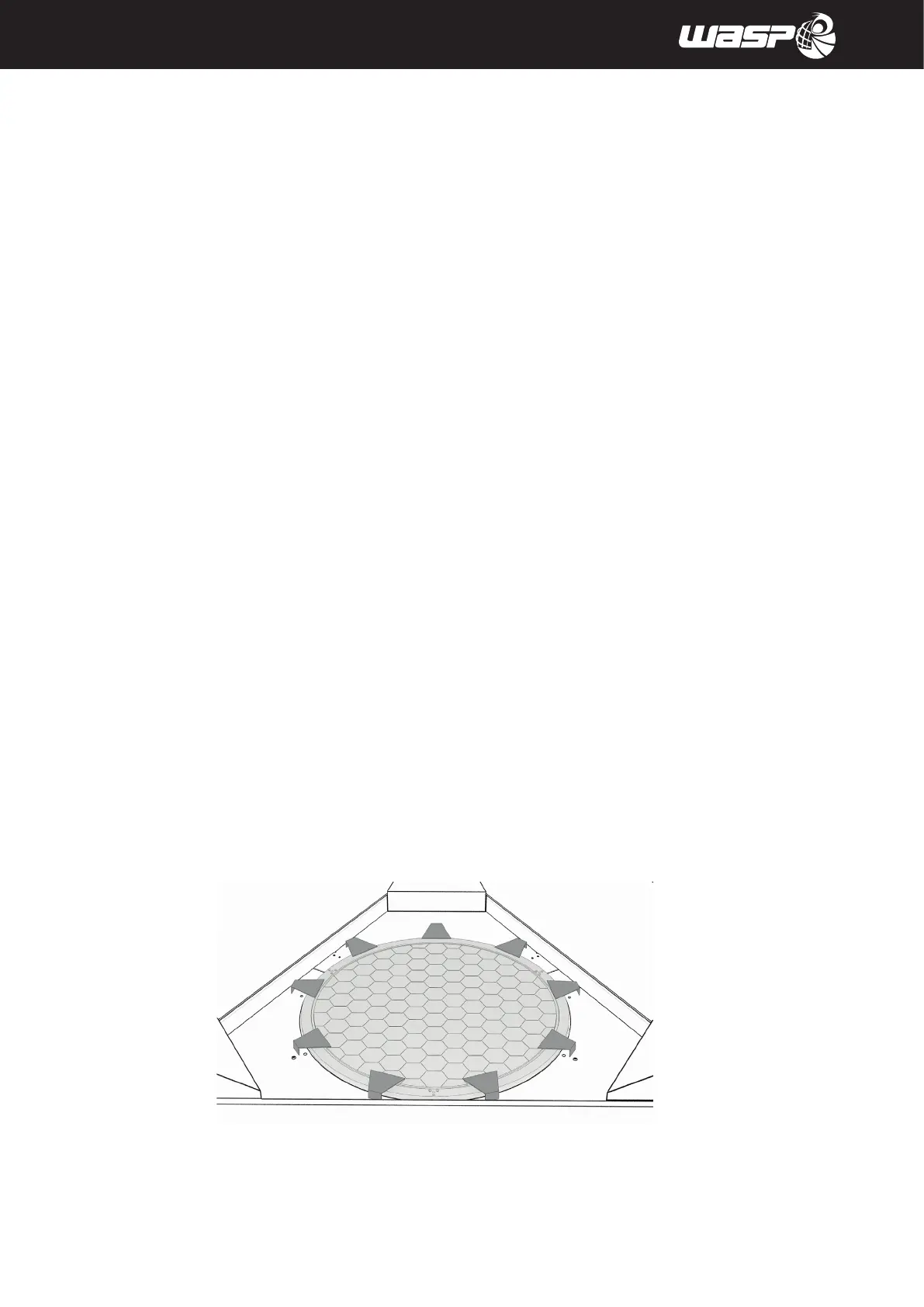
1. With the machine turned on, check the cleanliness of the vacuum bed. (fig 8.12a)
The possible presence of debris can compromise the system’s ability to reach the vacuum.
2. Place the silicone gasket in its slot (fig 8.12b)
3. Place the removable printing surface on the top of the vacuum bed (fig 8.12 c)
4. Use the clamps to hold the removable printing surface on the vacuum bed (fig 8.12 d)
5. With the door closed, activate the vacuum with the PRINT> VACUUM command.
The switch should change from OFF to ON.
6. Once clicked, the command will show the switch to ON and the pump will start working.
Verify that the operation was successful by testing the adhesion of the plate.
If the plate is not solidly anchored to the aluminum vacuum bed, it means that the operation was not successful.
The error VACUUM FAILURE generally means there’s a leak of air.
In this case repeat the procedure from point verifying:
• Cleaning the aluminum vacuum bed, cleaning it if necessary
• Integrity of the gasket, replacing it if necessary
• Flatness and integrity of the removable printing plate, replacing it if necessary
Fig. 8.12 a - Clean the aluminum vacuum bed



 To Next Page