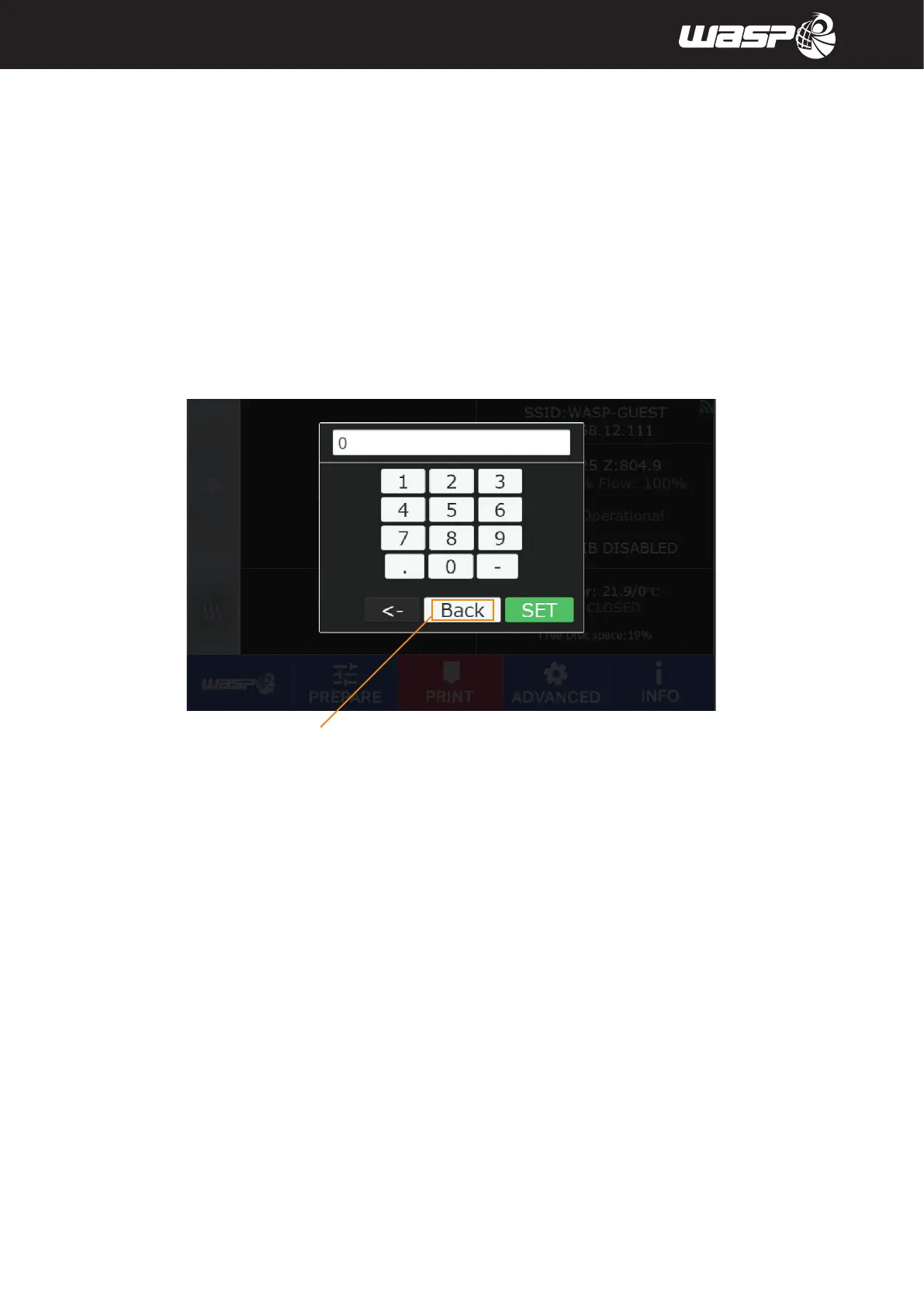
Fig. 5.2.9 - Digit window
BACK TO MAIN BOARD
IntroductIon
© WASP S.r.l.
3
38
Preparing to use the printer
3
5.2.9. Digit window
The digit window is used when is necessary to define a numeric value.
Use the button to digit the desired value and confirm with the green button SET.
Use the CANC button to erase a digit.
Use BACK to exit the digit window.



 To Next Page