IntroductIon
© WASP S.r.l.
7
48
Ordinary and extraordinary maintanance
7
7.3.1. Purging the extruder
The extruder cleaning procedure may be necessary if the material outlet flow is compromised.
Check that the flow inconsistency is not related to operating temperatures or speeds before proceeding with
this operation.
To purge the extruder:
1. Set a temperature compatible with the material inside the extruder.
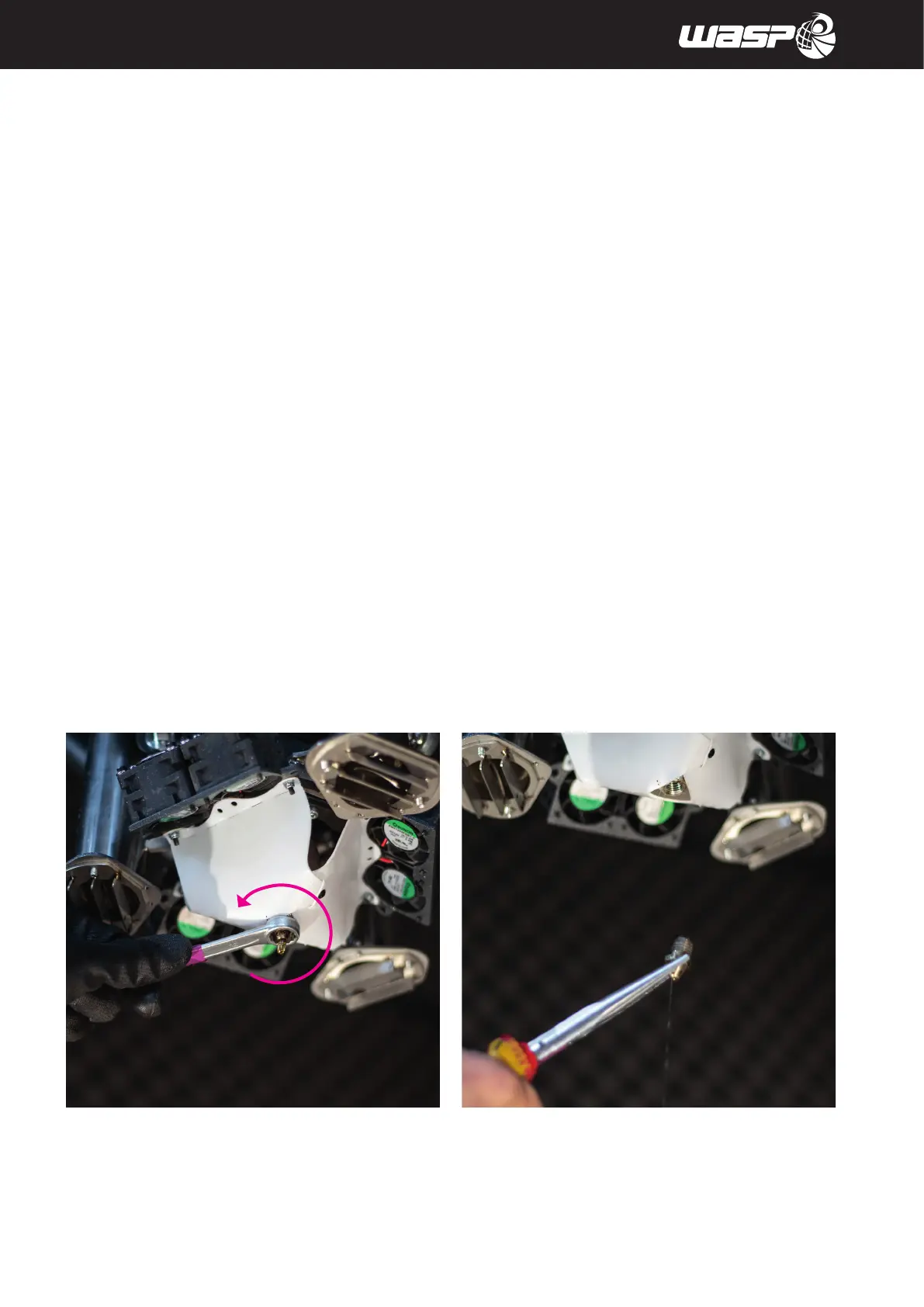
2. Unscrew the nozzle with a 12 mm wrench.
3. Remove the nozzle with the help of some pliers.
4. Use the PRINT>CLEAN EXTRUDER command to begin purging
5. Wait until the material comes out consistently
6. Stop the process with the STOP buttonv
7. Reassemble the nozzle
fig 7.3.1 a - Unscrewing the nozzle fig 7.3.1 b - Removing the nozzle
Fig. 7.3.1- Purging the extruder



 To Next Page