IntroductIon
© WASP S.r.l.
7
49
Ordinary and extraordinary maintanance
7
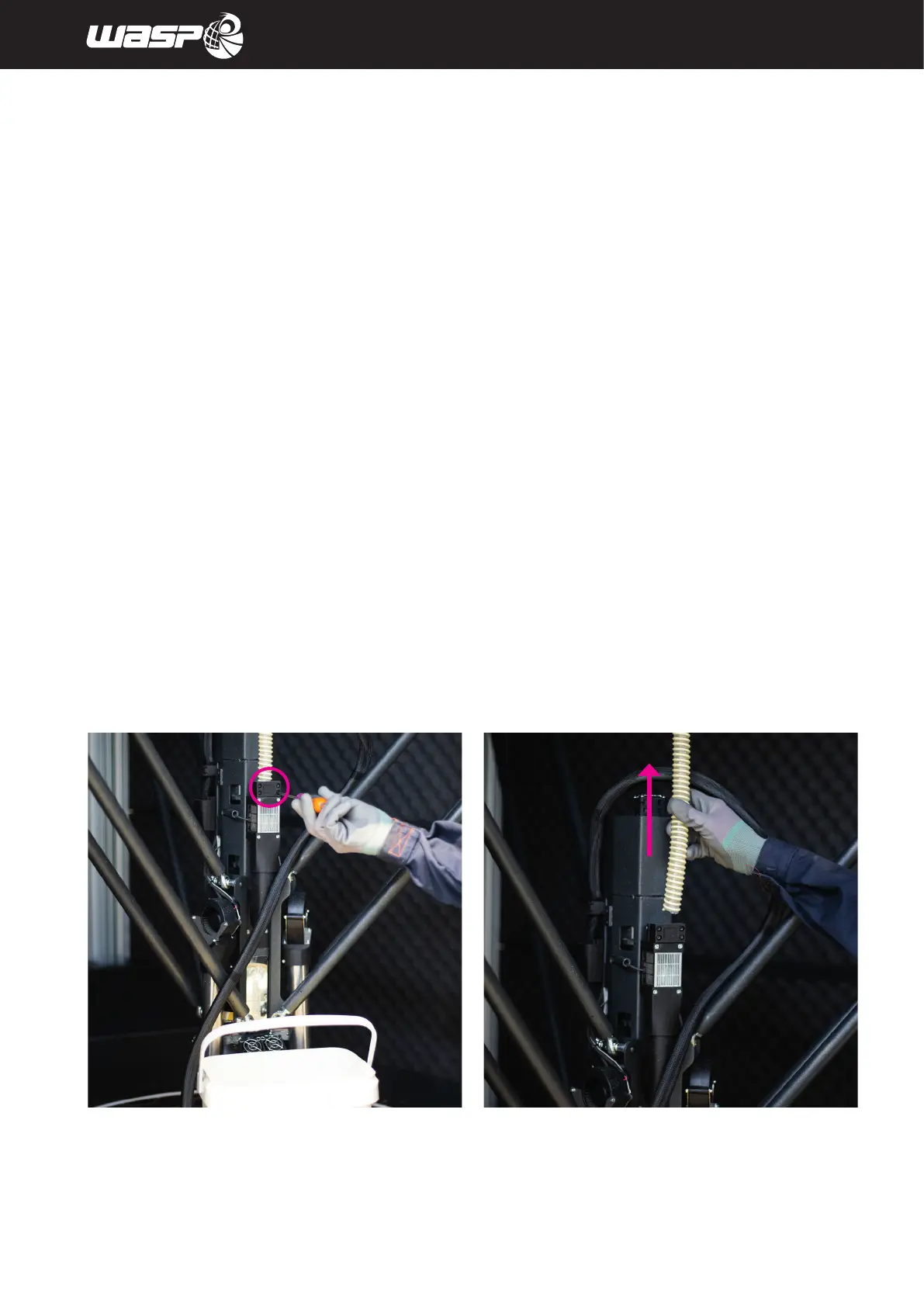
Fig. 7.3.2 - Changing the extruder
7.3.2. Changing the extruder
Removal of the extruder should only be carried out on the instructions of the manufacturer.
To remove the extruder, follow the procedure indicated:
1. Loosen the screws securing the material feed hose cover with an Allen key. (fig. 7.3.2 a)
2. Remove the material feed hose by pulling it upwards (Fig. 7.3.2 b)
fig 7.3.2 a - Loosen the hose holder fig 7.3.2 b - Remove the hose



 To Next Page