IntroductIon
© WASP S.r.l.
7
50
Ordinary and extraordinary maintanance
7
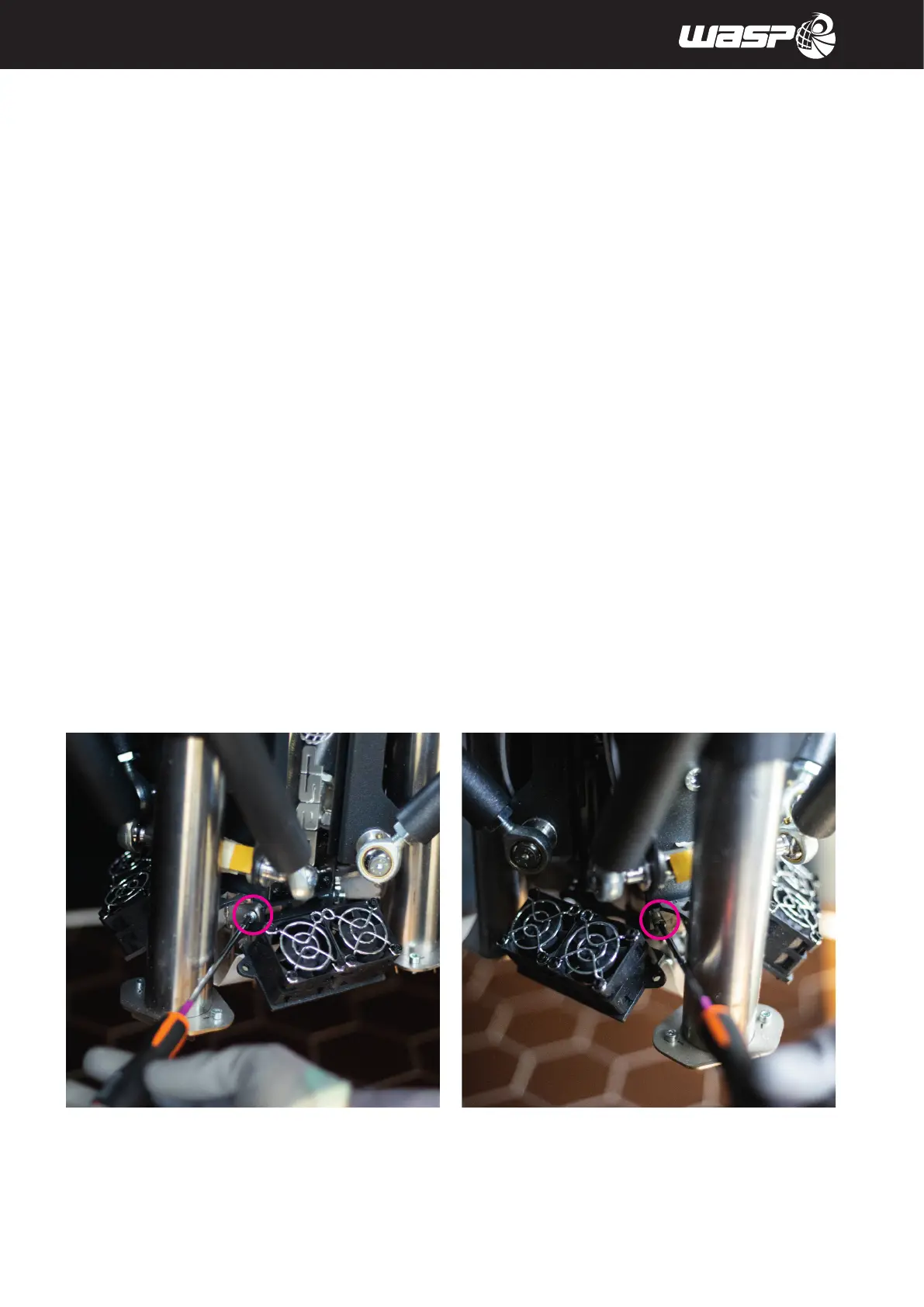
3. Unscrew the two screws which secure the Firecap module with an Allen key until they are removed (fig. 7.3.2
c-d)
4. Gently lift the Firecap module and move it to the side of the arms so that the wiring harness can pass through
to the outside (fig 7.3.2 e-f)
5. Repeat for each Firecap module
6. Remove the screws securing the bracket to the extruder (fig 7.3.2 g)
7. Remove the entire extruder support plate (fig 7.3.2 h)
fig 7.3.2 c - Unscrew the Firecap module fig 7.3.2 d - Unscrew the Firecap module
Fig. 7.3.2 - Changing the extruder



 To Next Page