o The timeout indicates the SMA-Net device response time. By default it is set to
10000 ms.
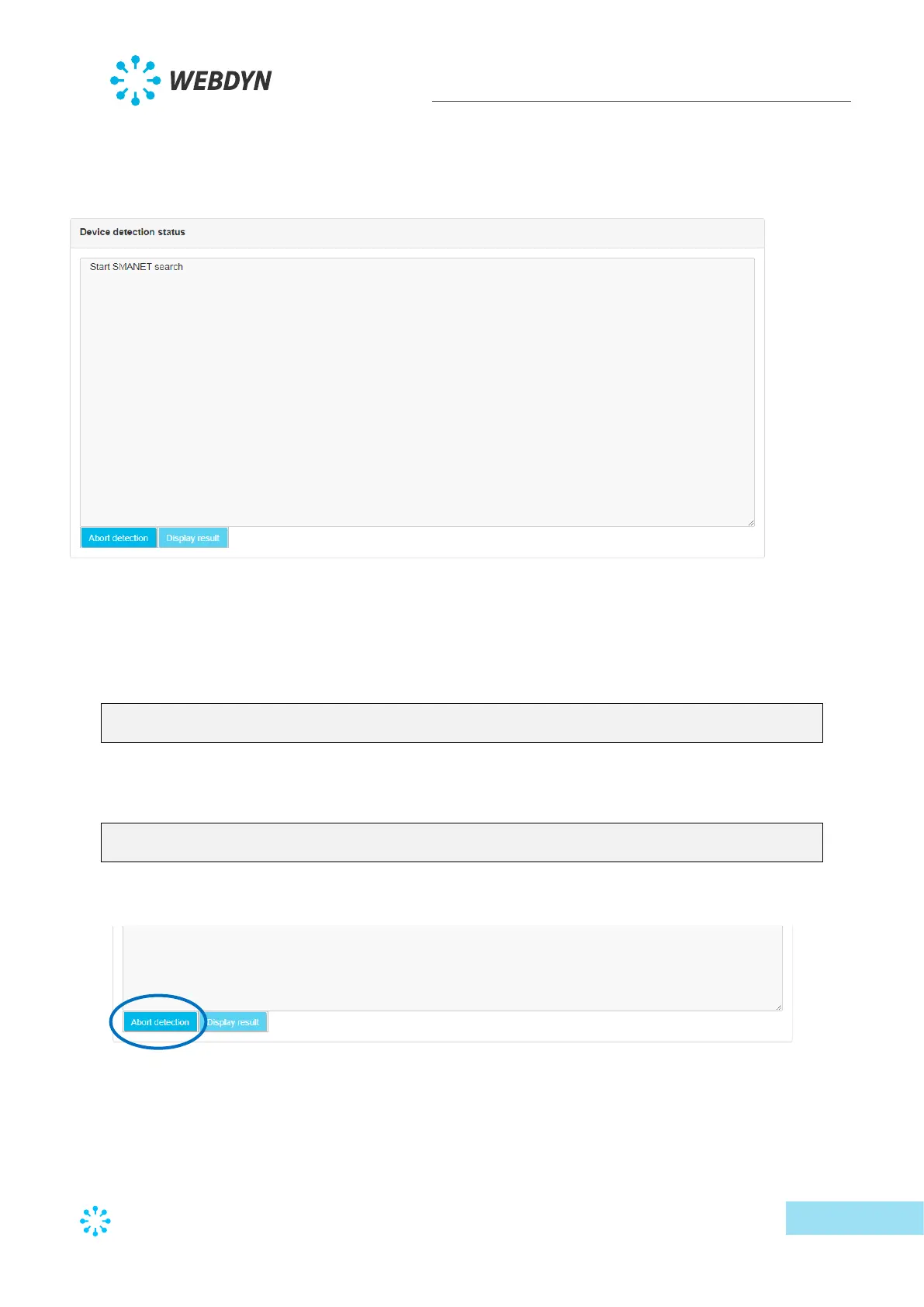
• Then click the “Start detection” button to launch the detection. The progress window
below is displayed:
The detection progress is displayed on the web page:
o “Start SMANET search” means the SMA-Net scan has begun.
o As the detection progresses, the screen displays the detected devices with their
index, serial number, model and address on the bus:
Device idx: 0, serial: 2000388220, model: WR21TL09, Address: 0xcc00
detected
o On completion of the detection, the page displays the number of detected
devices:
found 1 devices
Search SMANET finished
• It is always possible to interrupt detection by clicking the “Abort detection” button.
• At the end of the SMA-Net detection, the “Display result’ button appears and gives
access to the last page:



 To Next Page