35
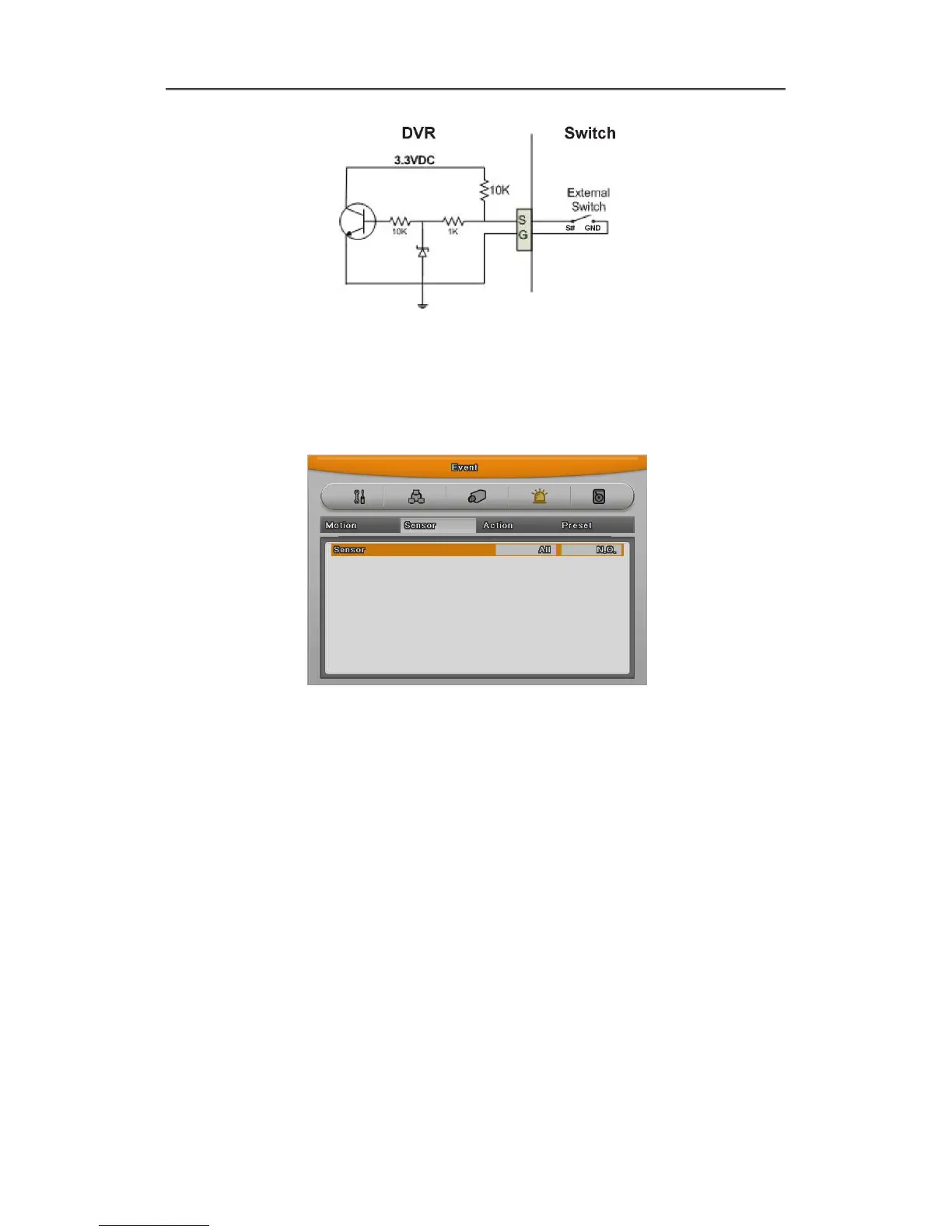
Setting Sensor
(1) Press [Menu] button and select “Event” when OSD menu is appeared.
(2) Move to sub menu pressing [Enter] or using [▼] button and select [Enter]
All sensor
It is used when setting for all sensors and set Off, or Normal Open (N.O.) / Normal Close
(N.C.) type.
(1) Select All and set type.
Each sensor
It is used when setting for each sensor and set selecting each sensor.
(1) Select sensor and press [Enter] button.
(2) Select sensor that user want set and set type
(3) Press [ESC] after finishing value setting.



 To Next Page