03/2016 – UM-MT-EN-01 107
View your workout data through any of the following methods:
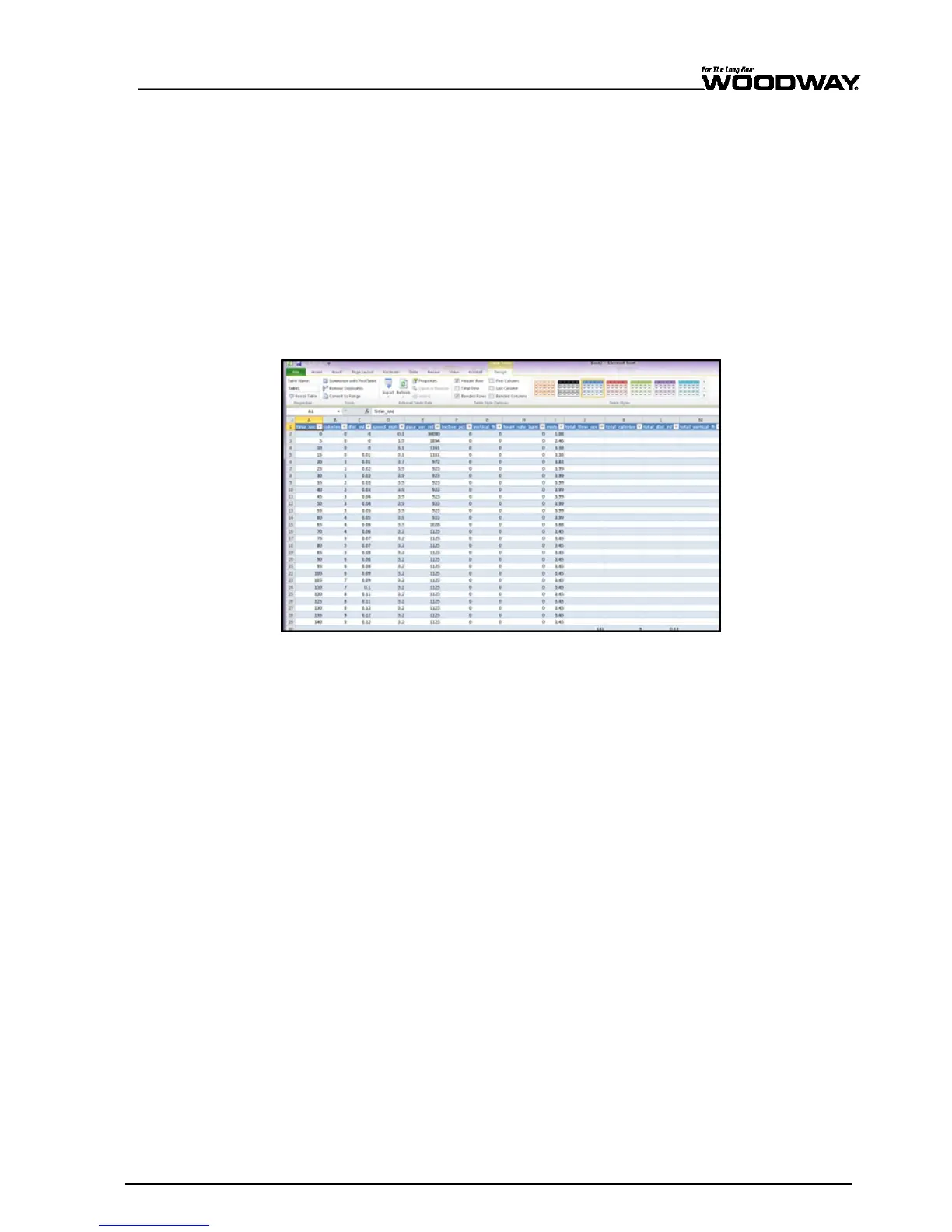
One method to view your raw workout data and compare multiple training sessions is
through Microsoft
®
Excel.
1. Open Excel.
2. From the toolbar, select “Data” > “From Other Sources” > “From XML Data Import”
option.
3. Locate your USB storage device, select a single workout, and click “Open”.
A message box may pop up saying that Excel does not recognize the schema.
Click “OK” and click “OK” again on the next pop-up.
The next screen will appear with all the raw data from your workout.
4. To compare another workout, click “Sheet2” at the bottom of the window and follow
the above instructions to upload the second workout.
Fig. 98 Importing workout data to Excel





 To Next Page