03/2016 – UM-MT-EN-01 75
7.8.5 Fitness Programs
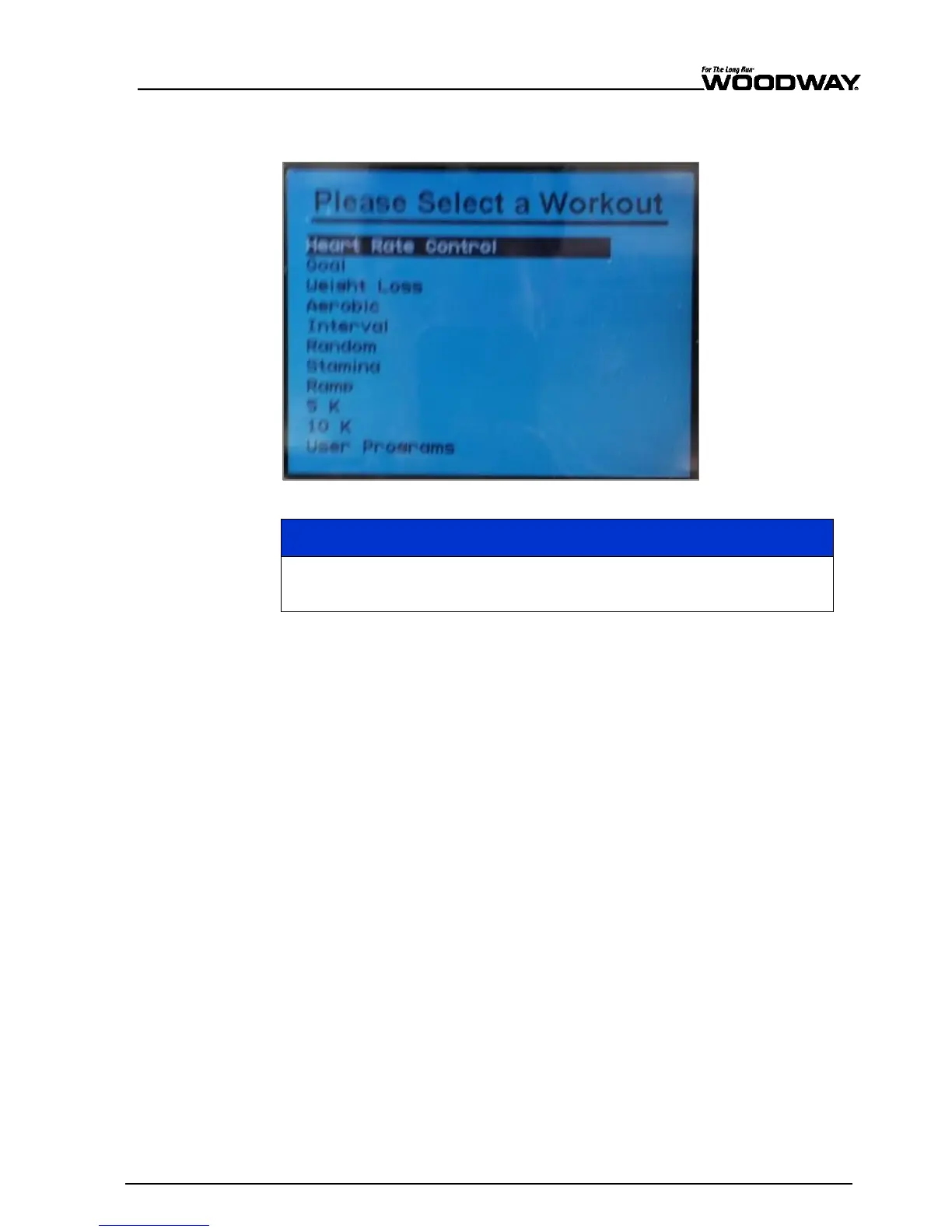
Follow the instructions below to begin the Heart Rate Control fitness program.
Fig. 69 Fitness Programs menu - Heart Rate Control
The automatic heart rate programs can only work effectively if you wear a
chest strap for heart rate measurement!
1. To open the program setup screen, first press the FITNESS PROGRAMS button on the
left side of the screen. Once there, use the SCROLL keys to highlight the “Heart Rate
Control” program (if it is not highlighted already) and then press ENTER.
2. When the automatic heart rate program has been selected, the user is prompted to
enter his AGE, TARGET HEART RATE, MAXIMUM SPEED, MAXIMUM TIME, and
WEIGHT on the initial screen. AGE can be entered using the number pad.
Valid age entries are 15–100.
The current age can be deleted using the CLEAR key.
Use the SCROLL keys to move to the next field.
When the age is changed, the target heart rate changes automatically.
3. Proceed to the next field once the displayed values are correct.
4. The target heart rate can also be entered using the number pad. After the correct
value has been entered, the SCROLL keys can be used to move to the next field. The
user must select the control type by using the FAST/SLOW keys (i.e. SPEED ONLY,
INCLINE ONLY, or BOTH).
If the automatic heart rate program is selected with “SPEED ONLY” or “BOTH” criteria, the
user must next select the maximum speed using the number keys. Use the SCROLL keys
to complete the entry by entering the user’s weight and maximum time (or just press
ENTER to use the current values).
When training begins, the automatic heart rate profile is displayed on the LCD display.
Above the profile illustration, a title will be displayed which indicates what kind of heart
rate program is being used.





 To Next Page