98 03/2016 – UM-MT-EN-01
7.8.6 User Programs
Personal Trainer Displays come with the feature that allows the user to customize a per-
sonal workout and have it remain on that particular treadmill for future workouts.
To customize a user program:
1. Turn on the treadmill with the ON button.
2. Select FITNESS PROGRAMS button.
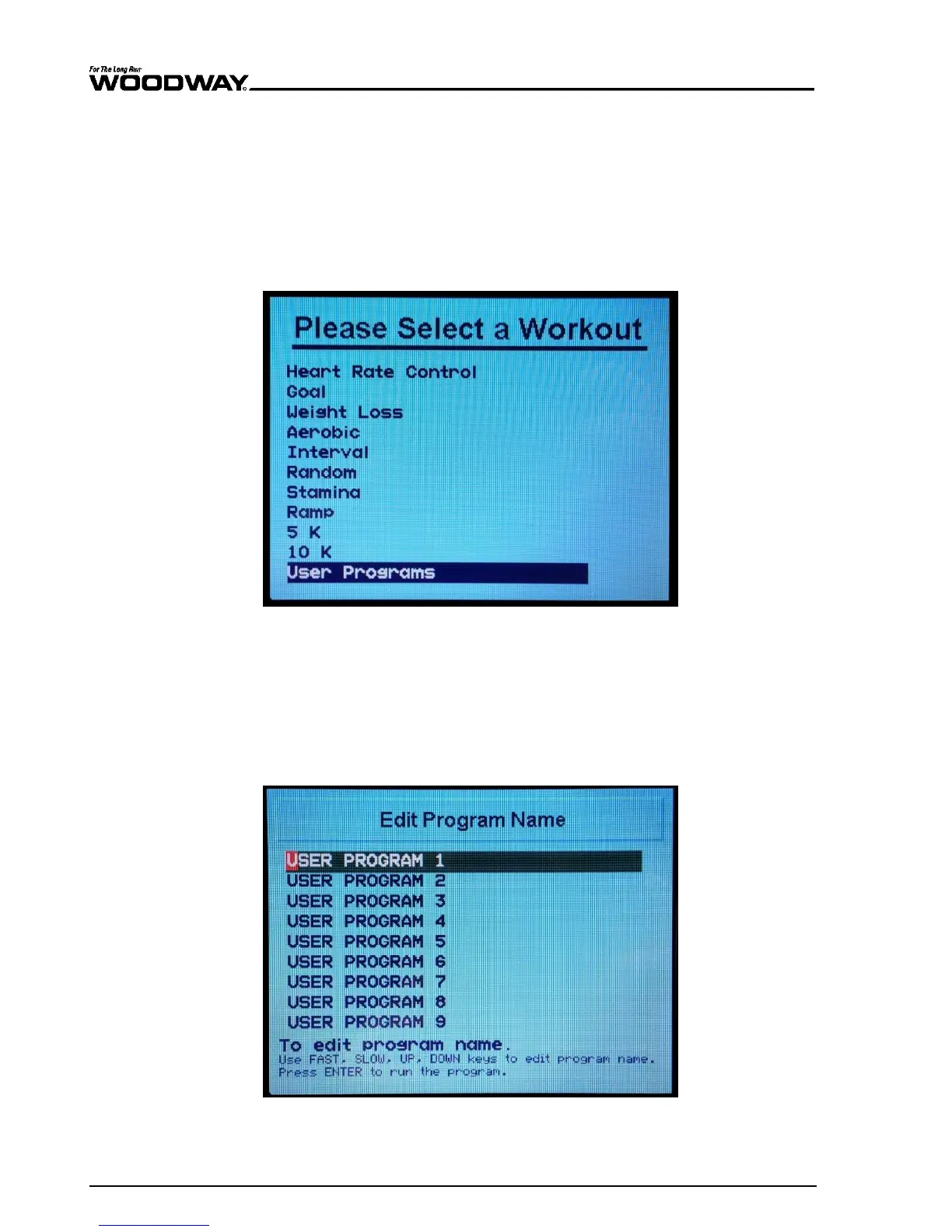
3. Scroll down through the list of workouts using the up/down scroll buttons to find
“USER PROGRAMS”. Press ENTER to select.
Fig. 93 Fitness programs screen
All programs can be renamed directly on the screen (up to 24 characters) to help differ-
entiate between customized programs.
1. Press and hold PAUSE button for 5 seconds to activate text editing of the workout
you plan to customize
Use the UP/DOWN incline buttons to scroll from left to right to change text.
Use the FAST/SLOW speed buttons to scroll through the alphabet.
2. Once the program name has been edited, press ENTER to run the program.
Fig. 94 Edit fitness program name screen





 To Next Page