100 03/2016 – UM-MT-EN-01
99 user program profiles are available. Each profile consists of 40 parts, each of which
has programmable time, speed, and incline settings.
If a number key is pressed while the user is being prompted to make an entry, the
program setup begins. The user program associated to this number key is displayed on
the LCD display. The user can then set up the program and begin training. The user
does not enter duration for user programs. Training duration is calculated by adding the
values stored for the respective part (for this profile).
7.8.7 Fitness Tests
This program is designed to determine the user's current fitness level. Using the Balke
protocol, this program evaluates the functional aerobic capacity (VO2max), with which
the cardiorespiratory fitness of the user is determined. Under an increasing load, the ox-
ygen consumption (VO2) eventually reaches a plateau. This is the desired maximum
VO2 value.
Set the values for your age and sex using the number keys or the FAST/SLOW keys.
Scroll to change fields. Press ENTER to start the program.
A chest strap is required for the test. Manually changing the speed or incline will make
the test invalid. The test is terminated when the user's heart rate stabilizes at 130 BPM
or at 80% of the user's maximum heart rate (whichever value is lower). Press the FAST
speed key once to begin.
The time is automatically set to 20 minutes since the program has 20 program parts. In
reality the test is terminated earlier. With this protocol the speed remains constant at 3.4
MPH (5.5 km/h). The incline in the first minute is 0% and in the second minute 2%.
With each following minute the incline increases by 1%.
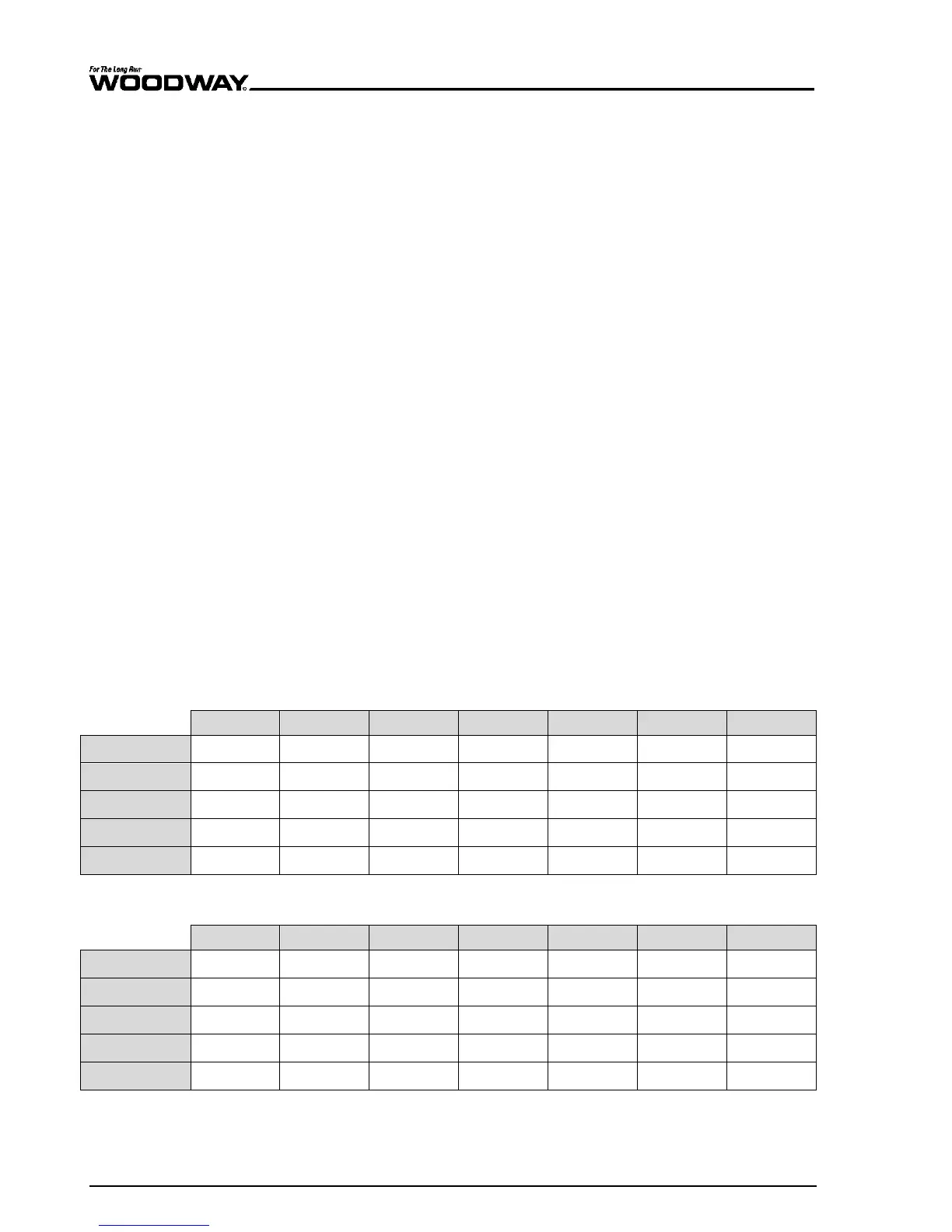
A fitness value is displayed along with the following tables, so that the
user can track and evaluate his level of fitness (fitness value - VO2max
value). The following tables are organized by gender and age group (10-
79 years old).
Men
Women
Above charts from the American College of Sports Medicine (ACSM)





 To Next Page