03/2016 – UM-MT-EN-01 59
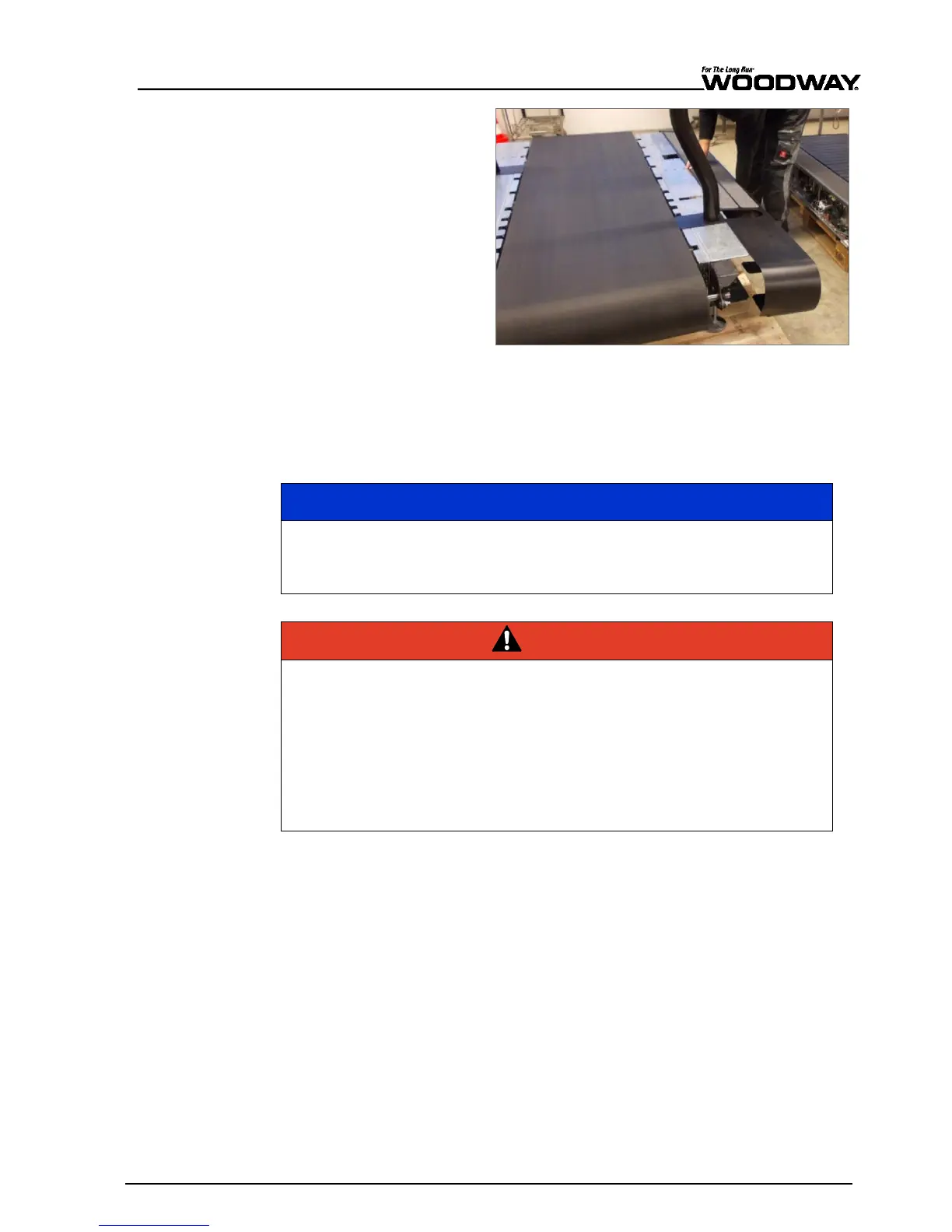
11. Slide the side covers on
both sides and fix with
screws.
12. Tighten large screws first,
then the rest.
Note:
Ensure distance be-
tween side covers and run-
ning surface!
Fig. 58 Pro/Pro XL assembly, side covers
6.5 Replacing Parts
For detailed descriptions of and instructions on replacing CONTINUUM parts, please see
the CONTINUUM Service Manual.
The use of NON-original replacement parts may change the characteristics of
the device and interfere with the safe use.
WOODWAY does not accept liability for damages resulting from this.
Danger of Death by Electric Shock!
Fatal electrical shock may occur if the unit is not disconnected from the power
supply before assembly or disassembly.
► The device must be stopped, switched off, and unplugged before being
worked on.
► Ensure the device cannot be switched back on.
► After the power is disconnected wait 10 minutes to ensure that live electri-
cal components (e.g. capacitors) have discharged.





 To Next Page